

Tayco Office Furnishings Inc.
400 Norris Glen Rd.
Toronto, ON M9C 1H5
T: (416) 252-8000
T: (800) 675-4092
F: (416) 252-4467
[email protected]
Tayco Office Furnishings Inc.
400 Norris Glen Rd.
Toronto, ON M9C 1H5
T: (416) 252-8000
T: (800) 675-4092
F: (416) 252-4467
[email protected]
Buying home office furniture is not simply a matter of matching colors or choosing the lowest price. The right pieces should support your body, work habits, available space, and daily concentration. A desk may look elegant online, yet feel cramped when a monitor, keyboard, notebook, and lamp share its surface. A chair may feel soft for ten minutes, then create pressure behind your knees.
Ergonomics expert Dr. Alan Hedge is often credited with this practical reminder: “The best posture is the next posture.” That idea matters when selecting home office furniture. A reliable setup should encourage movement, allow easy adjustments, and fit the user rather than forcing the user into one position. Check the desk height, chair depth, lumbar support, monitor level, and walking space before purchasing. Measure the room, doorway, and elevator first. Small oversights become expensive problems.
These ten tips focus on details that are easy to miss. They consider comfort, durability, material quality, storage, lighting, cable management, and long-term value. They also recognize that no product suits everyone. A tall user may need a deeper desk. A compact room may require a folding or wall-mounted solution. Personal preference still matters.
There is no perfect setup.
Even careful shoppers make mistakes. Sometimes a chair’s armrests interfere with the desk. Sometimes a beautiful finish shows fingerprints constantly. Use return policies, warranty information, and verified reviews as safeguards. Thoughtful choices can create a workspace that feels calmer, safer, and more dependable every day.
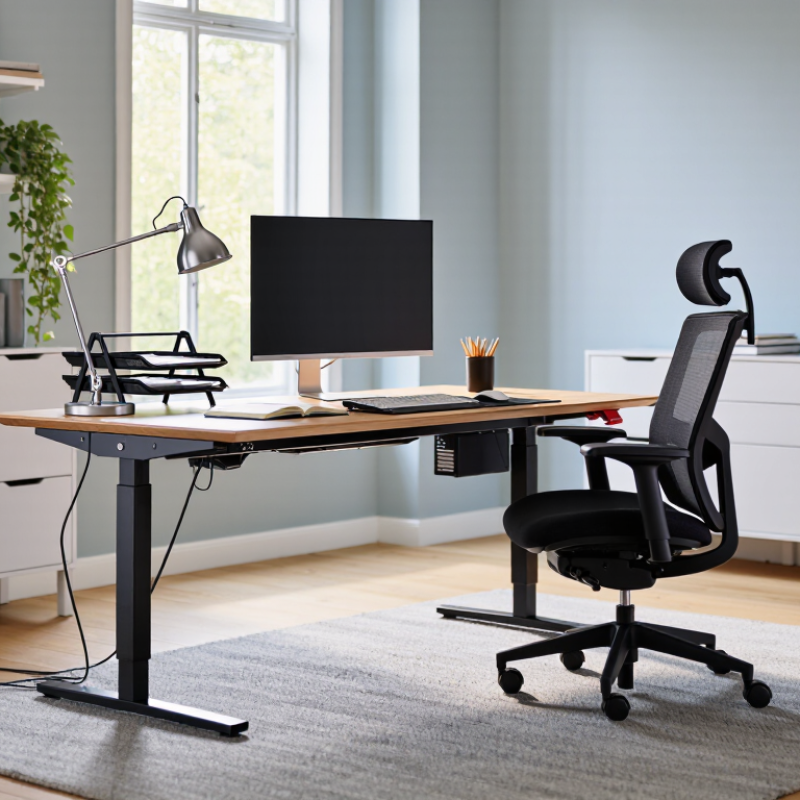
10 Tips for Buying Home Office Furniture
Define Space, Users, and Budget with Gallup’s 2023 Hybrid-Work Data
Gallup’s 2023 workplace report found that 59% of remote-capable employees worked in hybrid arrangements. Another 29% worked exclusively remotely. Your office may serve one person today, then two people tomorrow. Measure the room before shopping. Mark the desk, chair, walking path, and door swing with masking tape. Leave at least 36 inches for comfortable movement. My first layout looked tidy, but the chair blocked a drawer. I missed that detail.
Set a firm budget, then divide it by function. Spend more on an adjustable chair and stable desk. Choose a work surface at least 48 inches wide if one person uses two screens. For shared use, consider height adjustment and a second chair. The U.S. Bureau of Labor Statistics reported that 35% of employed people worked from home on workdays in 2023. That makes flexibility practical, not decorative. Add cable management, a monitor riser, task lighting, and closed storage. Small improvements matter.
Think about actual users. A shorter user may need adjustable armrests and a lower seat height. A taller user may need deeper seating and more legroom. Test every chair for fifteen minutes, not five. Check whether the desk wobbles during typing. Soft surfaces can reduce echoes during video calls, but they may collect dust. I would also question the “perfect” setup. Needs change, budgets slip, and one attractive piece may solve nothing. Choose furniture that can be adjusted, repaired, and rearranged.

Remote-capable employees in 2023 worked across three common arrangements. Use these proportions to plan flexible furniture for shared, dedicated, and occasional home-work areas.
Source: 2023 U.S. survey of remote-capable employees; percentages rounded.
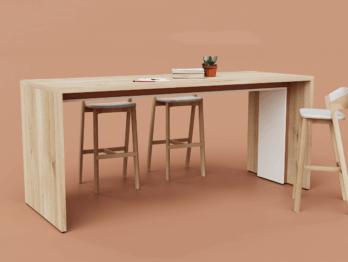
Buying a home office desk starts with your eyes, not the desk’s appearance.
OSHA’s computer workstation guidance places a typical monitor viewing distance between 20 and 40 inches. Measure from your seated eyes to the screen, not from the desk edge. This small detail changes everything.
Tip: Sit in your usual chair and mark the monitor’s position with removable tape. A shallow desk may push the screen too close, especially with a large stand. A deep desk can force you to lean forward. Keep the monitor directly in front of you, with its top near eye level. Your neck should feel relaxed. Mine did not at first.
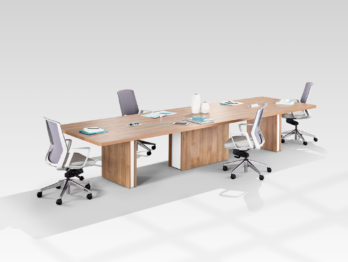
Check the full fit before buying. Include the monitor base, keyboard, mouse, speakers, and space for writing.
Leave room for cables without bending them sharply. If the screen sits outside the 20–40-inch range, adjust the setup before replacing furniture.
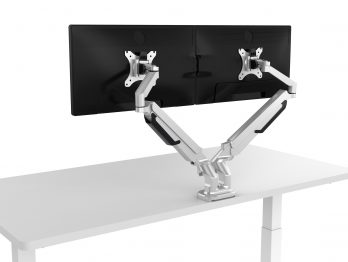
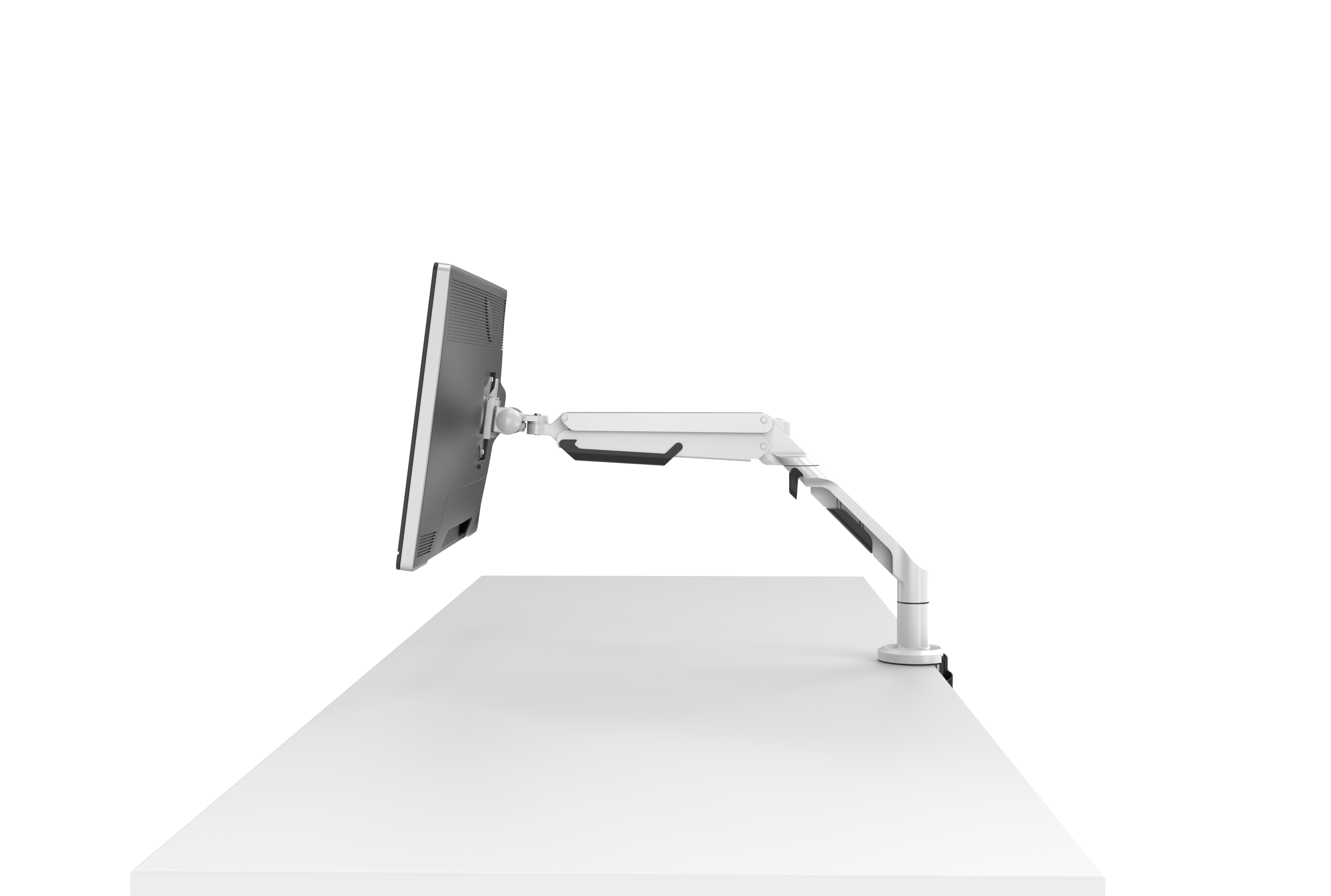
A monitor arm may help, but it must attach securely and support the screen’s weight. I once measured the desktop only and ignored the stand. That mistake cost valuable distance. Recheck while seated, because posture changes after several hours. The perfect measurement on paper may feel wrong in real use.
10 Tips for Buying Home Office Furniture
An adjustable chair should survive more than a showroom test. ANSI/BIFMA X5.1 includes a 100,000-cycle durability test for general-purpose office chairs. That figure matters because repeated sitting, leaning, and repositioning can expose weak joints, loose controls, and unstable bases. However, laboratory cycles do not perfectly copy a person’s daily habits. Check the test scope, load rating, and adjustment mechanisms before buying.
Tip: Adjustability comes before appearance. Choose a seat-height range that keeps both feet flat. Seat depth should support your thighs without pressing behind the knees. A height-adjustable backrest can help position lumbar support near your lower spine. Adjustable armrests should let your shoulders relax while your elbows stay close. Test each control while seated, not while standing.
The World Health Organization reported that 619 million people experienced low back pain in 2020. A poorly fitted chair cannot solve every ergonomic problem. It may still increase discomfort during long work sessions. Look for clear evidence of ANSI/BIFMA testing, written warranty terms, and replacement-part availability. Sit for at least ten minutes. Notice pressure points. I once focused too heavily on cushioning and overlooked seat depth; the chair felt soft, yet my knees stayed cramped. That was a costly reminder: comfort needs measurement.
10 Tips for Buying Home Office Furniture
Lighting deserves attention before you choose a desk or chair. IES office guidance commonly places general work areas near 300–500 lux. This range can support reading, writing, and screen work without making the room feel harsh. Use a basic lux meter at desk height. Measure morning and afternoon, because daylight changes quickly.
Place the desk beside a window, not directly in front of it. Direct sunlight can create bright patches and screen glare. A monitor facing the window may also reflect the sky. Choose a desk with enough depth to position the screen about an arm’s length away. A matte desktop usually reflects less light than polished surfaces. An adjustable task lamp helps during cloudy evenings, but aim it at paperwork rather than the screen.
I once bought a beautiful desk that made my monitor sit too low. The room looked bright, yet my eyes felt tired after an hour. That mistake changed how I shop. Check the desk height, monitor position, and lamp reach together. Your chair should let your feet rest flat while your shoulders stay relaxed. A 300-lux reading may be comfortable for one person and insufficient for another, especially with aging eyes or detailed work. Test the setup before committing when possible. Some measurements will still be imperfect. That is normal, but ignoring glare is avoidable.
| Tip | Furniture or Lighting Factor | Recommended Specification | How to Evaluate It | Why It Matters |
|---|---|---|---|---|
| 1 | Measure the work surface | Desk depth of approximately 60–80 cm and sufficient width for the monitor, keyboard, mouse, and frequently used materials | Confirm that the desk leaves at least 10–15 cm of free space in front of the keyboard and enough room for normal arm movement | Adequate depth helps maintain a comfortable viewing distance and prevents a crowded, glare-prone setup |
| 2 | Choose an adjustable chair | Seat-height adjustment, back support, stable five-point base, and a seat that allows both feet to rest comfortably on the floor | Sit for several minutes and check that the hips are level with or slightly higher than the knees | Adjustability accommodates different body sizes and supports a neutral seated posture |
| 3 | Check desk and monitor height | Monitor positioned so the top of the screen is approximately at or slightly below eye level; elbows near 90 degrees when typing | Adjust the chair, desk, or monitor stand and keep wrists straight while using the keyboard | Proper alignment can reduce unnecessary neck, shoulder, and wrist strain |
| 4 | Target suitable task lighting | Maintain approximately 300–500 lux on the desk or primary reading surface for ordinary office work | Use a calibrated light meter or a reliable lux-measuring app at the desktop surface, not at the ceiling | This range generally provides practical illumination for reading, writing, and computer work without unnecessarily high brightness |
| 5 | Limit direct and reflected glare | Use a matte or low-reflection desktop finish and position the monitor roughly perpendicular to windows | Turn the screen off briefly and inspect it for bright reflections; reposition the desk or add adjustable window shading if needed | Glare can reduce visual comfort and make text harder to read even when measured illuminance is adequate |
| 6 | Select a controllable desk lamp | Adjustable arm or head, stable base, diffused shade, and multiple brightness levels | Aim the light at documents or the work surface rather than directly at the monitor or the eyes | Directional control helps balance shadows while reducing reflections on glossy screens and surfaces |
| 7 | Consider light color and consistency | Use consistent light sources; a neutral-white range around 3,500–4,000 K is a practical general-purpose choice | Check whether daylight and artificial lighting create distracting differences in color or brightness across the desk | Consistent illumination supports visual comfort and makes the workspace feel more balanced |
| 8 | Evaluate cable management | Include a rear cable tray, pass-through openings, or under-desk routing space | Confirm that power and data cables can be routed without crossing leg space or blocking ventilation | Organized cables reduce trip hazards and keep the work area clear of visual distractions |
| 9 | Review storage placement | Place frequently used items within easy reach; use drawers or shelves for less frequently used materials | Check that storage doors and drawers can open fully without striking the chair or reducing walking space | Efficient storage minimizes repeated twisting, reaching, and interruptions during work |
| 10 | Test stability, durability, and finish | Choose a rigid frame, level feet, smooth edges, and a surface that is easy to clean and not excessively glossy | Apply light pressure to the desk, check for wobble, inspect edge finishing, and test the furniture under normal equipment load | Stable, low-gloss, durable furniture improves safety, usability, and long-term visual comfort |
Measurement note: Lux values should be checked at the actual working plane, typically the desktop surface. The 300–500-lux range is a practical office-lighting target; individual needs may vary with task detail, age, vision, screen settings, and daylight conditions.
Buying home office furniture requires more than matching a desk to your wall color. Compare materials, load ratings, delivery terms, and warranty coverage before paying. The 2024 International Facility Management Association benchmarking report highlights how workspace costs grow when replacement and maintenance are ignored. A cheap desk can become expensive after a damaged edge, unstable frame, or difficult return.
Tip: Test the material. Solid wood handles scratches differently from laminated particleboard. Check edge sealing, fasteners, and cable openings. For a desk holding two monitors, speakers, and paperwork, estimate the total load instead of guessing. ANSI/BIFMA furniture standards provide useful testing benchmarks, although household products may not meet every commercial requirement. I once underestimated monitor-arm pressure; the desktop slowly bowed. That mistake was avoidable.
Tip: Read delivery and warranty details line by line. Confirm whether assembly, stair carrying, packaging removal, and room placement cost extra. A 2023 report from the U.S. Bureau of Labor Statistics shows that home-based work remains significant in many professional occupations, increasing the importance of dependable daily equipment. Ask whether the warranty covers the frame, lifting mechanism, upholstery, and labor separately. Some policies exclude normal wear, moisture, or commercial-style use. That wording matters.
Tip: Inspect the return process before ordering. Photograph the package immediately. Measure doorways, elevators, and turning space. A warranty sounds strong, but it may require original packaging and prepaid shipping. Delivery estimates can also be optimistic, especially for made-to-order pieces. Check again before purchase.