

Tayco Office Furnishings Inc.
400 Norris Glen Rd.
Toronto, ON M9C 1H5
T: (416) 252-8000
T: (800) 675-4092
F: (416) 252-4467
[email protected]
Tayco Office Furnishings Inc.
400 Norris Glen Rd.
Toronto, ON M9C 1H5
T: (416) 252-8000
T: (800) 675-4092
F: (416) 252-4467
[email protected]
Choosing an office desk sounds simple until the room, workload, and daily habits enter the picture. A narrow home office may need a compact writing desk, while a shared workspace benefits from adjustable surfaces and easy cable access. The right choice can make room for a monitor, notebook, and coffee without turning the desktop into a crowded landing strip.
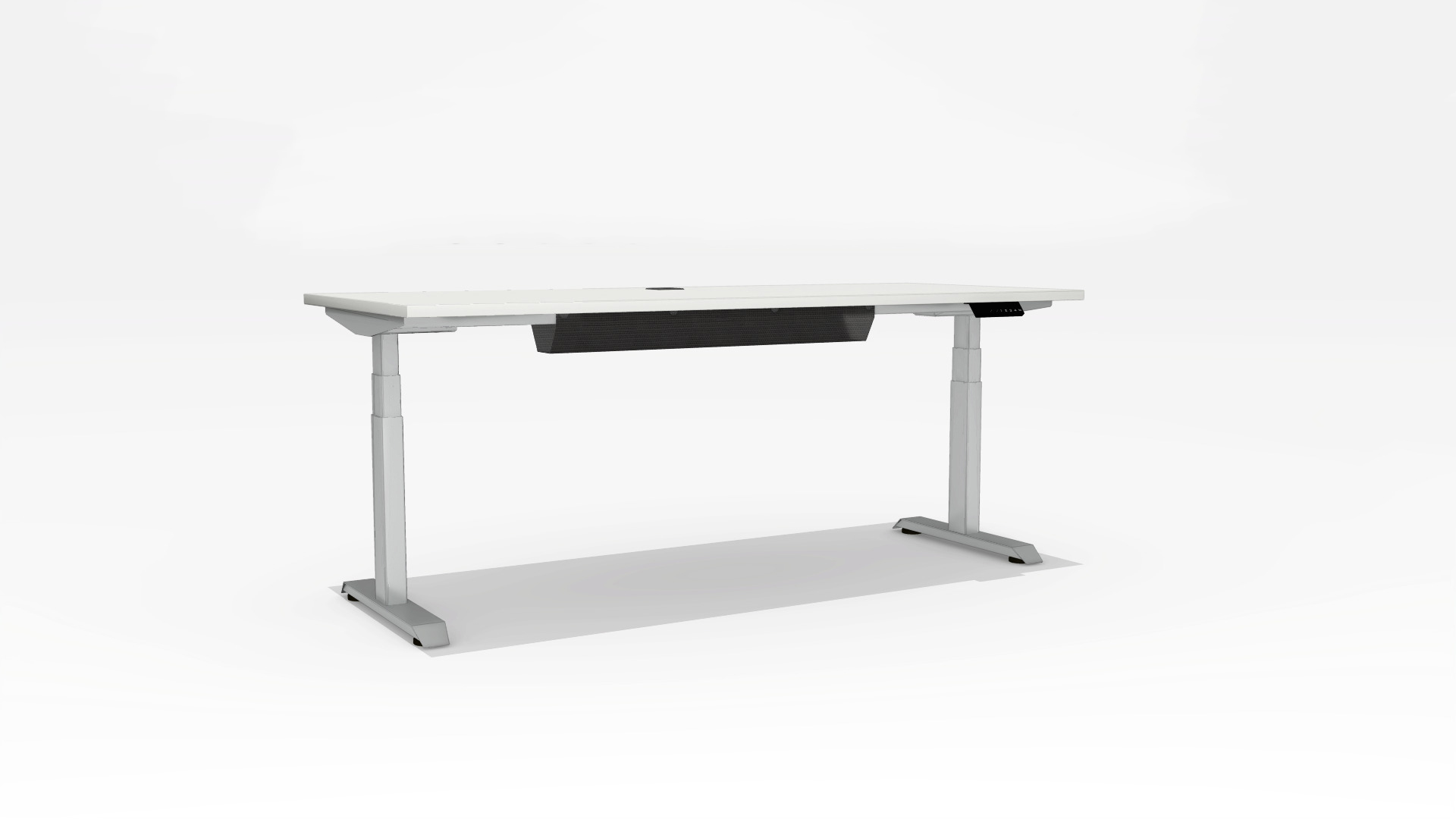
Ergonomics matters, too. Cornell ergonomics expert Alan Hedge’s advice is often summed up as, “Your best posture is your next posture.” That idea favors movement and adjustability over one supposedly perfect sitting position. A height-adjustable desk can support changes between sitting and standing, but it still needs to fit the user and the room. Not every option suits every body or budget.
This guide compares ten office desk options across practical needs, including space, materials, storage, stability, and flexibility. It considers details you can picture: a shallow tabletop near a doorway, drawers that catch your knees, or a cable hole that keeps chargers off the floor. Small things count. We also recognize that product specifications do not reveal everything; assembly, finish, and long-term comfort can vary. A desk may look ideal online and feel awkward by week two. Use these options as a starting point, then measure your space and think honestly about how you work.
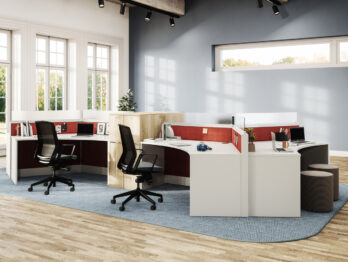
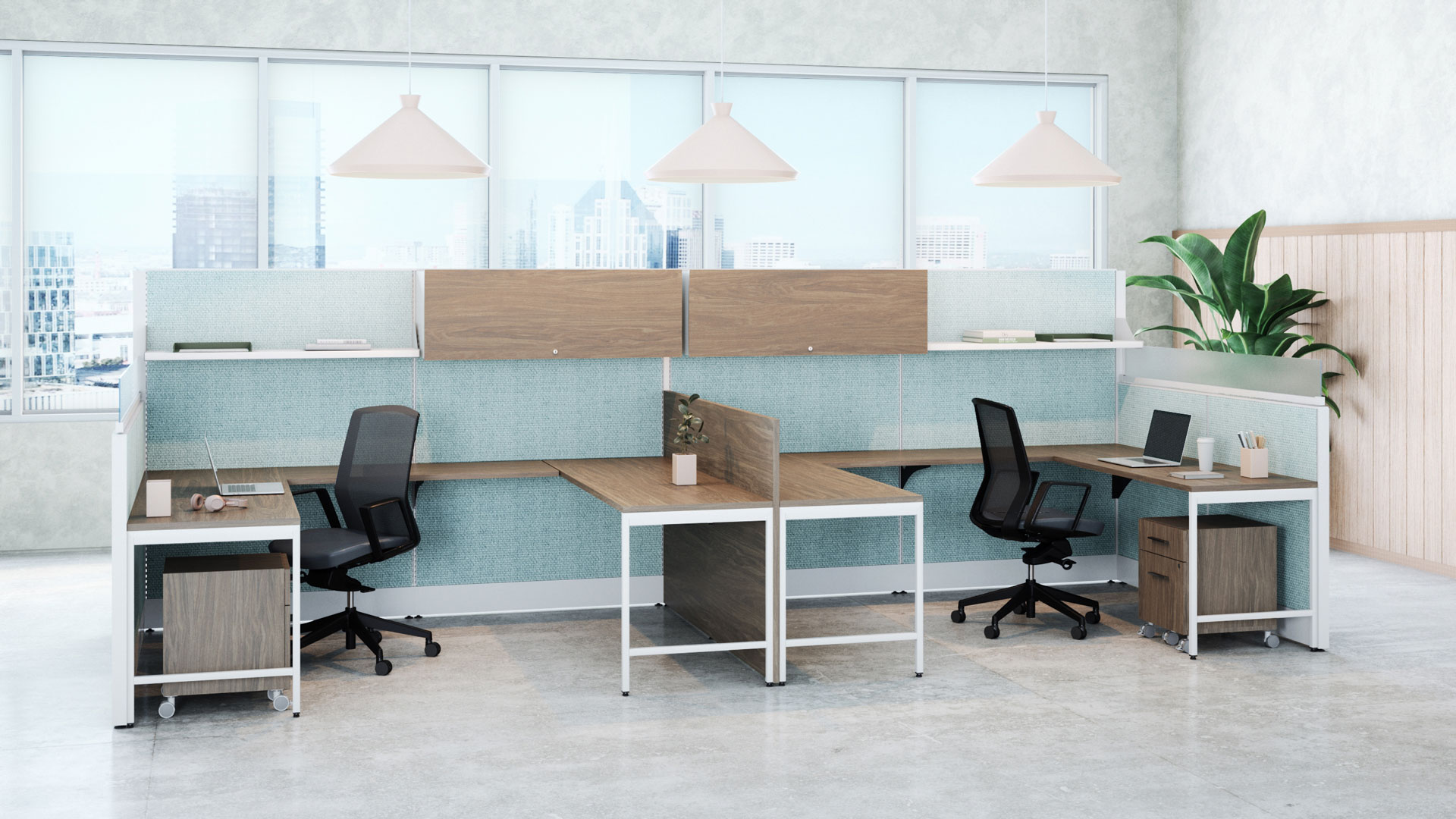
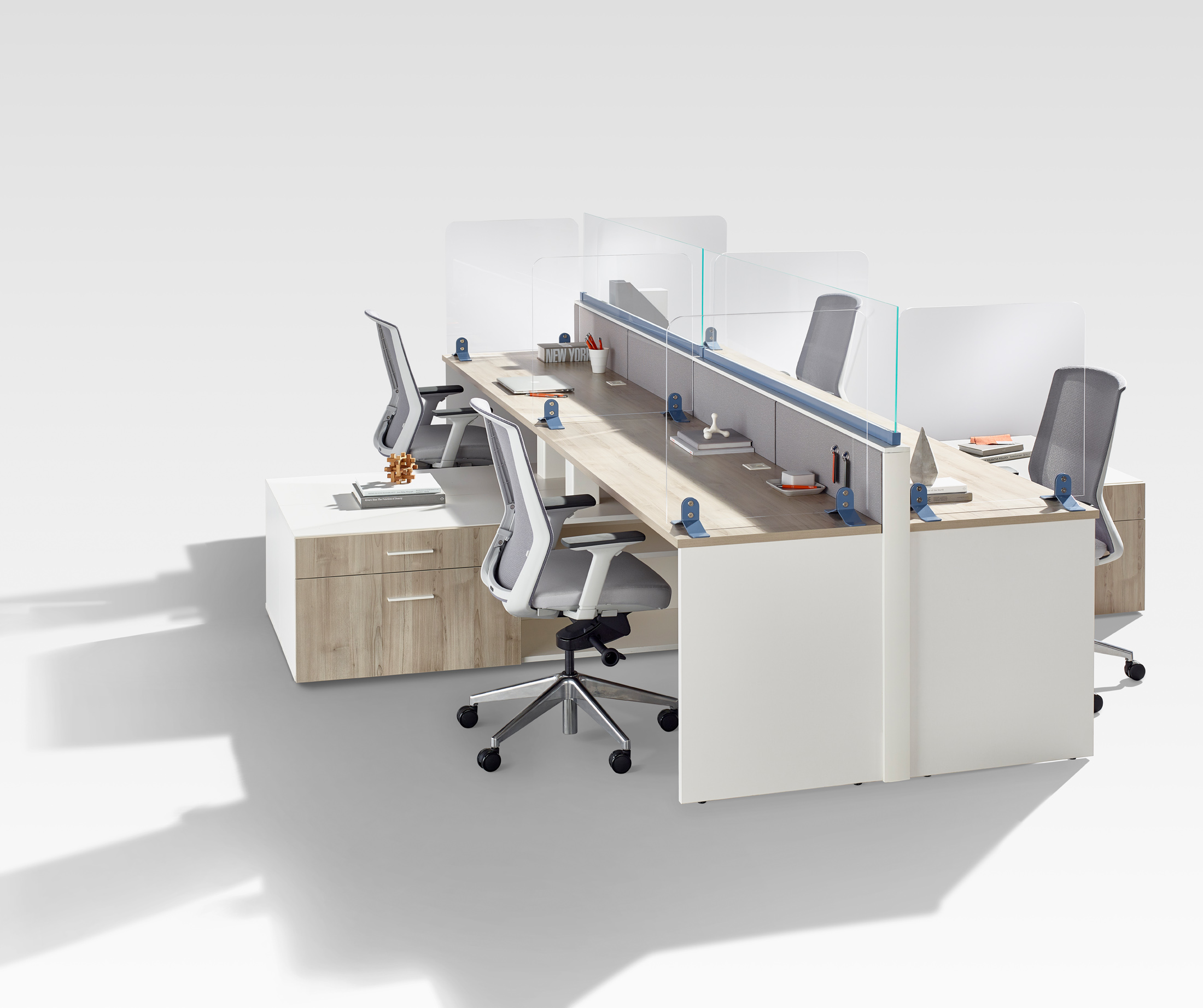
Office desks do more than hold a screen and a notebook. Their size, shape, and storage can change how a workspace feels and functions. In a shared office, a rectangular desk with a clear work surface may help separate tasks without blocking conversation. A compact desk can suit a small room, but measure the chair space too. A desk that fits the wall may leave no room to move.
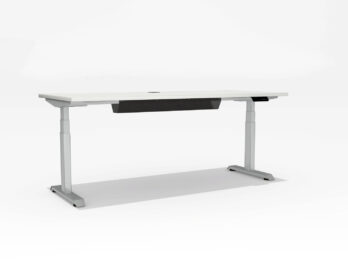
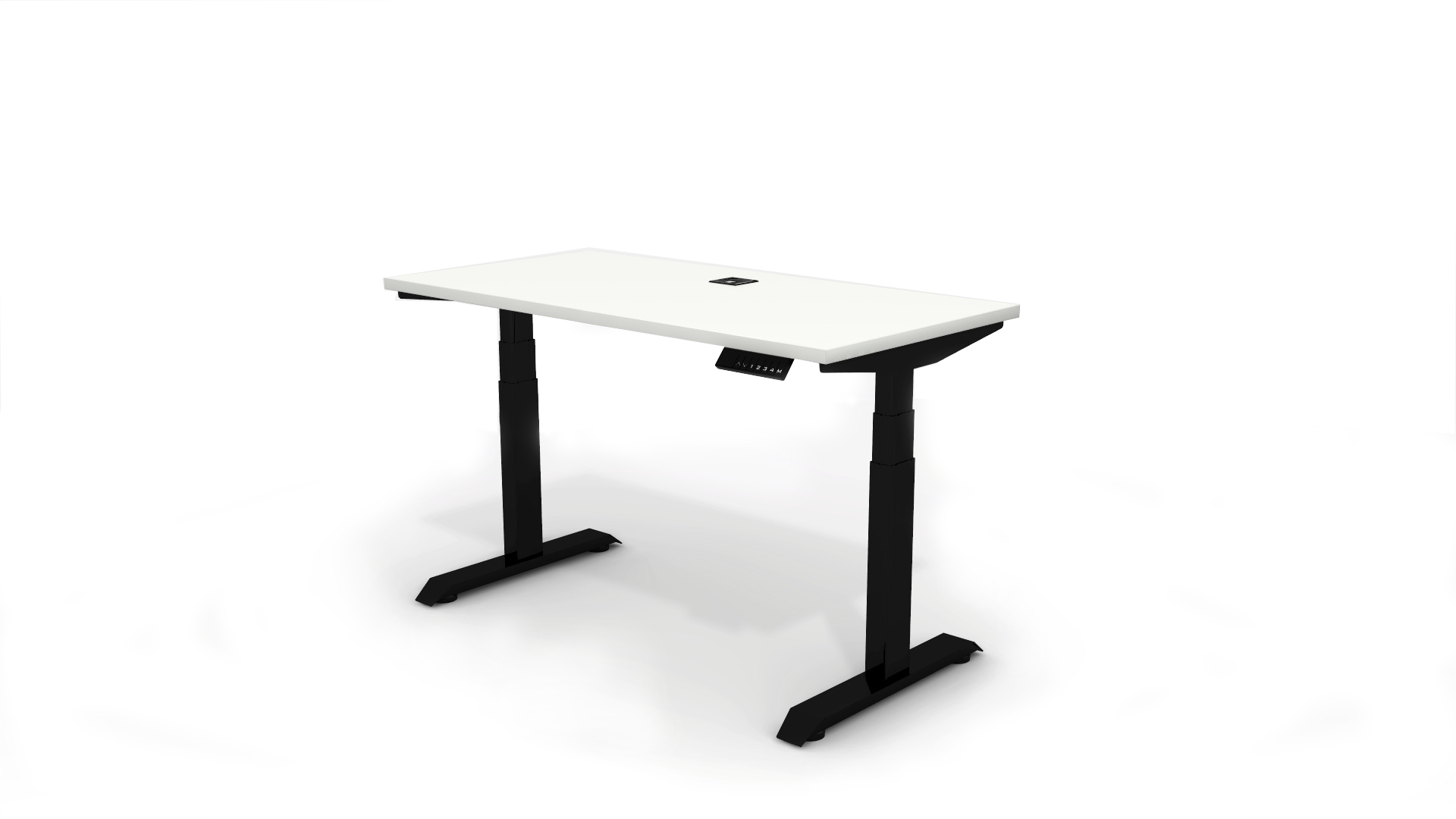
Different work calls for different support. Someone who switches between a laptop and paper files may need drawers or a side return. A team member on frequent video calls may value a stable surface and enough depth to position a monitor comfortably. Small change, big difference. Adjustable-height desks can let users alternate between sitting and standing, though they still need a comfortable chair and sensible screen placement.
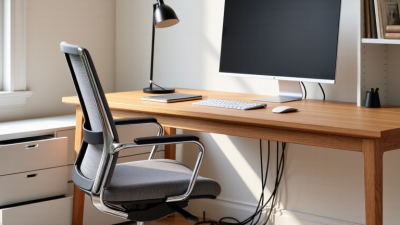
For a home workspace, consider what must stay within reach: a lamp, headset, charger, or reference books. Open shelves keep items visible, while closed storage can reduce visual clutter. Yet storage can become a catch-all. A desk’s finish and shape matter less than whether it supports the daily routine, fits the available space, and leaves clear pathways. I have seen tidy layouts look ideal on paper, then feel cramped once a chair and cables are in place. Measurements help, but real use may reveal details the plan missed.
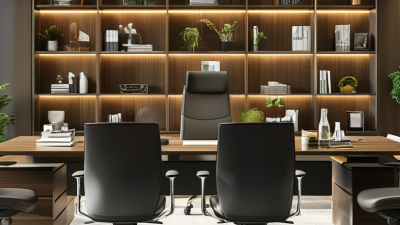
A desk should fit the work, not just the room. Measure the available floor space, then leave enough clearance for a chair and open drawers. A compact top may suit a laptop, but a monitor, lamp, and paperwork quickly crowd it. Check the usable surface, not only the advertised width.
Height matters more than it seems. Your forearms should rest comfortably, with shoulders relaxed; if several people share the desk, adjustable height may be worth considering. Stability is easy to overlook until a keyboard wobbles during typing. Look for sturdy legs and joints, and check whether the desk needs wall support. It is easy to be drawn to storage, yet deep drawers can steal legroom. Small detail. Measure them open.
Compare materials by how you actually work. A smooth, sealed surface is easier to wipe after coffee spills, while a textured finish may show dust less. Inspect the edges and weight limit, especially if you use heavy screens or equipment. Cable openings and a modest shelf can reduce clutter, but too many built-in features may limit future changes. Assembly time and clear instructions matter, too. I’d still leave room for a mistake: measurements on a screen never quite capture how a desk feels in the room.
Compare common desk formats by representative desktop width before choosing a desk for your workspace.
Widths shown are representative common configurations, not fixed standards. Actual dimensions vary by model; check the listed product measurements before purchasing.
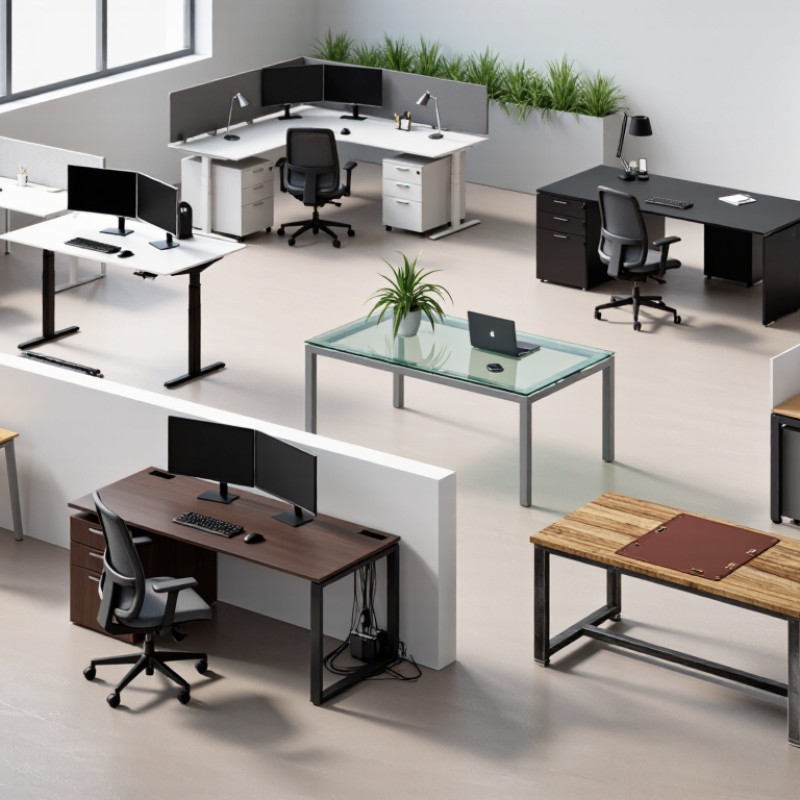
The right office desk depends on the work, the room, and how often you move. A writing desk suits laptops, notebooks, and light daily tasks; its open underside keeps a small room feeling less crowded. A computer desk works better when a monitor, keyboard, and cables need fixed places. Look for enough depth to keep the screen comfortably away from your eyes. Small details matter.
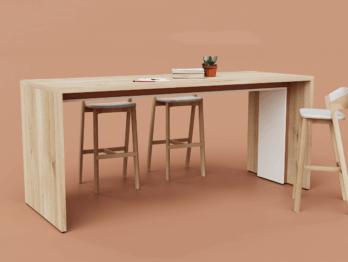
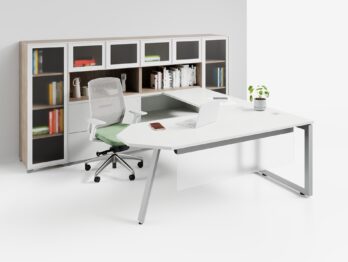
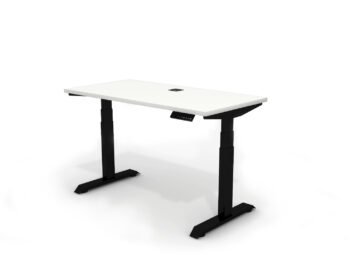
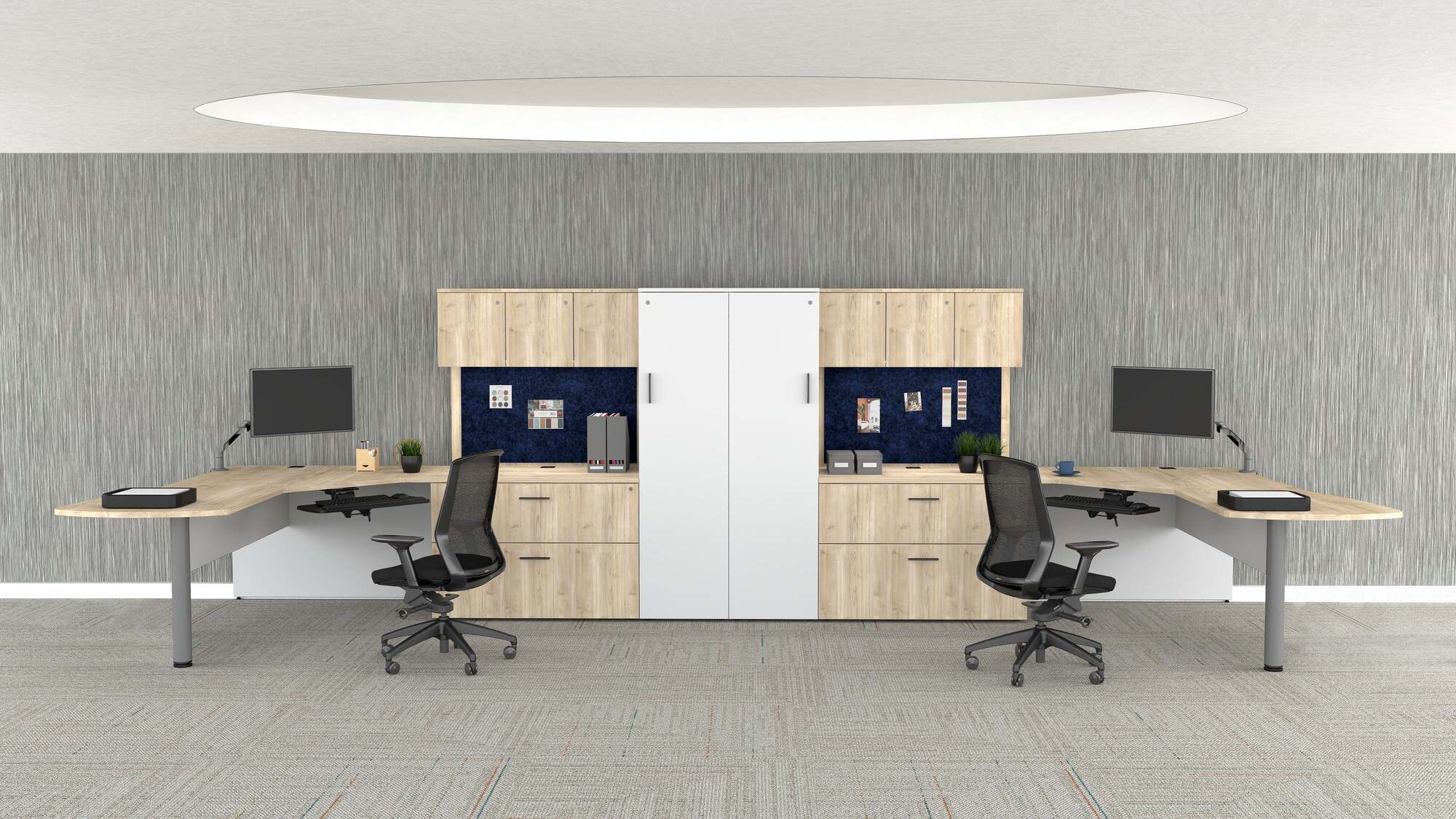
An executive desk offers broad surface space for paperwork and meetings, but it can overwhelm a narrow office. An L-shaped desk separates computer work from reading or planning, while a corner desk uses an awkward corner efficiently. For limited floor space, a compact desk provides a practical laptop station, though it may leave little room for spreading out documents. A standing desk supports brief periods of working upright. An adjustable sit-stand desk adds seated flexibility, but height settings need to suit both the user and the monitor.
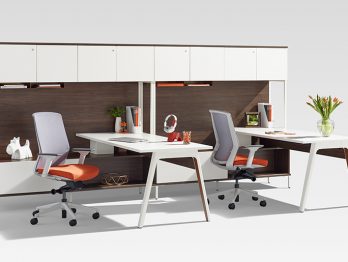
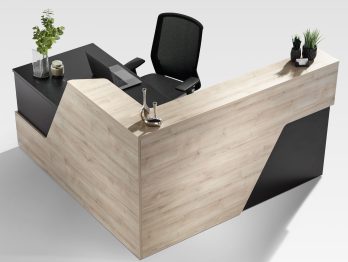
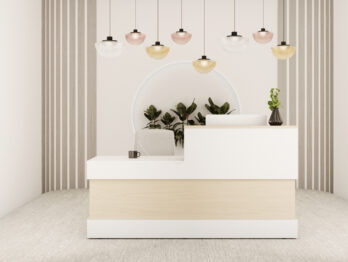
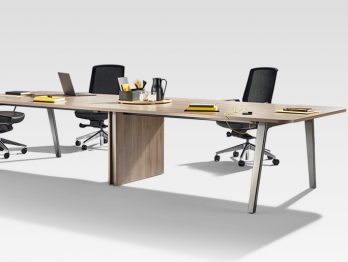
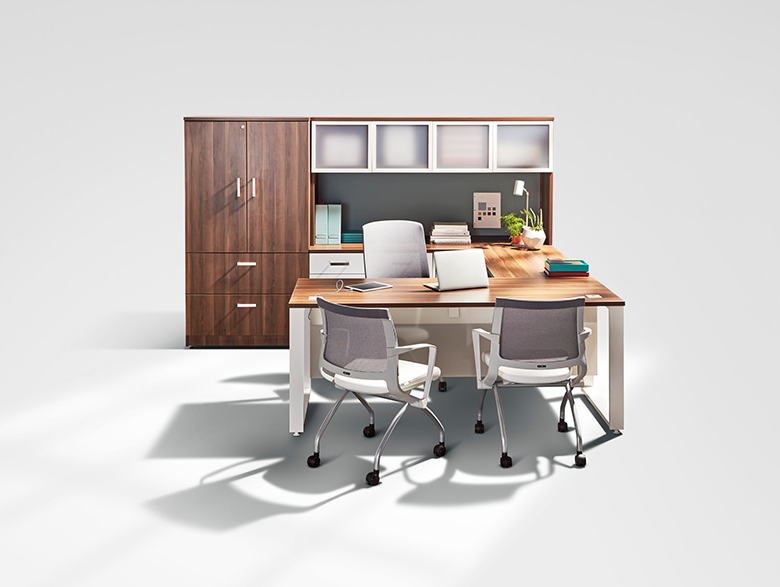
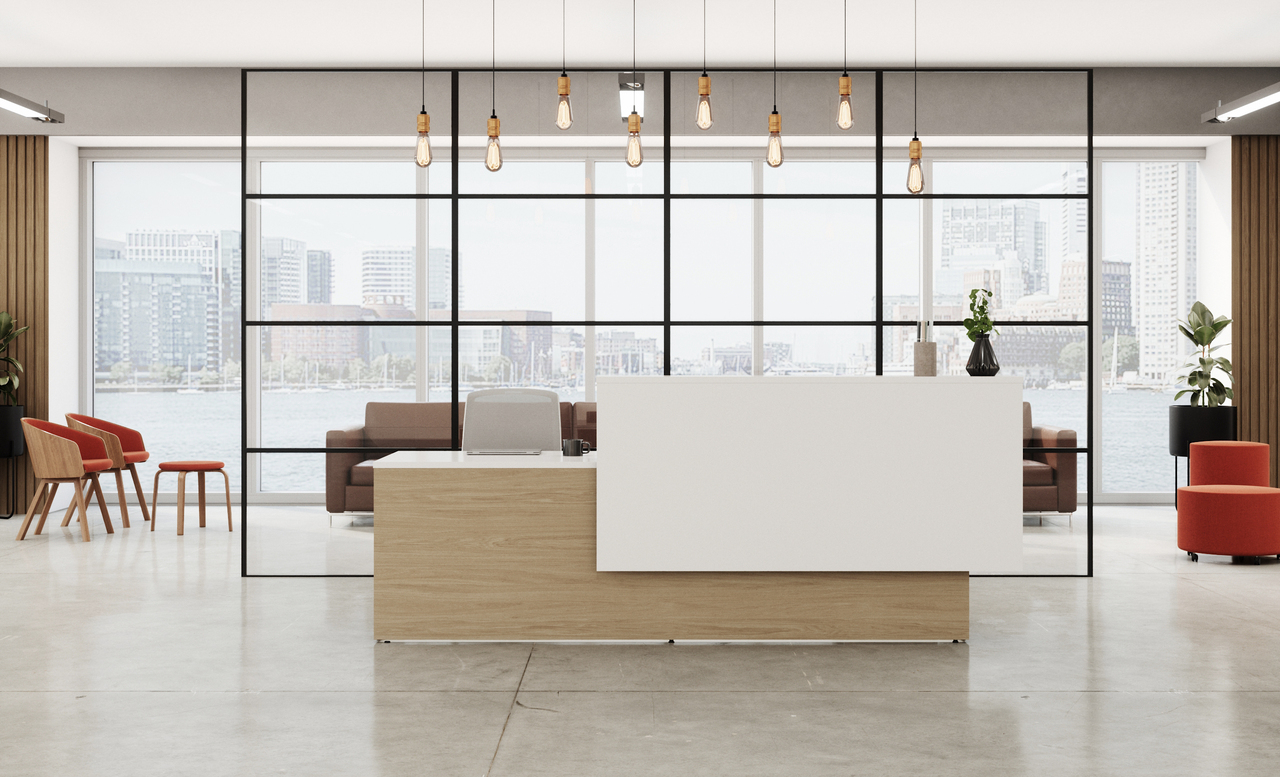
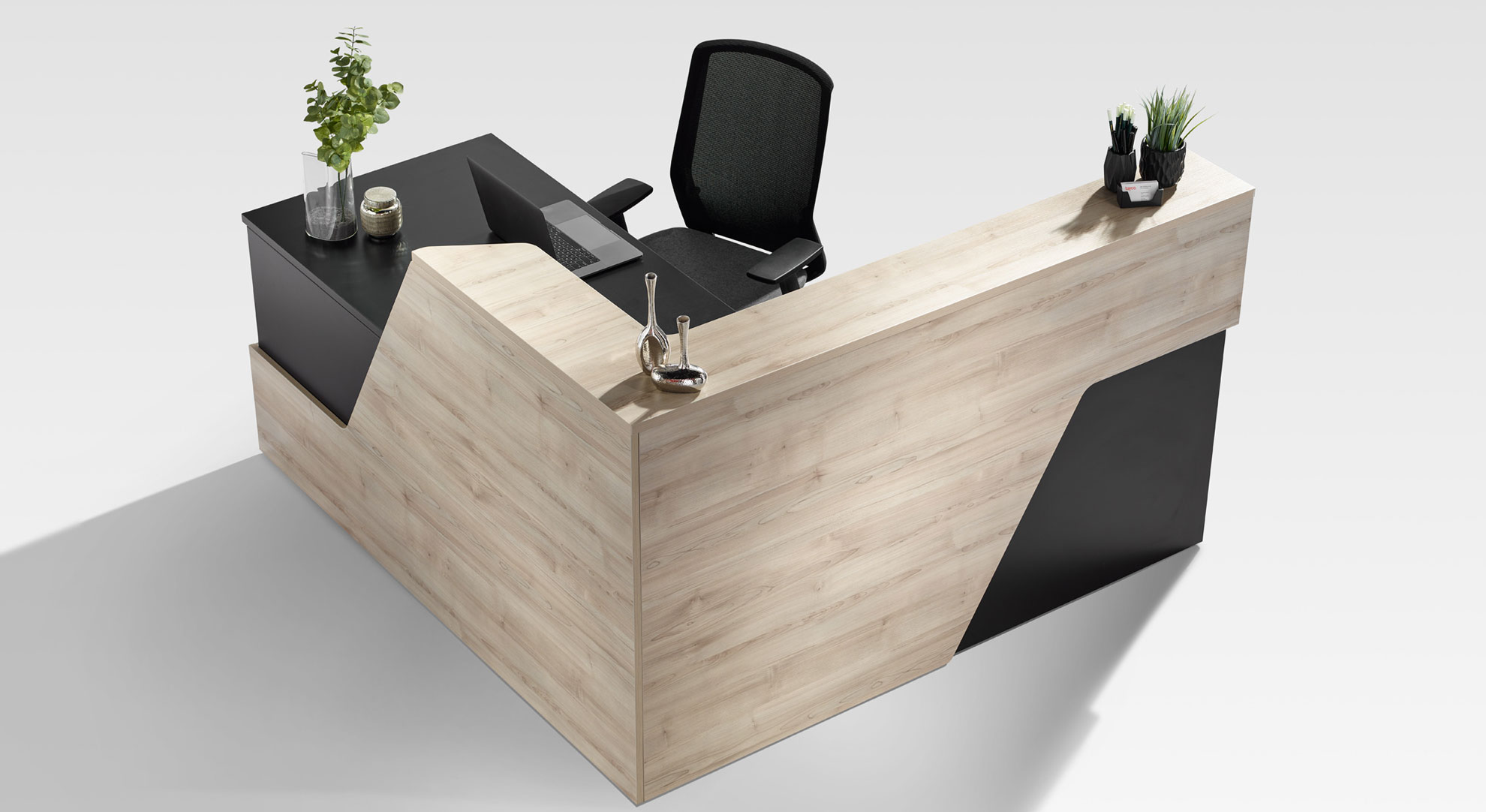
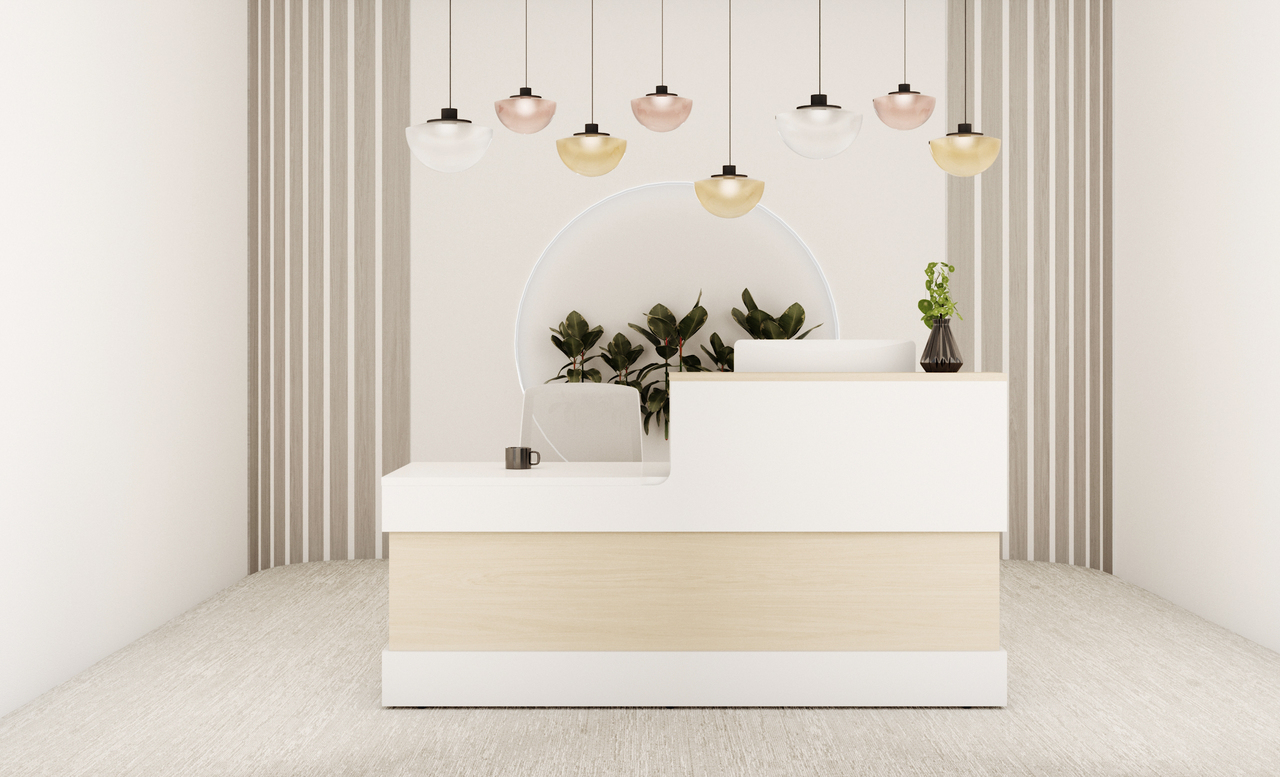
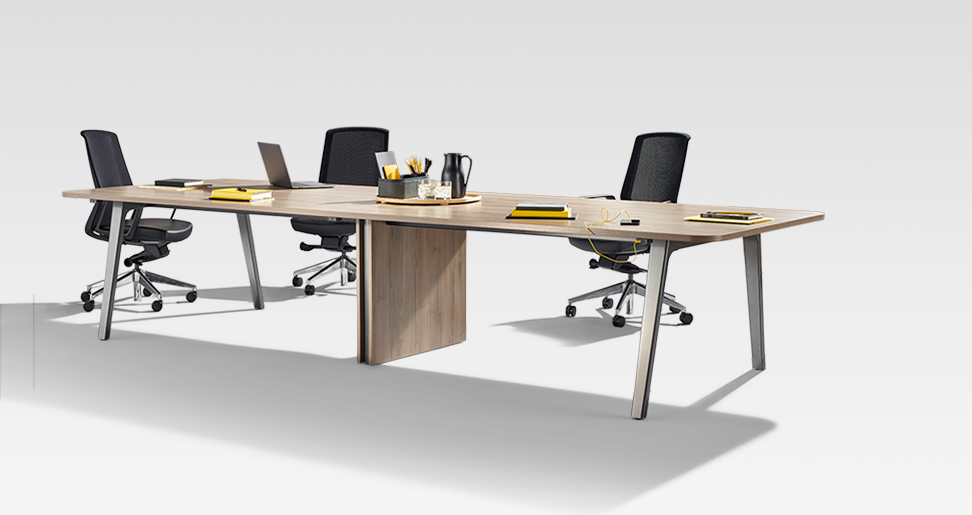
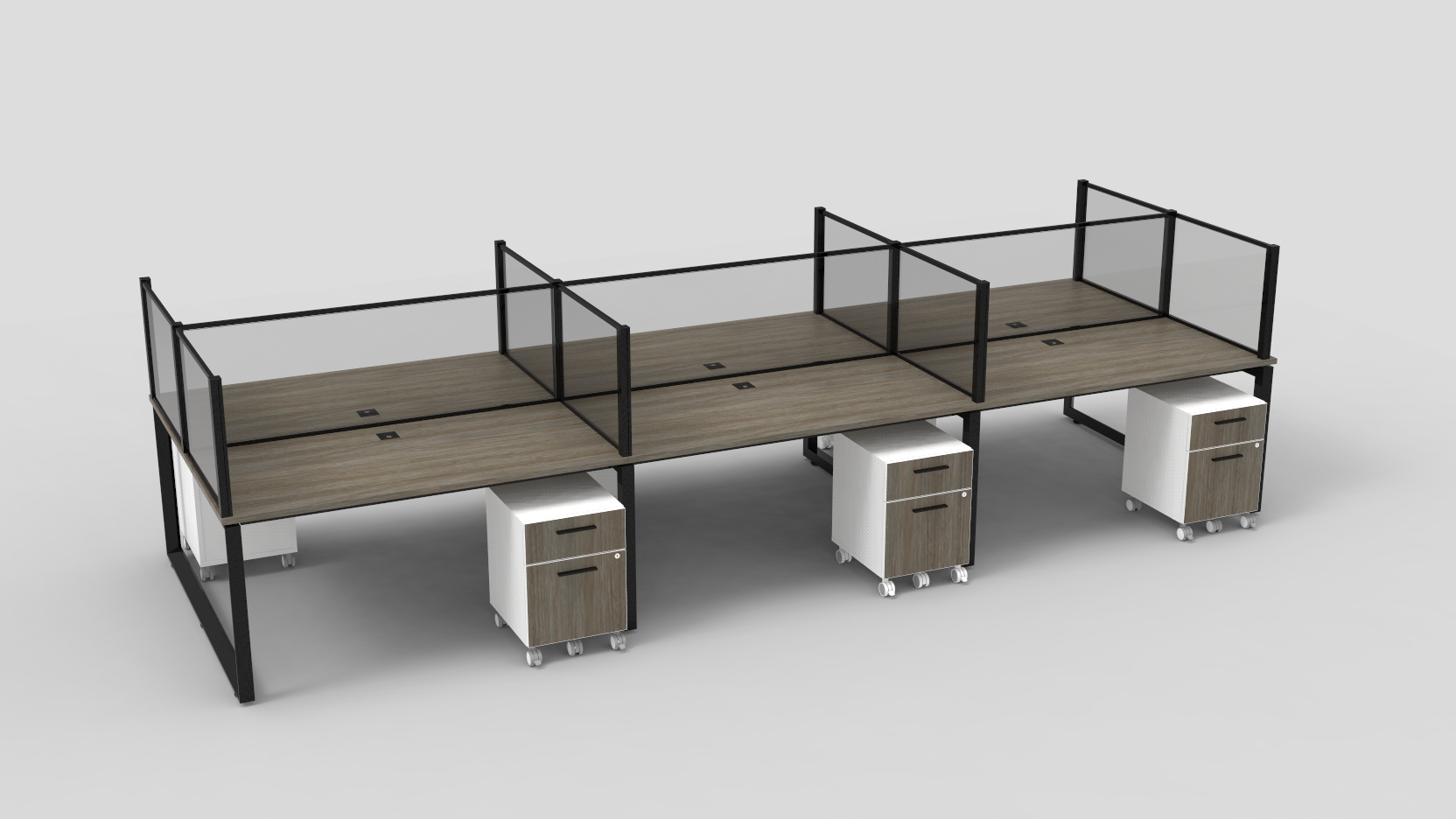
A drafting desk tilts for sketching, technical drawing, or other visual work; it is less convenient for a standard keyboard setup. A collaborative desk gives two or more people shared work space, provided each person has enough elbow room. A reception desk can help organize visitor check-in and paperwork, but it should not block accessible routes. Measure the room before choosing. It is easy to underestimate chair clearance, cable paths, and the space needed to open drawers. A desk that looks ideal online may feel cramped once a lamp, water glass, and daily files arrive.
A desk can feel spacious in a showroom and cramped beside your bedroom door. Measure the room, including the space needed to pull out a chair. Mark the desk’s footprint with painter’s tape, then walk around it. Small rooms need restraint. A compact writing desk may suit a laptop and notebook, while a deeper surface helps when you spread out papers or use a monitor. Leave breathing room.
Match the desk shape to the room, not just its appearance. A corner desk can use an awkward nook, but check that drawers and cables remain reachable. In a shared room, a narrow desk with a simple frame can keep the area visually lighter. For longer work sessions, look for enough depth to position the screen comfortably and keep frequently used items within easy reach. These details are easy to overlook when shopping by photographs alone.
Style matters, too, but it should support daily habits. Open legs can make a small workspace feel less crowded; drawers can hide supplies that otherwise gather near the keyboard. A polished surface may look neat, though it can show dust and fingerprints quickly. There is no perfect layout. Recheck your measurements after choosing a chair, since its size can change how much clearance the desk needs.
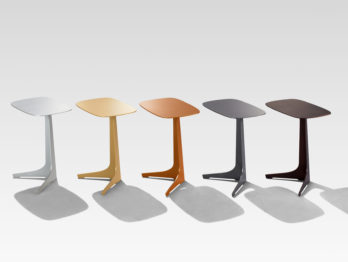
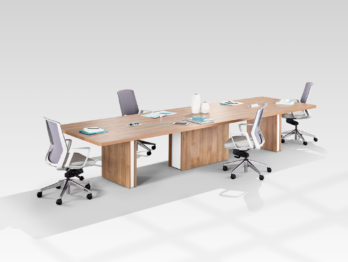
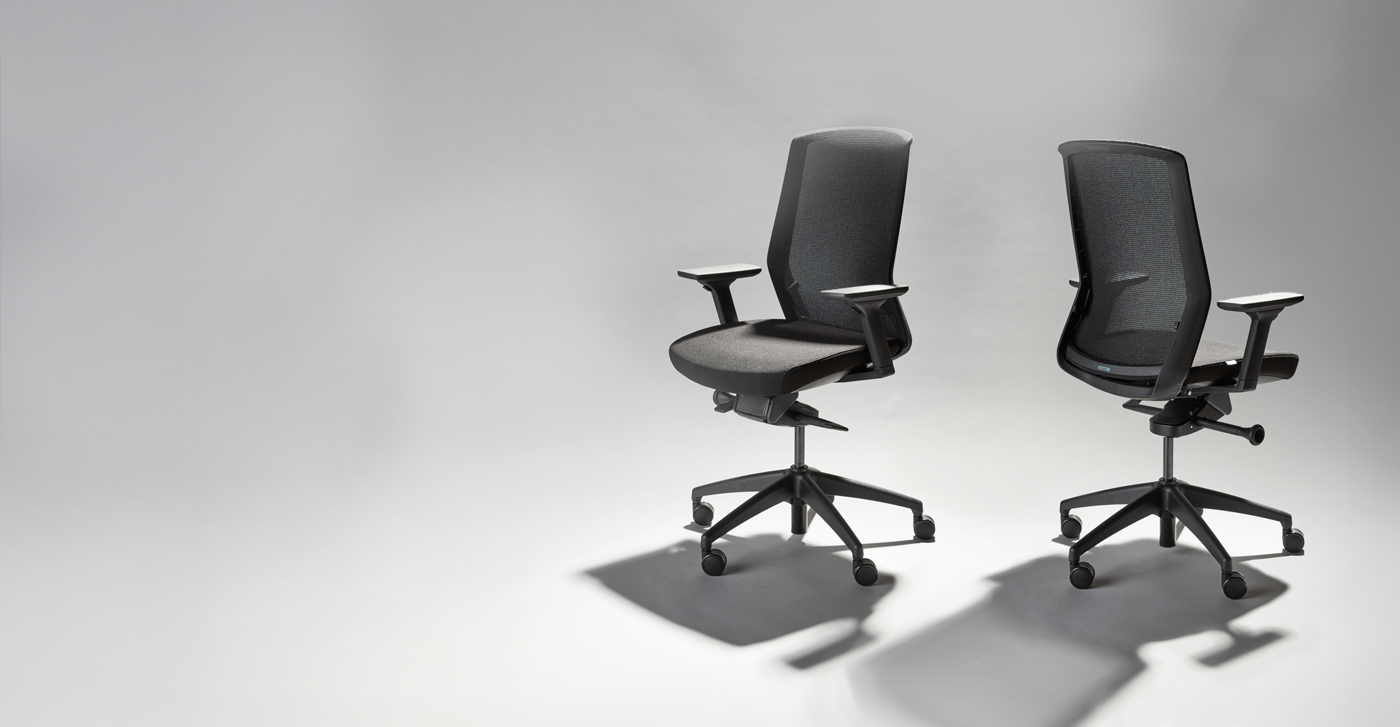
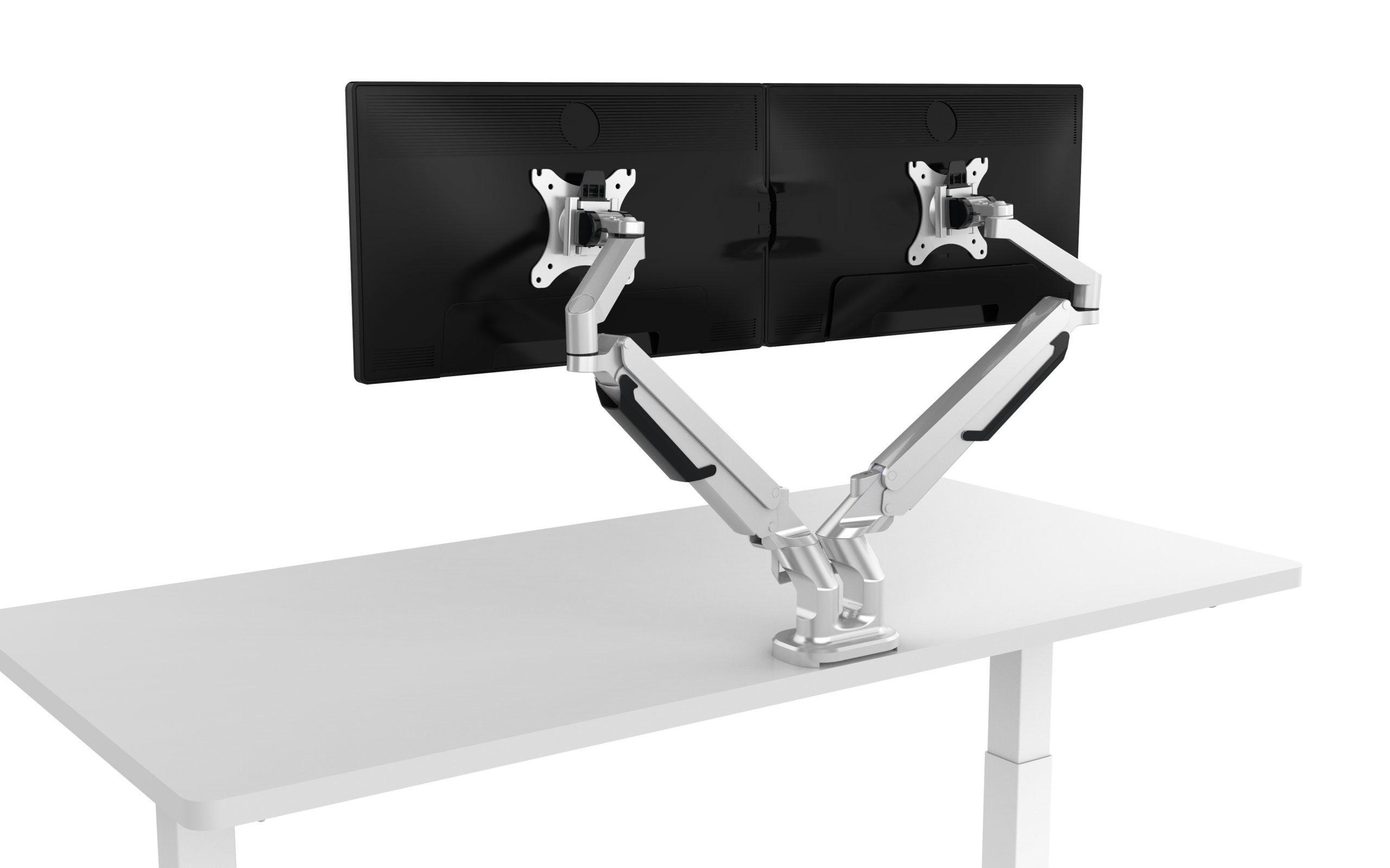
A useful desk supports the way you actually work, not an idealized setup. For a compact room, a shallow desk can preserve floor space, but check that it still holds your keyboard and a lamp. Keep frequently used items within easy reach. Your elbows should rest near your sides, with forearms roughly level with the desktop. If you use a laptop for long periods, raise its screen and add a separate keyboard. Small changes matter. An adjustable-height desk can offer another posture, though standing all day is not the goal; changing positions is more practical.
Leave enough space beneath the desk for your knees and feet to move freely. Keep cables secured away from your legs, and avoid stacking heavy items near the edge. A quick daily wipe removes crumbs and dust before they settle into seams. Use a soft cloth, slightly damp if needed, and follow the care guidance for the desk’s surface. Avoid soaking wood or placing hot cups directly on delicate finishes. Dust hides there.
Once a week, check that fasteners feel secure and that the desk does not wobble. Clear away papers you no longer need, but do not turn tidying into another chore. I still catch myself leaning toward a screen when a task gets absorbing; noticing it helps me reset my chair and posture. A comfortable setup takes small adjustments, and it may need revisiting as your work changes.