
Tayco Office Furnishings Inc.
400 Norris Glen Rd.
Toronto, ON M9C 1H5
T: (416) 252-8000
T: (800) 675-4092
F: (416) 252-4467
[email protected]
Choosing modern home office furniture requires more than matching a desk with a fashionable chair. The right pieces should support focused work, healthy posture, and changing daily routines. A slim oak desk may look elegant, yet its shallow surface can leave little room for a monitor, notebook, and lamp. Measure the room, doorway, and cable routes before shopping. Small details often determine whether a workspace feels calm or cramped.
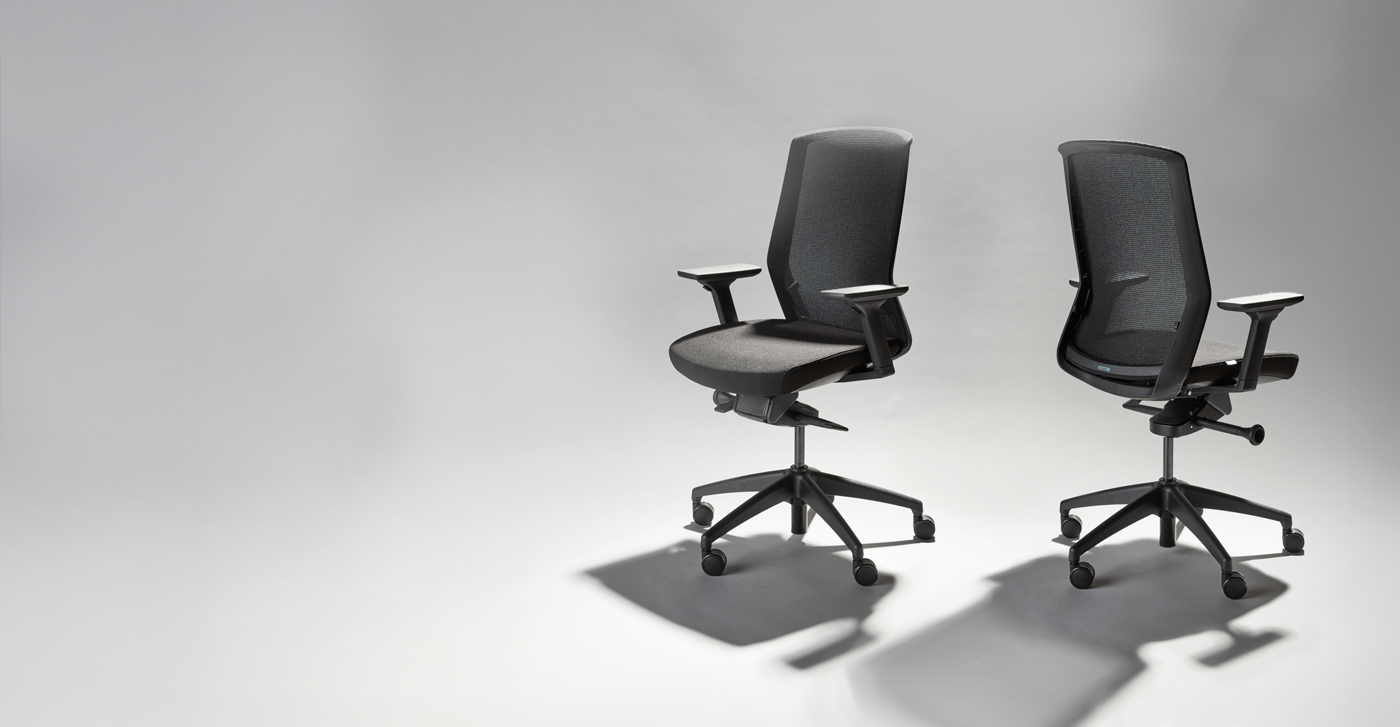
Reliable buying decisions combine personal experience with practical research. Test chair adjustability, inspect drawer runners, and check whether desk edges feel comfortable after prolonged use. Look for clear material descriptions, stable construction, reasonable warranties, and trustworthy return policies. Ergonomic guidance from recognized health professionals can support better choices, but comfort still varies between users. There is no universal chair.
Even experienced buyers misjudge scale. A spacious showroom can make compact furniture appear smaller than it is. Consider monitor height, leg clearance, lighting glare, and storage access at home. Sustainable materials may matter, but vague environmental claims deserve careful verification. Certification details and manufacturer transparency provide stronger evidence than attractive labels. Quality matters more than decoration.
This guide explores how to compare modern home office furniture by function, dimensions, comfort, durability, and visual balance. It also considers budget limits and future needs, such as hybrid work or upgraded equipment. Some choices will involve compromise. A beautiful desk may lack storage. A highly adjustable chair may look less refined. Thoughtful buyers notice those tensions before checkout.%timeout
How to Choose Modern Home Office Furniture for Buyers?
Define Your Home Office Needs and Work Habits
Choosing modern home office furniture starts with observing how you actually work. Do you spend long hours typing, joining video meetings, or switching between paper documents and a laptop? Each habit creates different furniture requirements. Measure your room before shopping. Record the wall width, window position, power outlets, and walking space. A compact desk may suit focused computer work, while a wider surface helps people who use notebooks, files, or two screens. Leave enough legroom for natural movement.
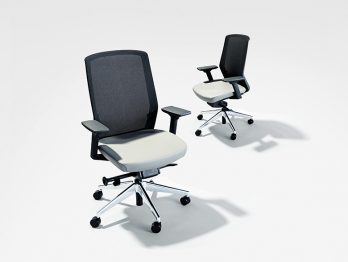
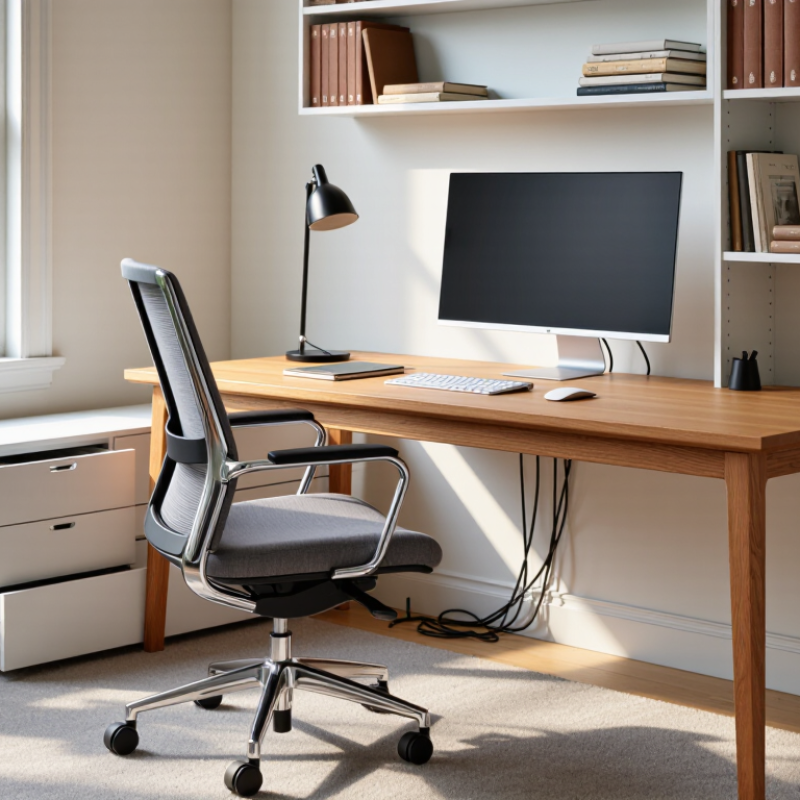
Comfort should guide every decision. Your chair should support your lower back and let your feet rest flat on the floor. The desk height should keep your shoulders relaxed, not raised toward your ears. Position the monitor near eye level to reduce repeated neck bending. Small details matter. A cable tray can prevent wires from collecting beside your feet. A drawer keeps daily tools within reach without covering the work surface. Soft, adjustable lighting also reduces glare during evening tasks.
I once chose a sleek desk with almost no storage. It looked excellent, but papers quickly formed an untidy stack. That mistake changed my process. Appearance matters, yet furniture must support real routines. Consider how often you stand, stretch, read, or take calls. If your work habits change during the week, flexible furniture may be more useful than a perfect-looking setup. Keep a little empty space. You may need it later.
| Buyer Need or Work Habit | Useful Measurement or Data Point | Recommended Furniture Feature | Practical Selection Guideline | Buyer Priority |
|---|---|---|---|---|
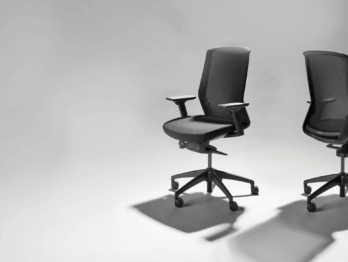
| Daily computer work | More than 4 hours of screen use per day | Height-adjustable chair with lumbar support and adjustable armrests | Choose a chair that allows both feet to rest flat on the floor while the elbows remain close to the body. | Essential |
| Laptop-based work | Laptop screens are usually positioned too low for extended use | Monitor riser or laptop stand with a separate keyboard and mouse | Position the top of the screen at or slightly below eye level and keep the screen about an arm’s length away. | Essential |
| Writing, reading, or paperwork | Requires clear desk space beyond the computer footprint | Desk with a broad, uncluttered work surface | A worktop approximately 120–160 cm wide and 60–80 cm deep generally provides room for a monitor, keyboard, documents, and daily accessories. | High |
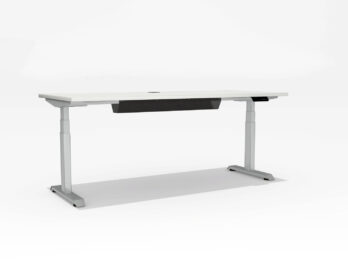
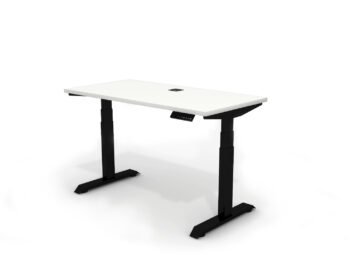
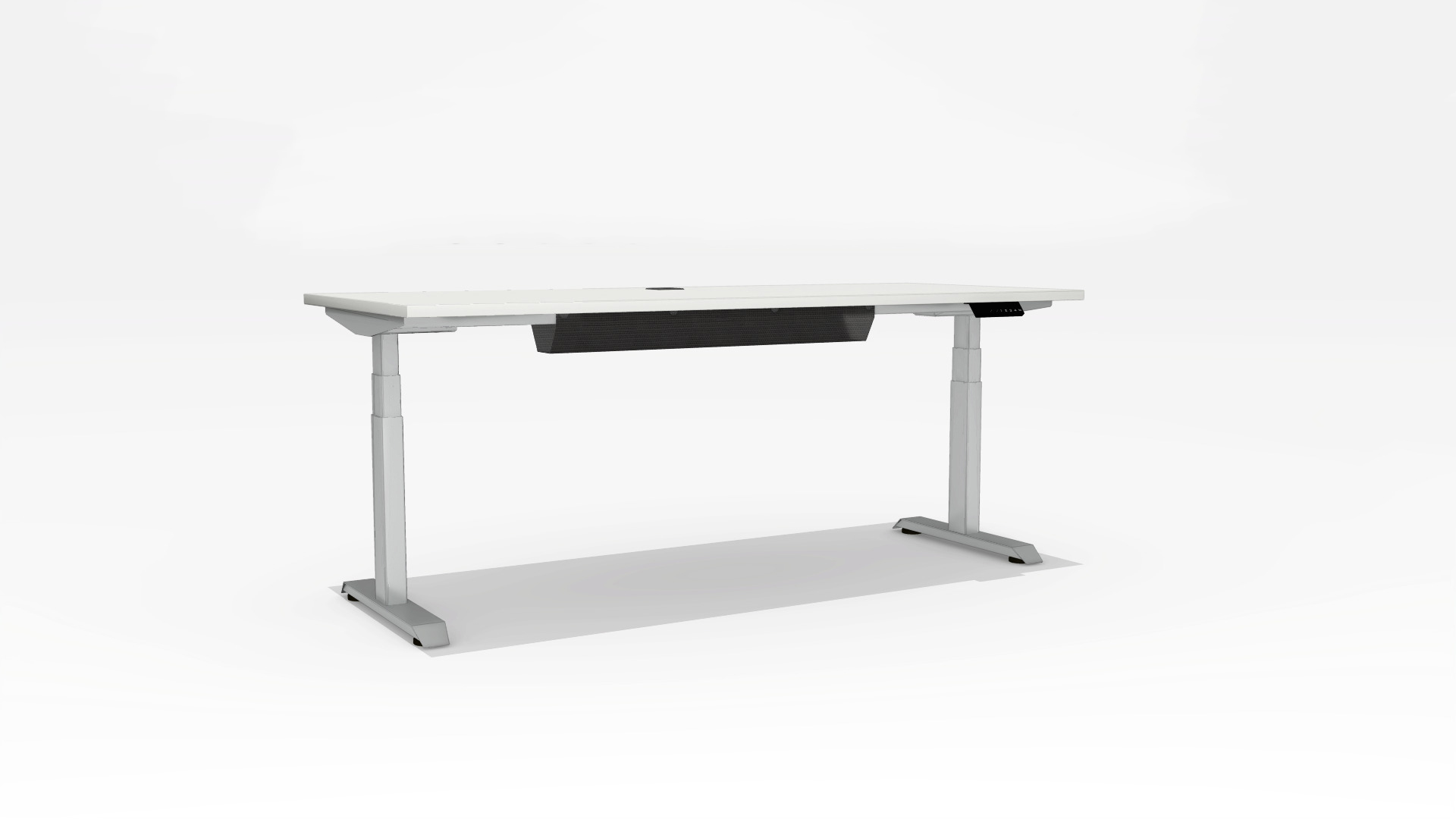
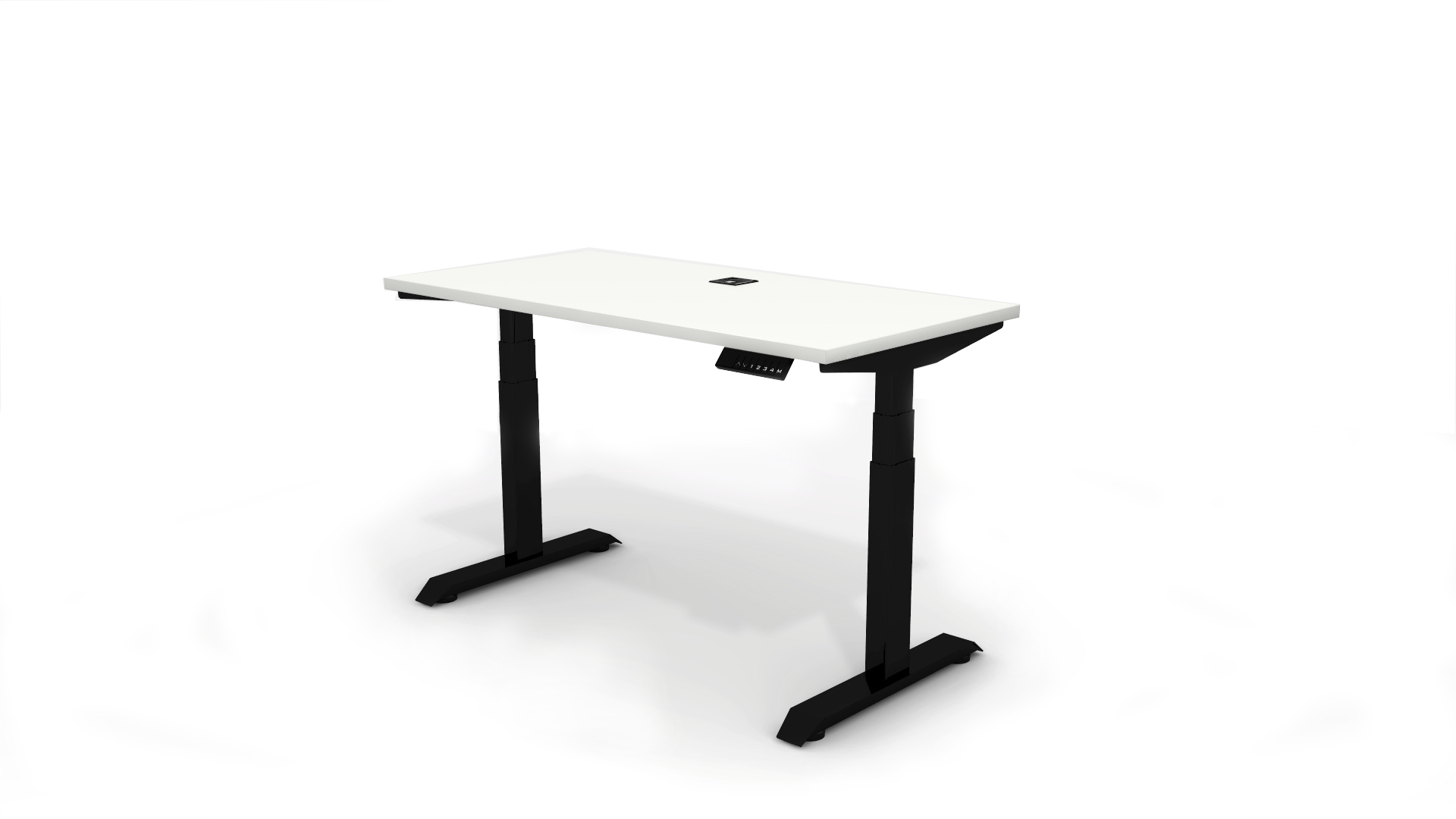
| Alternating between sitting and standing | Work sessions may change position several times per day | Electric or crank-adjustable sit-stand desk | Select a height range that supports seated and standing elbow positions; use posture changes rather than standing continuously. | High |
| Small apartment or shared room | Available floor area may be less than 6 m² | Compact desk, wall-mounted storage, or folding furniture | Measure doorways, walkways, outlets, and chair clearance before purchasing; preserve a comfortable passage around the desk. | Essential |
| Video meetings | Camera, lighting, microphone, and background affect meeting quality | Desk with cable management and space for a camera or light | Place the camera near eye level, keep cables away from leg space, and avoid positioning the main light directly behind the user. | High |
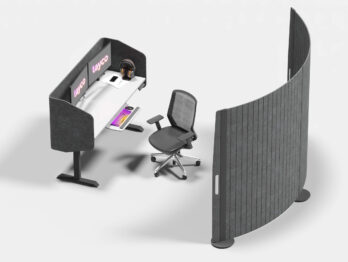
| Frequent calls or concentration work | Noise and interruptions can reduce focus and meeting privacy | Acoustic panels, enclosed storage, and a stable desk location | Choose a position away from high-traffic areas and use soft surfaces to help reduce reflected sound. | High |
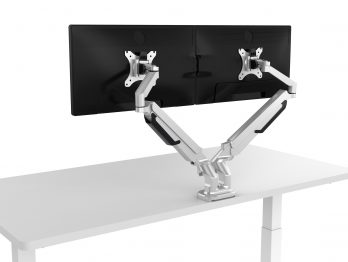
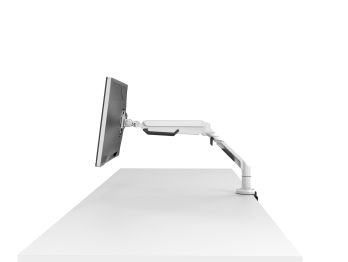
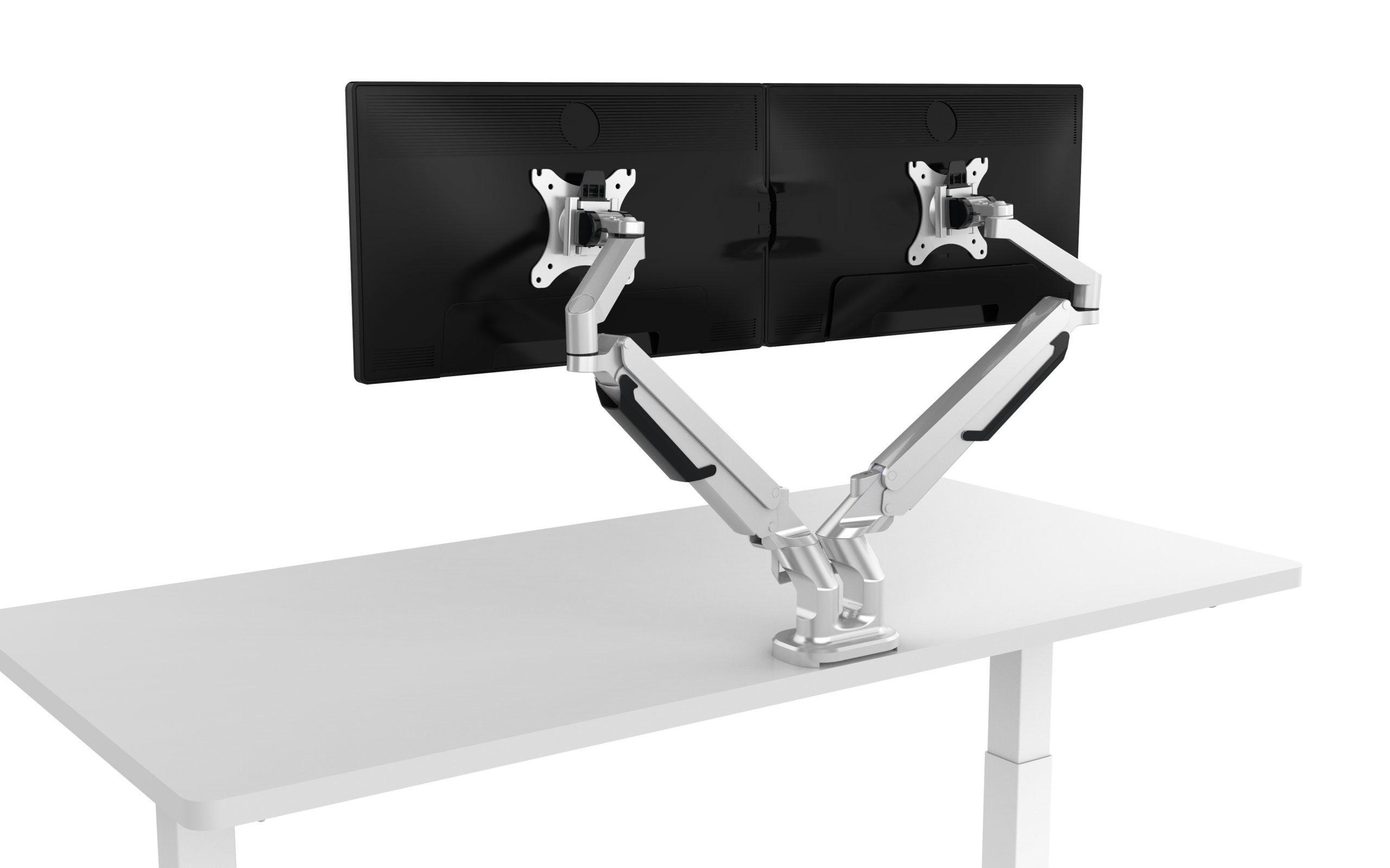
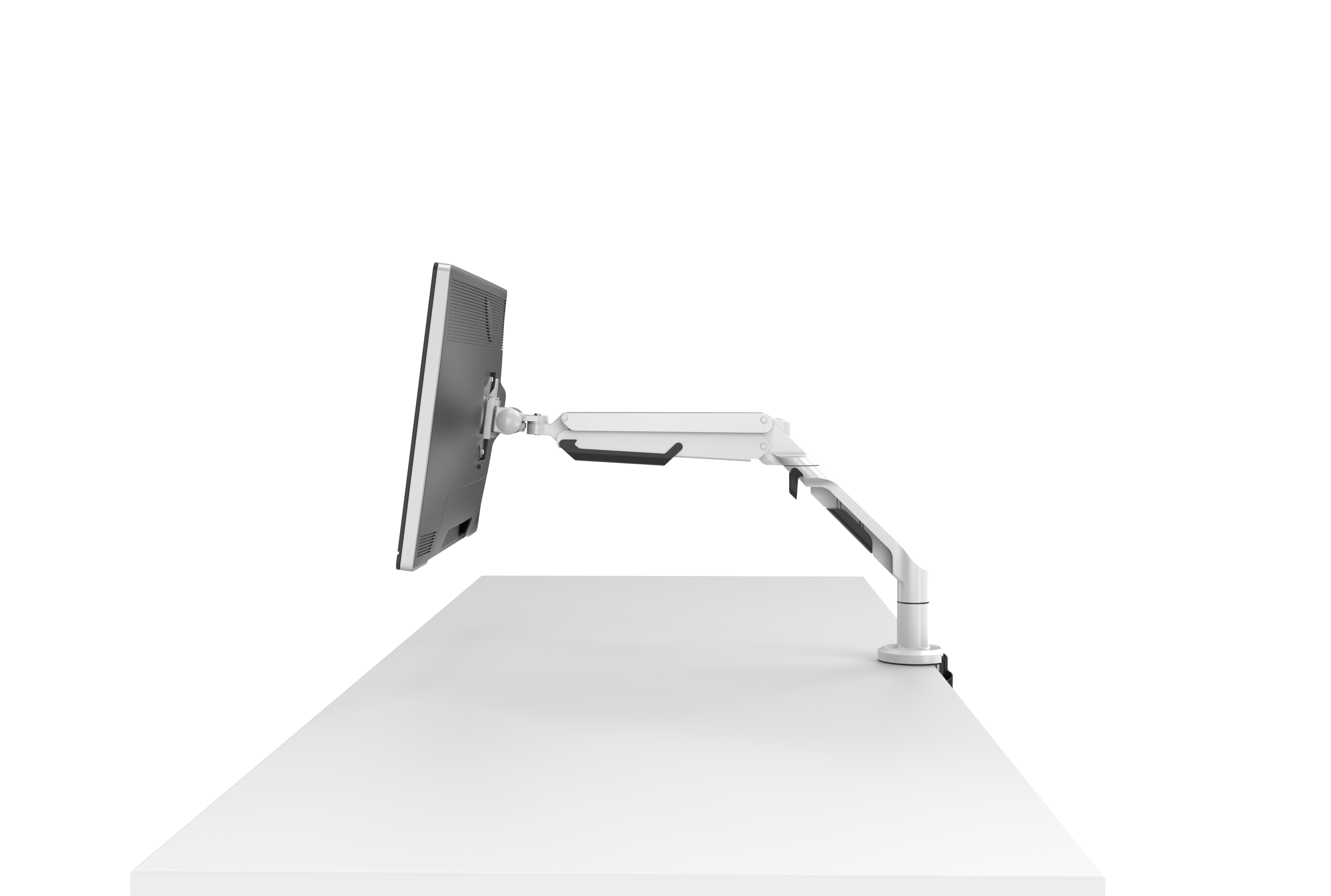
| Multiple monitors | Two monitors need additional width, depth, and support capacity | Deep desk with monitor arms or a reinforced monitor shelf | Confirm the desk’s load rating and keep the primary monitor centered with the keyboard and chair. | High |
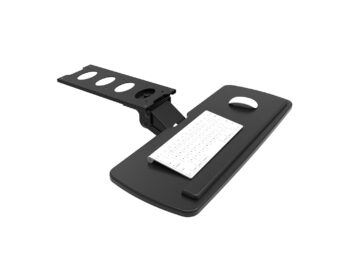
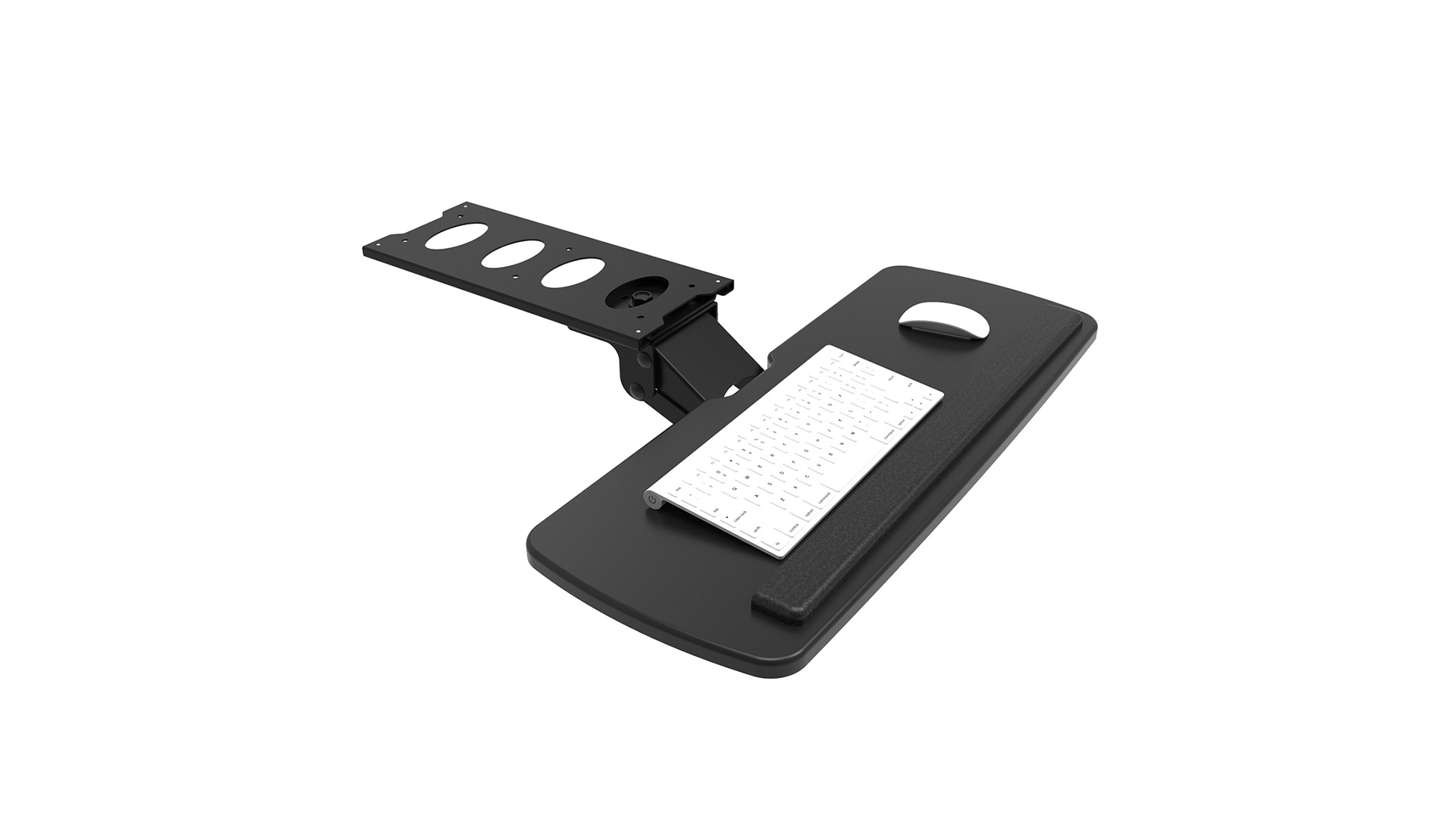
| Long typing sessions | Hands and forearms remain active for extended periods | Adjustable keyboard height and a chair with movable armrests | Keep wrists neutral, shoulders relaxed, and the keyboard close enough to avoid reaching forward. | Essential |
| Storage-heavy work | Files, stationery, equipment, or samples must remain accessible | Drawer unit, open shelving, or vertical cabinet | Store frequently used items between knee and shoulder height; keep heavy items on lower shelves. | High |
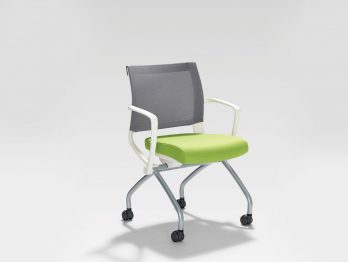
| Flexible or hybrid schedule | Work location and equipment may change during the week | Lightweight modular furniture with lockable casters | Use movable pieces only when the floor is stable and cables can be safely routed. | Medium |
| Shared household use | Different users may have different heights and equipment | Adjustable chair and adjustable desk or keyboard tray | Prioritize tool-free adjustment, durable surfaces, and easy-to-clean materials. | High |
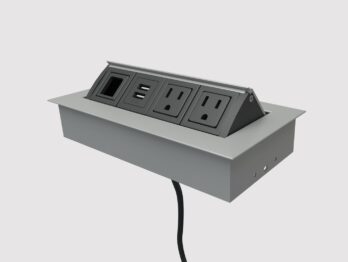
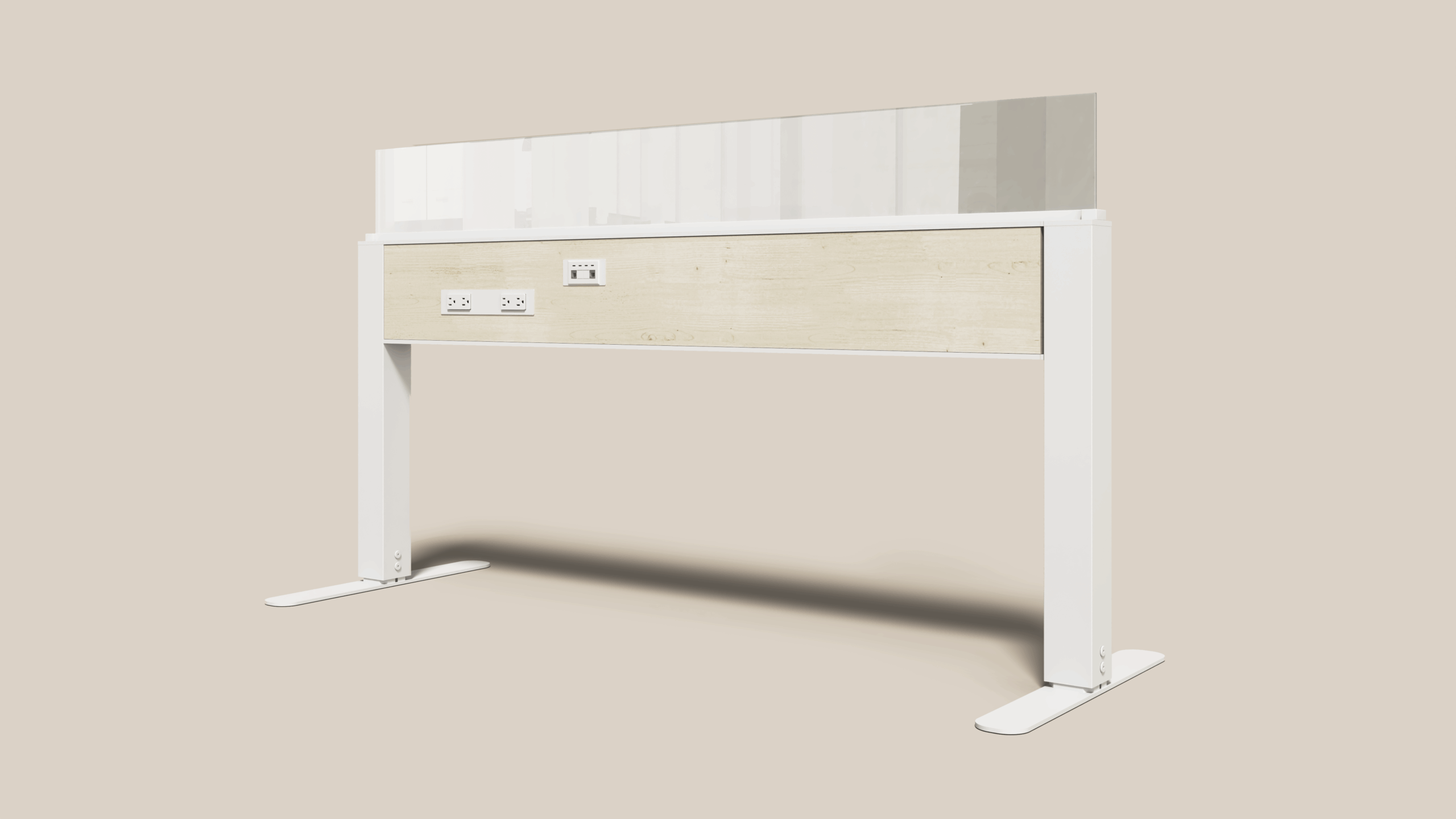
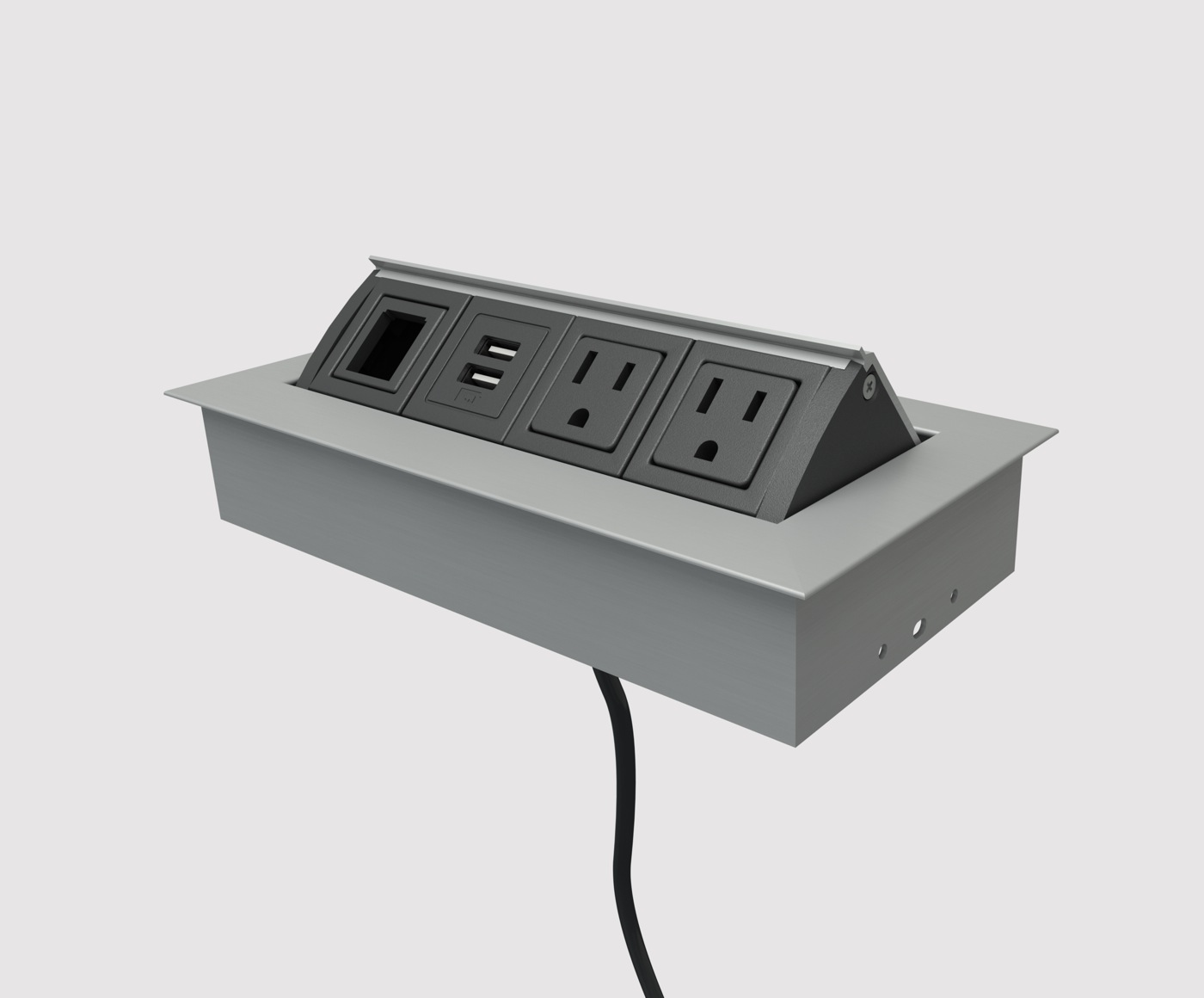
| Cable and power management | Computers, displays, chargers, lamps, and accessories may require multiple connections | Rear cable tray, grommet holes, and accessible power placement | Keep power strips off the floor where possible and separate cables from leg movement areas. | High |
| Well-being and movement | Prolonged static sitting is associated with discomfort and reduced movement | Furniture that supports easy posture changes and short movement breaks | Plan space for standing, stretching, and changing position instead of relying on one fixed posture. | Essential |
| Durability and maintenance | Furniture may be used 5–7 days per week and exposed to repeated adjustments | Stable frame, replaceable components, scratch-resistant surface, and tested adjustment hardware | Check weight limits, warranty terms, assembly requirements, and whether replacement parts are available. | High |