

skip to content
Morepages
Toggle more

Head Office


Tayco Office Furnishings Inc.
400 Norris Glen Rd.
Toronto, ON M9C 1H5
T: (416) 252-8000
T: (800) 675-4092
F: (416) 252-4467
[email protected]

How to Choose the Best Home Office Furniture?

Choosing the best home office furniture requires more than matching colors or copying a designer’s room. Your desk, chair, lighting, and storage should support real working habits. The U.S. Bureau of Labor Statistics reported that 26.5% of employed people worked from home on days worked in 2023. That figure shows why a temporary kitchen setup may no longer be enough.

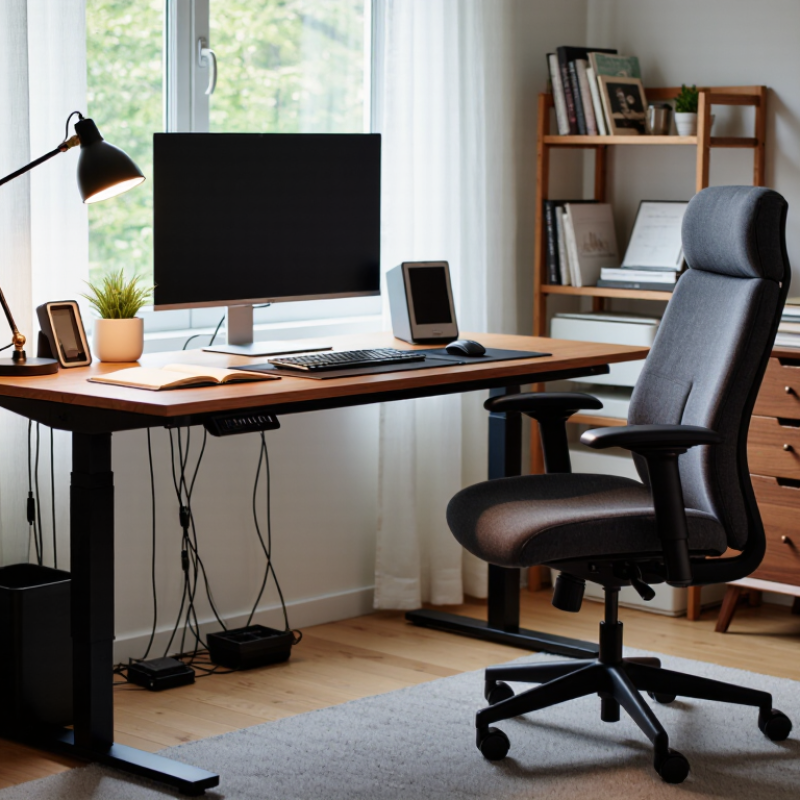
Ergonomics should guide every decision. Alan Hedge, a respected ergonomics researcher and former Cornell University professor, offered a useful reminder: “The best posture is the next posture.” A supportive chair matters, but movement matters too. Look for adjustable seat height, lumbar support, and armrests that keep your shoulders relaxed. Your desk should leave space for your knees and allow the monitor to sit near eye level.

Small details become important.

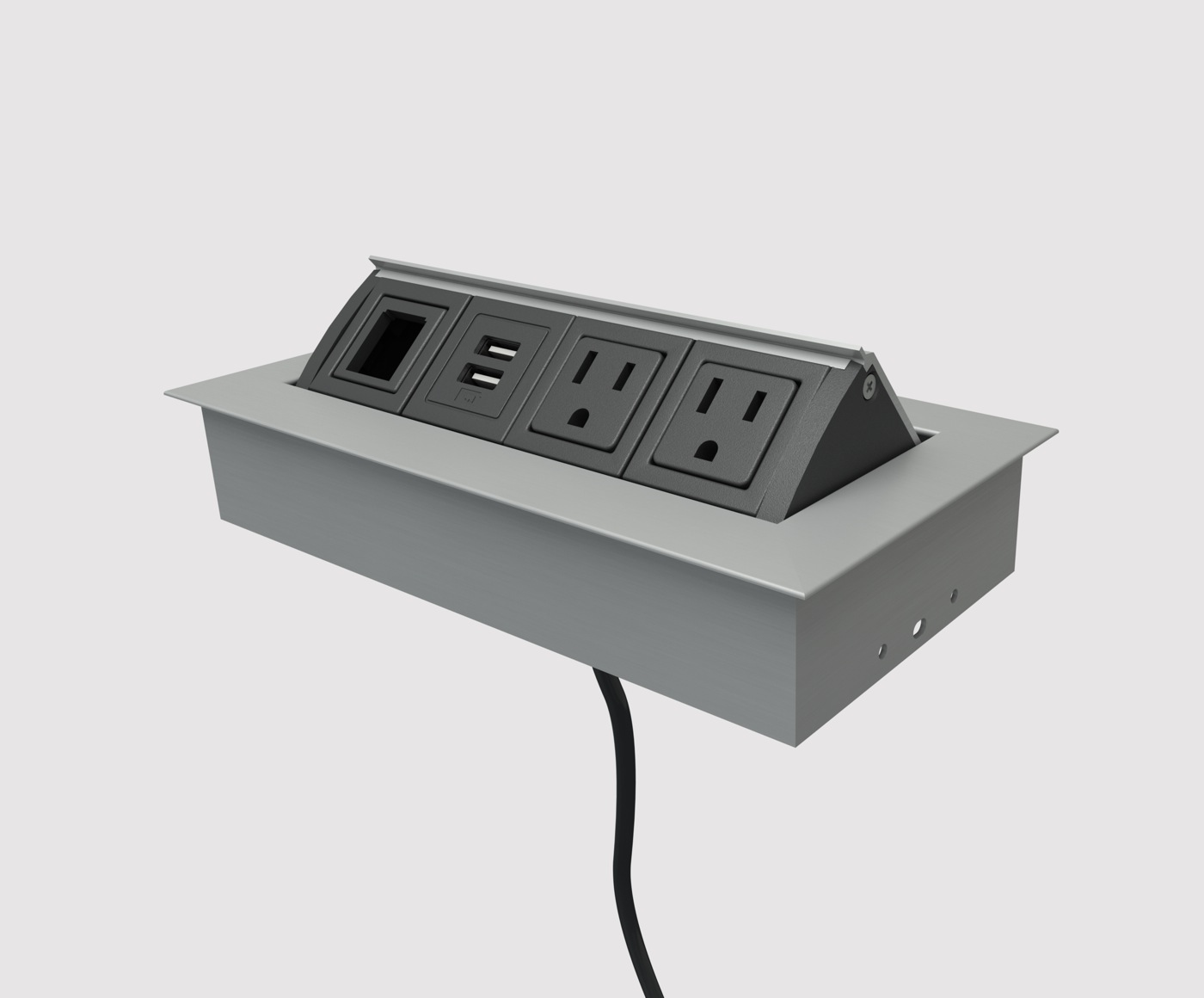
A desk that feels stable prevents constant distraction. A warm task lamp can reduce harsh screen contrast. Cable management keeps feet clear and protects your focus. Storage should place daily tools within reach, not beneath a growing pile of papers.

Reports can guide decisions, but they cannot measure your exact body, room, or workload. That is where many buying guides become too confident. The most expensive chair may still feel wrong after two hours. A compact desk may look elegant but lack depth for a monitor and notebook. This guide evaluates home office furniture through comfort, adjustability, durability, space efficiency, and verified user needs. It also questions popular features when they add cost without improving daily work.
How to Choose the Best Home Office Furniture?

Define Your Home Office Needs and Work Habits

How to Choose the Best Home Office Furniture?

Define Your Home Office Needs and Work Habits

Choosing home office furniture starts with observing your work, not browsing attractive desks. For three days, record how you actually use the room. Do you type for hours, join video meetings, sketch ideas, or handle paperwork? Note your devices, cables, storage needs, and the time you spend sitting. Your habits reveal more than a furniture checklist.

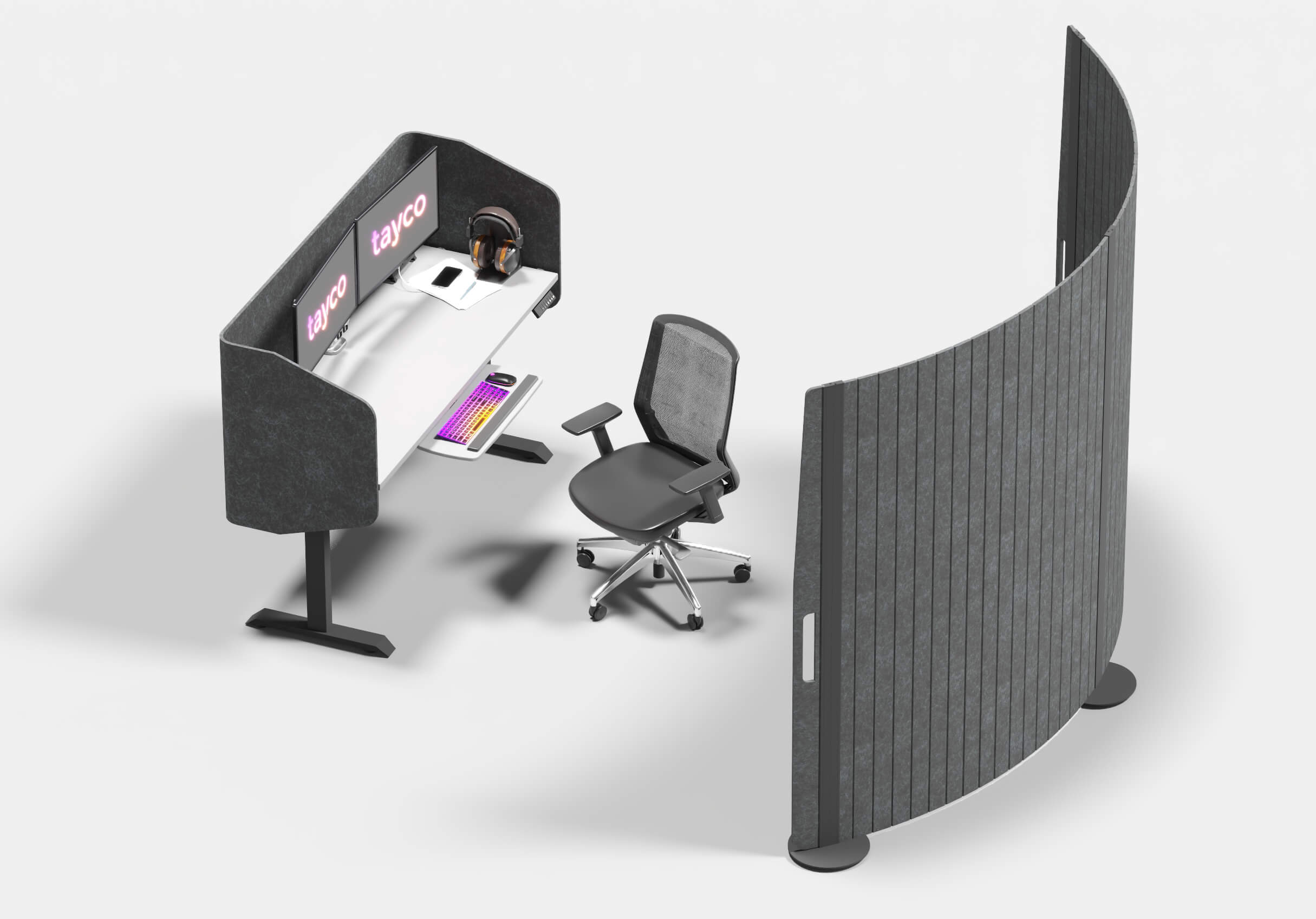
Measure the space before buying anything. Leave enough room to pull out a chair without touching a wall. A desk should hold your main screen, keyboard, notebook, and a drink without feeling crowded. If you use two monitors, measure their width and viewing distance. Keep frequently used files within arm’s reach. Rarely used items can move to a separate cabinet.

Your body also provides useful evidence.

During a long task, notice shoulder tension, wrist pressure, or lower-back fatigue. An adjustable chair can support changing positions, but adjustment alone cannot fix poor habits. Stand briefly between tasks and vary your screen height when possible.

I once chose a deep desk that looked practical, yet it forced me to lean forward. The mistake was mine: I measured the wall, not my working reach. Home offices are personal systems, and occasional discomfort deserves investigation rather than quick decoration.

Measure the Space and Plan an Efficient Layout

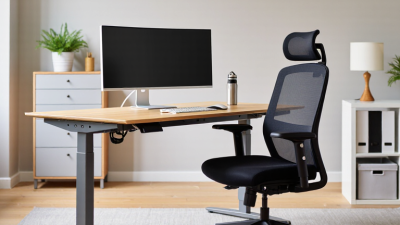
Measure the room before choosing a desk. Record wall lengths, door swings, window positions, outlets, and the space needed to pull out a chair. A simple floor plan, even one sketched on paper, can reveal awkward bottlenecks before furniture arrives. Leave a clear route from the doorway to the desk. Small rooms need breathing space, too. I have learned that a desk that fits on paper can still feel cramped once a chair and open drawers are added.

Plan around the work, not just the furniture. Place the monitor so windows do not create glare, and keep frequently used items within easy reach. OSHA’s Computer Workstations eTool recommends keeping the screen about 20 to 40 inches from the eyes and positioning it directly in front of the user. That range is a useful starting point, not a rule for every body or screen. Check the setup while seated: feet supported, shoulders relaxed, and elbows near desk height. Measure the chair’s full movement, including space to roll back. If the layout feels tight during a real workday, revise it; floor plans rarely capture every inconvenience. Sources: U.S. Occupational Safety and Health Administration, Computer Workstations eTool.

How to Choose the Best Home Office Furniture?

Measure the Space and Plan an Efficient Layout

Use these typical furniture dimensions as a practical planning reference. Compare width and depth before purchasing, then leave enough circulation space for comfortable movement and chair clearance.

Dimensions are shown in centimeters and represent common residential home-office furniture sizes. A 120 × 60 cm desk is a practical starting point for a computer, monitor, and everyday work materials.

Choose Ergonomic Desks and Supportive Office Chairs

How to Choose the Best Home Office Furniture?

Choose Ergonomic Desks and Supportive Office Chairs

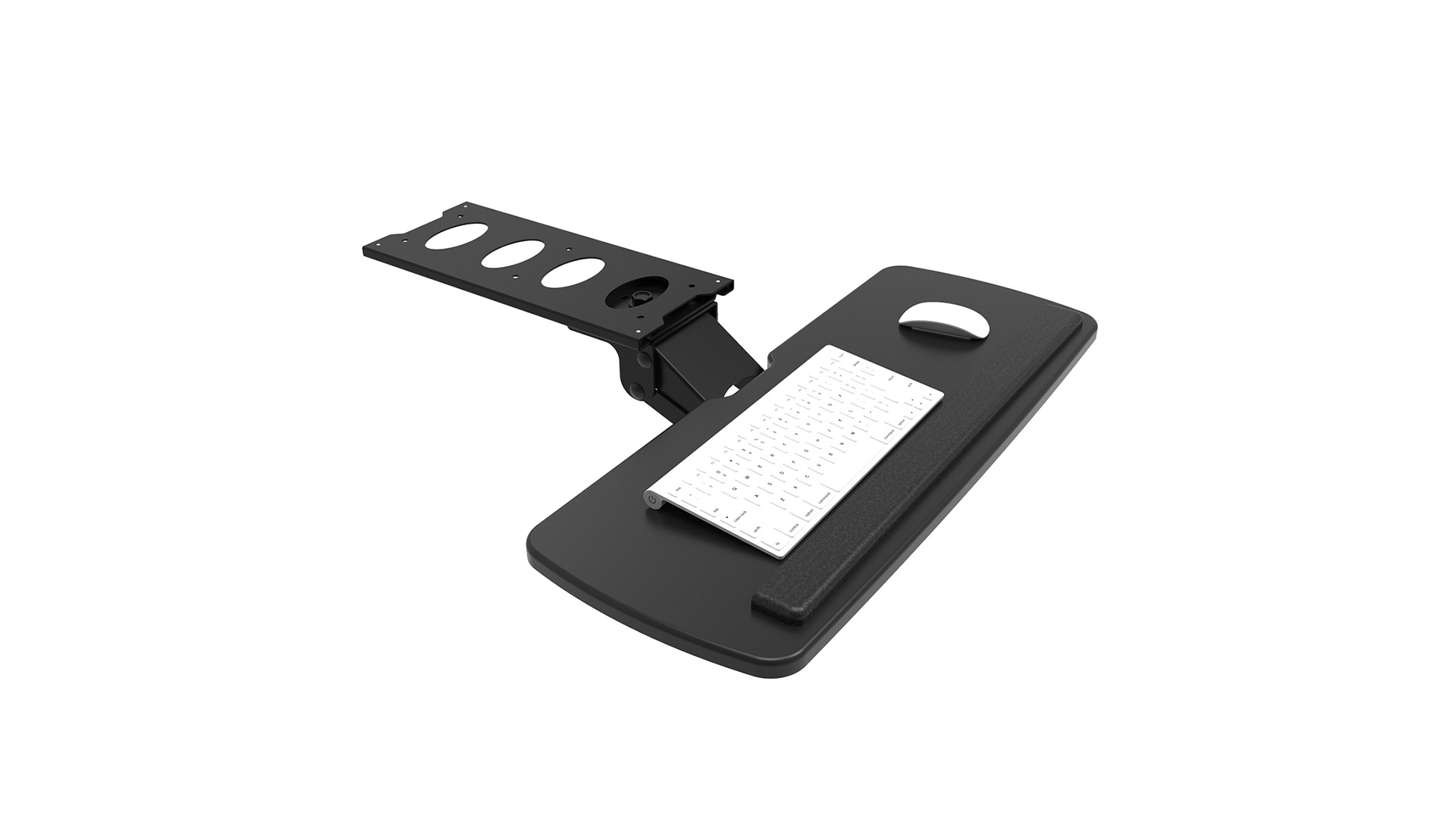
A comfortable home office starts with furniture that fits your body and daily tasks. Choose a desk with enough room for your keyboard, notebook, and a glass of water. Your elbows should rest near a right angle while typing, with shoulders relaxed. If the desk is too high, even a supportive chair may not fix the strain. Small details matter.

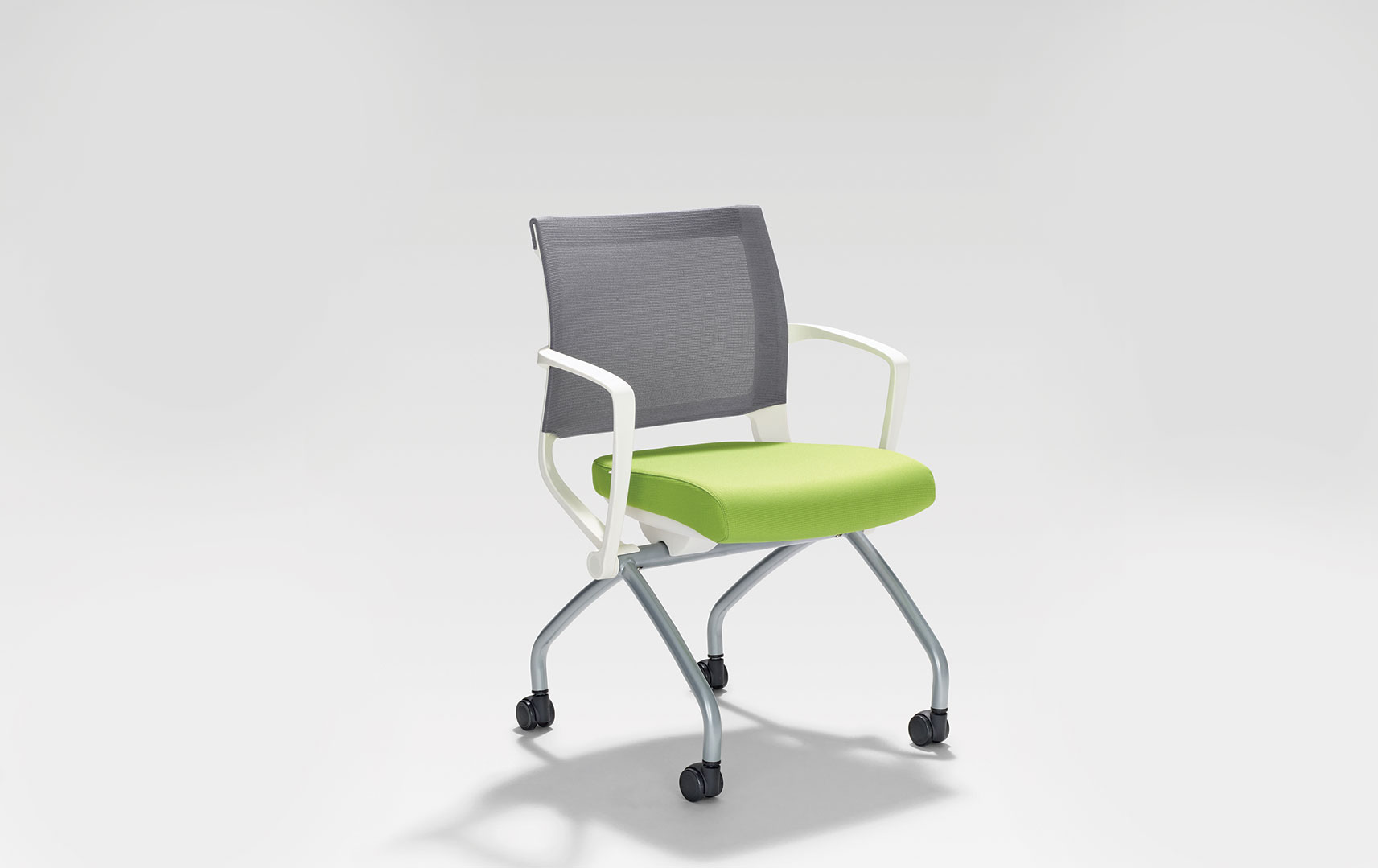
Look for an office chair with adjustable seat height, lumbar support, and a backrest that follows your posture. Sit with both feet flat on the floor, or use a footrest if they dangle. The seat should support your thighs without pressing behind your knees. Try the chair for several minutes before deciding. A quick sit can be misleading.

Tips: Raise your monitor so its top sits near eye level, and keep it about an arm’s length away. Take short standing or walking breaks; good furniture cannot replace movement. I sometimes forget this myself. Notice where tension appears after a workday, then adjust one thing at a time.

Evaluate Storage, Materials, and Furniture Durability

When choosing home office furniture, inspect storage before style. A desk with one shallow drawer may look clean, yet leave cables, paper, and chargers scattered across the surface. Measure the items you actually use, then check drawer depth, shelf clearance, and whether a cabinet door can open fully beside your chair. Keep daily tools within reach. Rarely used supplies can go higher or farther away. It sounds obvious, but I have underestimated how quickly a small workspace gets crowded.

Materials affect both upkeep and useful life. Solid wood can often be repaired, while veneer and particleboard vary in edge protection and resistance to moisture. Check joints, drawer runners, and the underside—not just the finish. The U.S. Environmental Protection Agency reported that furniture and furnishings generated 12.1 million tons of municipal solid waste in 2018; about 80.1% was landfilled. That figure covers many product types, but it underscores why replaceable parts and sturdy construction matter. Less waste, potentially.

For an adjustable chair or desk, test the fit rather than relying on a product label. OSHA’s computer-workstation guidance recommends arranging equipment to support a neutral posture, including relaxed shoulders and supported feet. A good fit should feel ordinary, not like a constant correction. Check warranty terms and assembly instructions, too. I still think appearance matters; it just should not win every argument.

How to Choose the Best Home Office Furniture? - Evaluate Storage, Materials, and Furniture Durability

Furniture Type Storage Evaluation Recommended Materials Durability Indicators Useful Specifications Typical Durability Rating Best Use
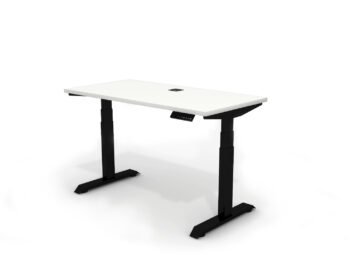
Work Desk One or two drawers, a cable-management tray, and enough surface area for daily equipment. Solid wood, furniture-grade plywood, or high-density engineered wood with a durable laminate. Stable frame, reinforced joints, scratch-resistant surface, and minimal wobble during typing. 120–160 cm wide; at least 60 cm deep; approximately 50–100 kg evenly distributed load capacity. ★★★★★ Primary computer work and writing.
Ergonomic Office Chair Storage is not applicable; prioritize adjustment controls instead. Steel or reinforced nylon base, molded foam, breathable mesh, or abrasion-resistant upholstery. Five-point base, smooth casters, tested gas lift, reinforced seat mechanism, and replaceable components. Adjustable seat height, lumbar support, tilt control, and a load rating that exceeds the user’s body weight. ★★★★★ Long periods of seated computer work.
Filing Cabinet Two to four drawers; check whether drawers accept letter- or A4-size folders. Powder-coated steel for maximum impact resistance; solid wood or plywood for a warmer appearance. Full-extension slides, anti-tip design, reinforced drawer bottoms, and corrosion-resistant coating. Approx. 35–45 cm wide; locking drawers are useful for confidential documents. ★★★★★ Paper records, invoices, and confidential files.
Bookcase Adjustable shelves provide more flexible storage for books, binders, and equipment. Solid wood or plywood offers better screw-holding strength; laminated particleboard is a lower-cost option. Back panel, wall anchoring, thick shelves, strong shelf pins, and limited shelf deflection under load. About 25–35 cm shelf depth; approximately 30–50 kg per shelf when evenly distributed. ★★★★☆ Books, reference materials, and display storage.
Mobile Pedestal Two or three drawers can store stationery, notebooks, and frequently used documents. Powder-coated steel or high-density engineered wood with sealed edges. Lockable casters, smooth drawer runners, anti-tip construction, and reinforced drawer boxes. Approximately 40–45 cm wide; select a height that fits below the desk. ★★★★☆ Personal storage within easy reach of the desk.
Monitor Stand or Riser Open compartments or a drawer can hold a keyboard, documents, and small accessories. Solid wood, steel, aluminum, or thick plywood with a non-slip surface. Load capacity should exceed the combined weight of the monitor and accessories; no visible bending. Choose a height that places the top of the monitor near eye level while seated. ★★★★☆ Improved screen positioning and compact organization.
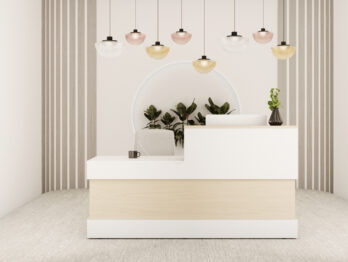
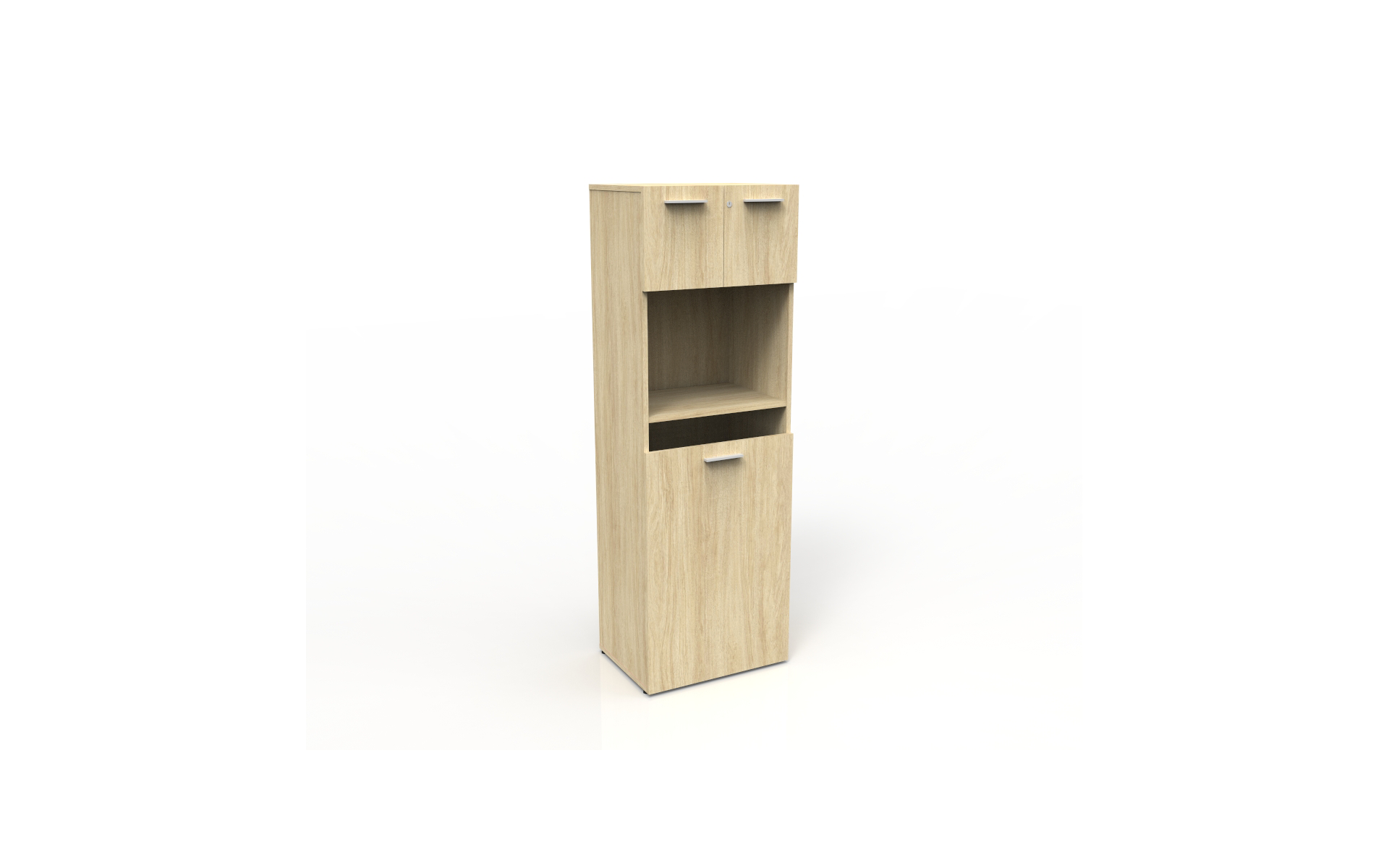
Storage Cabinet Closed shelves protect equipment and documents from dust; adjustable shelves improve flexibility. Powder-coated steel, plywood, or moisture-resistant engineered wood with sealed edges. Strong hinges, level-adjustable feet, reinforced doors, and wall anchoring for tall units. Check internal shelf clearance and select a depth that does not obstruct walking space. ★★★★★ Bulk supplies, electronics, and less frequently used items.
Task Lighting Unit Some models include a small base compartment or USB charging area. Aluminum, steel, or heat-resistant polymer with a stable weighted base. Adjustable joints, protected wiring, stable base, and replaceable or long-life light source. Use a dimmable light with adjustable direction; avoid glare on the monitor. ★★★★☆ Focused desk lighting and reduced eye strain from uneven illumination.
Selection note: Capacity figures are practical planning ranges for evenly distributed loads. Actual performance depends on construction quality, assembly, moisture exposure, cleaning practices, and compliance with the manufacturer’s instructions. For tall storage units, wall anchoring is recommended to reduce tip-over risk.
Compare Styles, Features, and Budget Before Buying

How to Choose the Best Home Office Furniture?

Compare Styles, Features, and Budget Before Buying

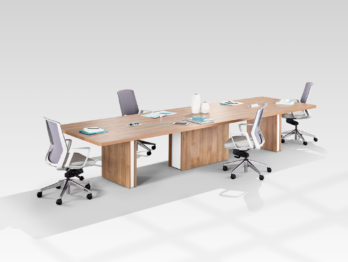
Your office style should support your work, not distract from it. A minimalist desk creates visual calm, while a traditional wooden desk may feel warmer and more substantial. Measure the room before shopping. Leave enough space for your chair to move freely. A compact desk can work well, but shallow surfaces often make paperwork uncomfortable.

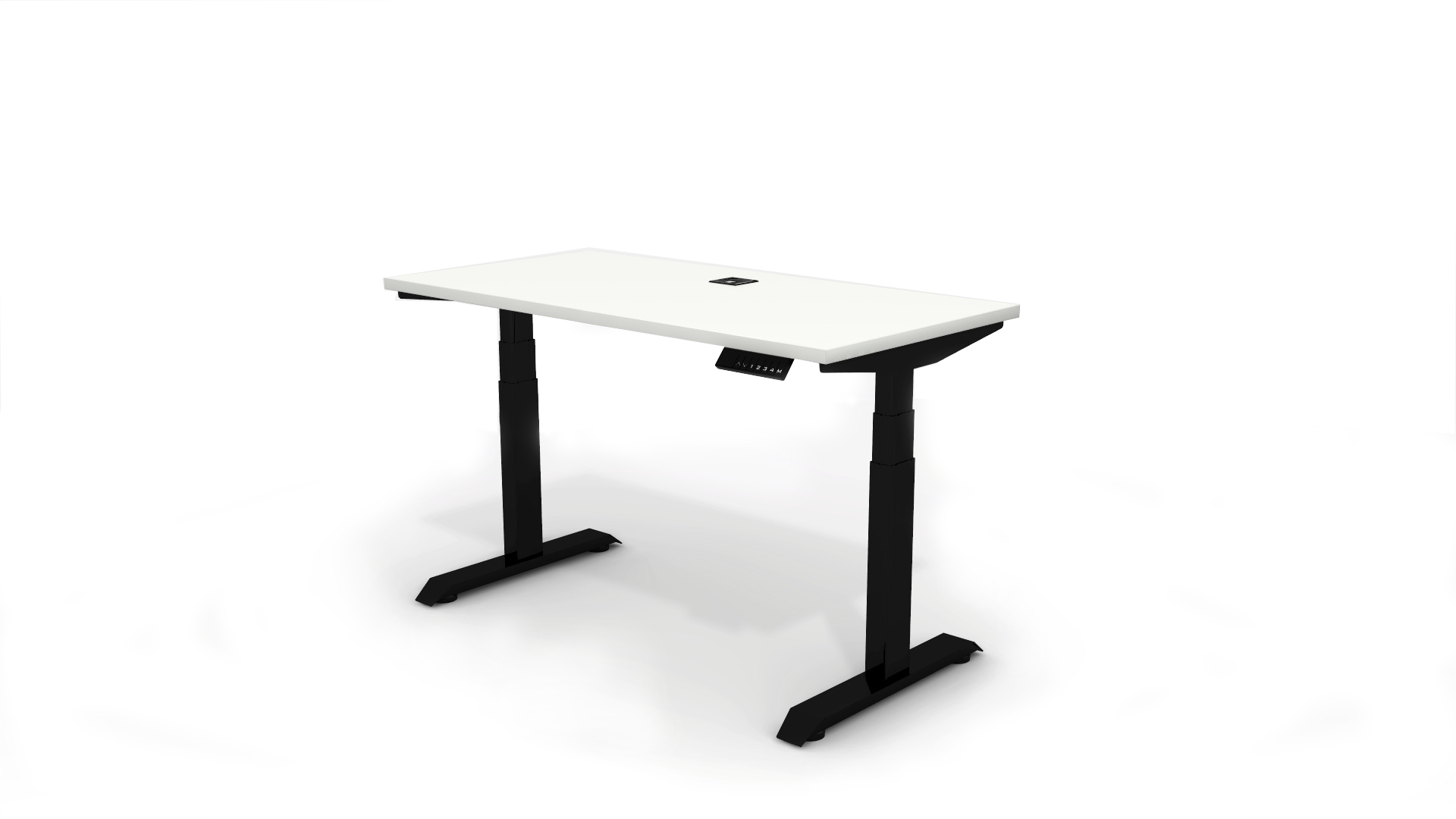
Features deserve closer attention than appearance. Choose a chair with adjustable seat height, lumbar support, and stable armrests. Your feet should rest flat on the floor, with your elbows near desk height. Check whether drawers open fully and whether cable openings match your equipment. A height-adjustable desk offers flexibility, although its controls and moving parts may require maintenance.

Budget decisions need practical comparisons. Set a total limit that includes delivery, assembly, lighting, and a supportive chair. Spending everything on the desk is a common mistake. A durable chair may improve long working sessions more than decorative storage. Read independent reviews, inspect return policies, and check weight limits carefully. I once bought a beautiful desk with insufficient legroom. It looked right, but daily use proved otherwise. No checklist is perfect. Leave room to reconsider.