Tayco Office Furnishings Inc.
400 Norris Glen Rd.
Toronto, ON M9C 1H5
T: (416) 252-8000
T: (800) 675-4092
F: (416) 252-4467
[email protected]
Tayco Office Furnishings Inc.
400 Norris Glen Rd.
Toronto, ON M9C 1H5
T: (416) 252-8000
T: (800) 675-4092
F: (416) 252-4467
[email protected]
Global office design is shifting from fixed desks toward adaptable, human-centered environments. Gensler’s 2024 Global Workplace Survey found that employees perform better when workplaces support focus, collaboration, and choice. JLL’s 2024 Global Occupancy Planning Benchmarking Report also reported stronger demand for flexible office layouts and measurable space efficiency. These findings make office furnishings a strategic investment, not merely a purchasing decision.
The following guide examines ten office furnishings that global buyers should evaluate carefully. Desks, ergonomic chairs, acoustic panels, modular storage, task lighting, meeting tables, lounge seating, privacy screens, monitor arms, and collaborative boards each solve different workplace problems. Small details matter. A chair’s lumbar adjustment can affect an eight-hour workday. A movable screen can turn one open area into two quieter zones. Workplace expert and author Dr. Tracy Brower emphasizes, “The workplace is a tool for connection, collaboration, and culture.” Her view reinforces the need to match furniture with human behavior, not fashion alone.
No universal ranking exists. Regional work habits, climate, accessibility standards, budgets, and delivery capacity can change the best choice. Some buyers may prioritize recycled materials, while others need rapid installation across several countries. The analysis therefore considers ergonomics, durability, sustainability, maintenance, technology integration, and total cost of ownership. Data cannot capture every local reality. That limitation deserves attention. A polished showroom may hide uncomfortable seating, difficult repairs, or poor acoustic performance. Careful buyers should test products, review certifications, and collect employee feedback before committing to large international orders.
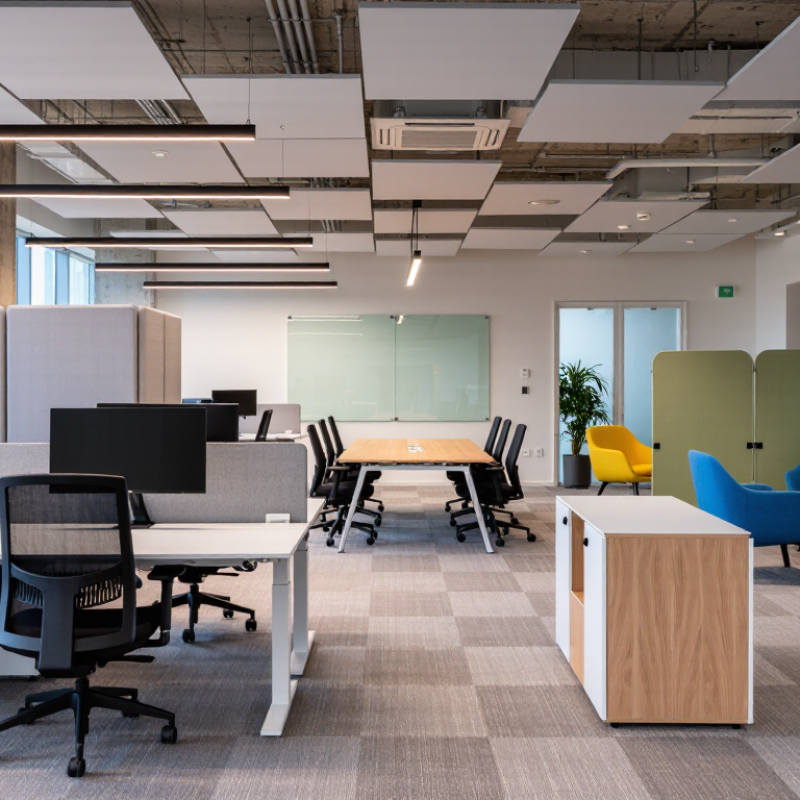
Global buyers should judge office furnishings by measurable performance, not attractive photographs. A practical shortlist may include task chairs, sit-stand desks, monitor arms, worktables, storage units, lighting, acoustic panels, meeting tables, lounge seating, and reception counters. ISO 9241 helps evaluate comfort, adjustability, screen position, and human-system interaction. These details matter during a nine-hour workday.
BIFMA standards can support checks for durability, stability, load capacity, and safer commercial use. Buyers should request current test reports, material specifications, warranty terms, and maintenance instructions. A chair should adjust smoothly, hold its position, and support different body sizes. A desk should remain stable when raised, even with a monitor, laptop, and documents on top. Test samples in real rooms. Small flaws appear quickly.
Total-cost metrics reveal more than the purchase price. Compare shipping, assembly, spare parts, cleaning, energy use, repair time, and expected replacement cycles. A cheaper chair may cost more after repeated mechanism failures. Our first procurement shortlist once favored low prices, and that decision created avoidable service work. We now score comfort, compliance evidence, repairability, packaging waste, and five-year ownership cost. The scoring model still needs review because user comfort is partly subjective. Record feedback from different regions, body types, and working patterns before approving large orders.
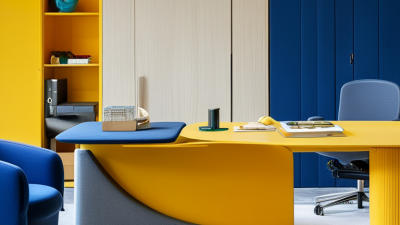
Global office buyers should treat chairs and desks as health equipment, not decoration. OSHA ergonomics guidance emphasizes neutral postures, adjustable workstations, and reduced strain. A chair should support the lower back and let feet rest flat. Knees should remain near hip level. Adjust armrests so shoulders stay relaxed. Keep the screen near eye height, about an arm’s length away. Small adjustments matter.
A desk must fit the worker, not the other way around. Select a surface with space for the keyboard, mouse, and forearms. Height-adjustable desks can support posture changes between sitting and standing. Standing all day is not a solution. WHO guidance encourages adults to limit sedentary time and replace it with movement. Buyers can specify sit-stand options, short walking routes, and meeting spaces without chairs. A timer may prompt movement, though prompts are easy to ignore.
In real offices, users often lower chairs, raise laptops, and work around poor layouts. I have seen ideal setups fail when cables block foot space or controls confuse staff. Test sample furniture with different body sizes before placing a large order. Check adjustment ranges, stability, cleanability, and repair access. Ask workers to record discomfort after several days, not after a five-minute trial. No chair fixes every problem. Procurement teams should review usage patterns, local workplace requirements, and accessibility needs. A cheaper desk can become expensive when employees avoid it or cannot adjust it.
| Rank | Office Furnishing | Recommended Selection Criteria | Ergonomic Benefit | WHO Sedentary-Time Application | Global-Buyer Considerations | Evidence Basis |
|---|---|---|---|---|---|---|
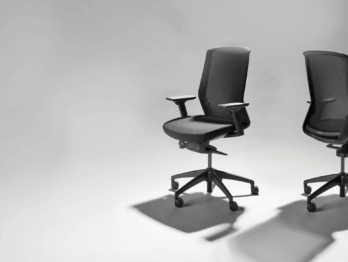
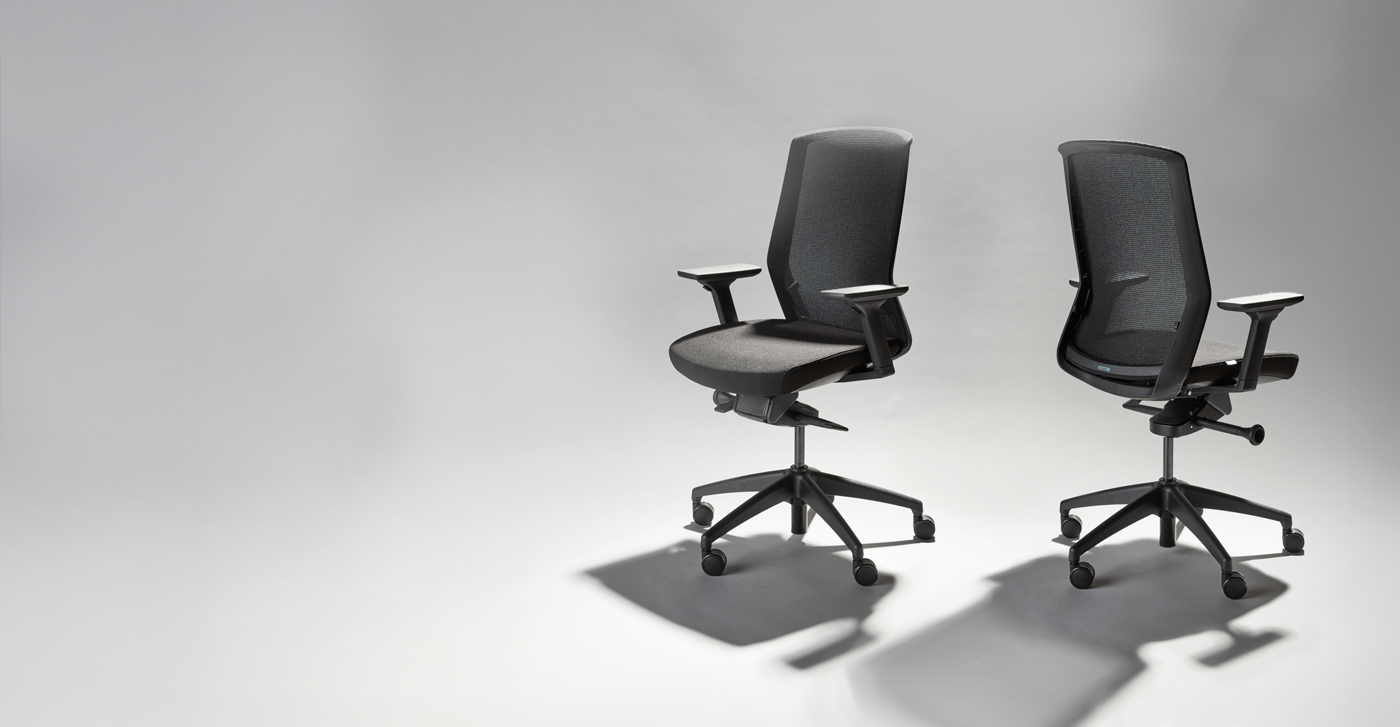
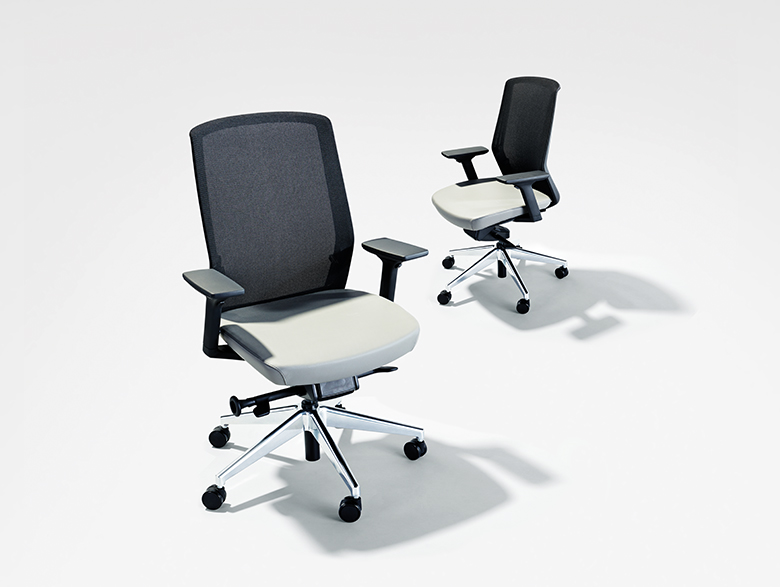
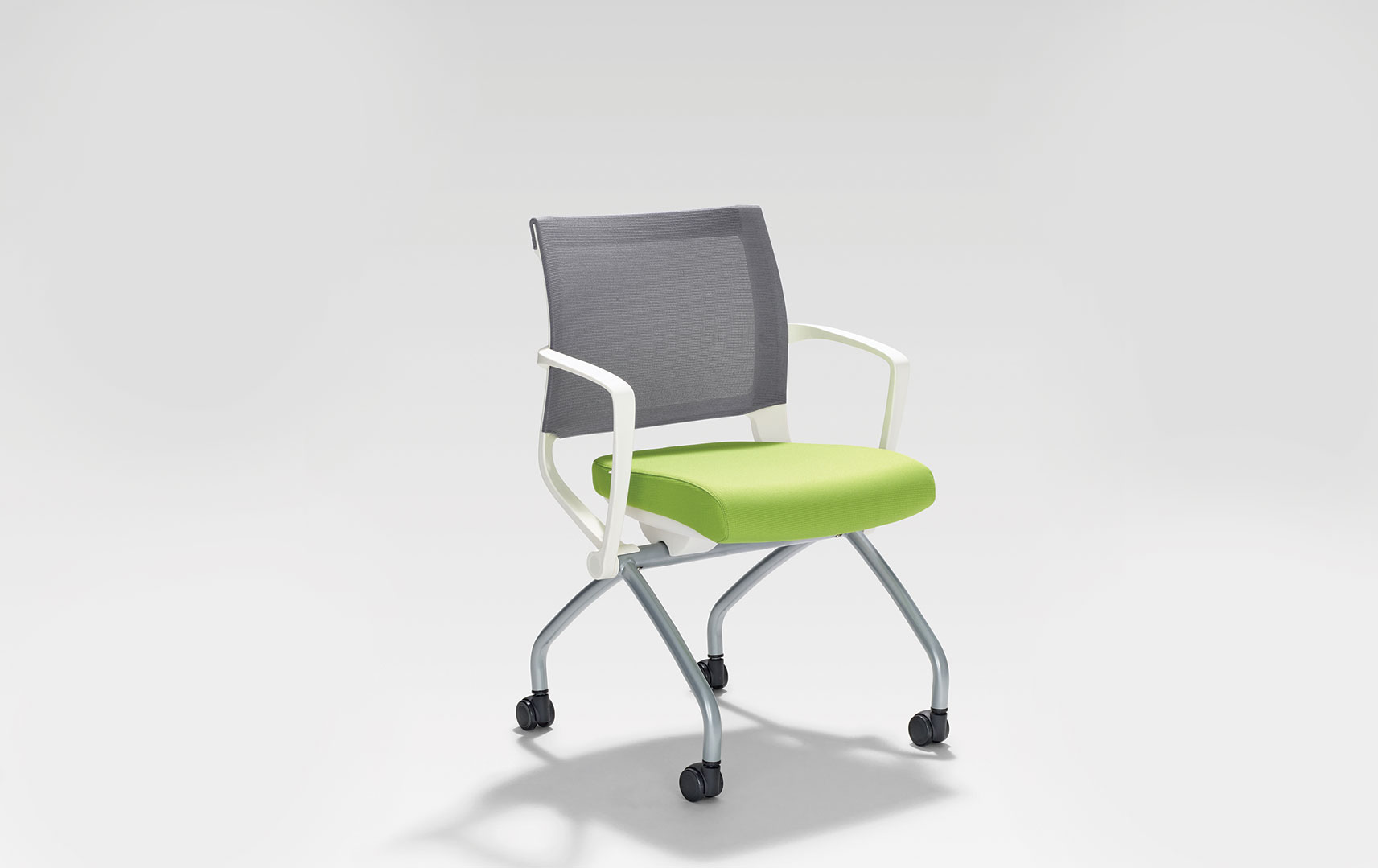
| 1 | Adjustable Ergonomic Task Chair | Adjustable seat height, backrest, armrests, and lumbar support; a stable five-leg base; breathable upholstery; and a seat depth that allows the user to sit back without pressure behind the knees. | Supports a neutral posture and lets users adjust the chair to their body and desk height. | Promotes comfortable posture during seated work but should be paired with regular standing, walking, and movement breaks. | Verify adjustment instructions, load rating, replacement parts, fire-safety requirements, and upholstery performance for the destination market. | OSHA computer-workstation guidance recommends an adjustable chair with proper back support, stable construction, and suitable seat height. |
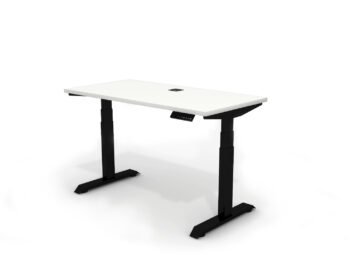
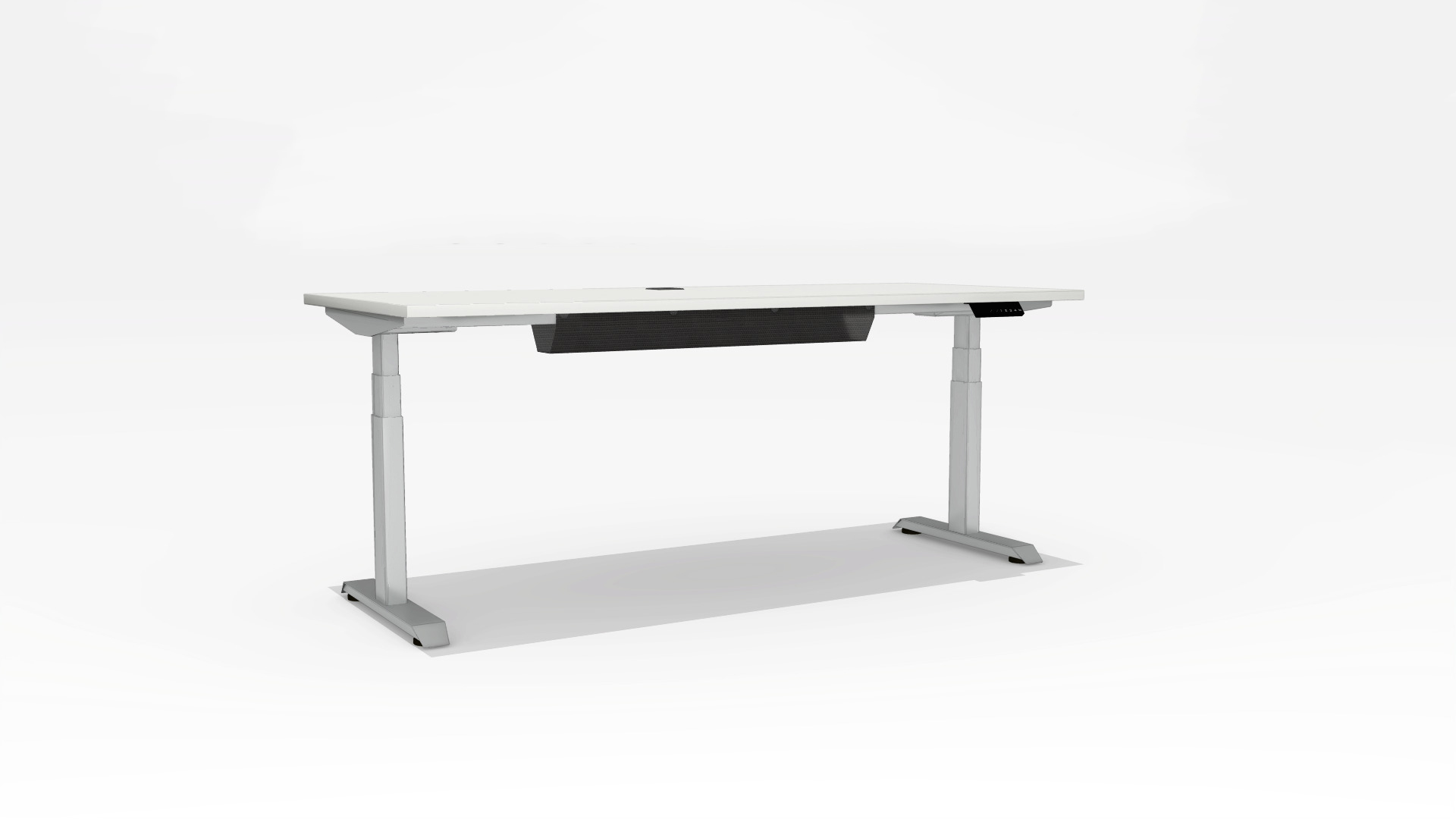
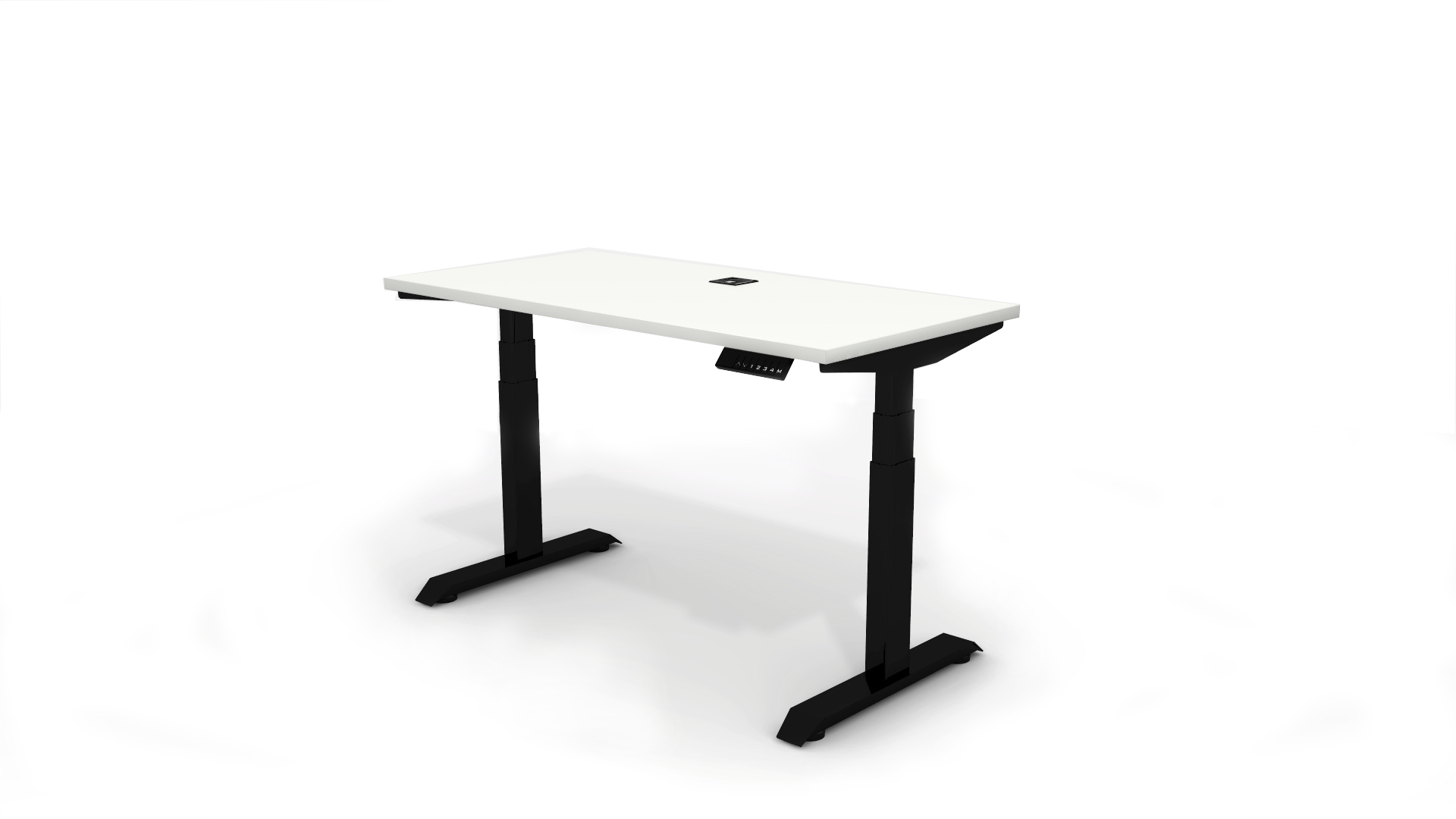
| 2 | Electric Height-Adjustable Sit-Stand Desk | A wide height range suitable for the intended user population, stable lifting columns, anti-collision protection, a quiet motor, and a control panel with memory presets. | Allows the work surface to be positioned near elbow height while seated or standing, reducing awkward shoulder and wrist positions. | Makes it easier to alternate between sitting and standing; standing should complement, not replace, walking and other physical activity. | Check voltage compatibility, plug type, electrical certification, duty cycle, noise rating, shipping weight, and local service availability. | OSHA recommends positioning the keyboard and work surface so the shoulders are relaxed and elbows remain close to the body; WHO recommends reducing sedentary time and increasing physical activity. |
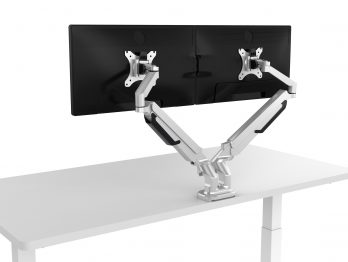
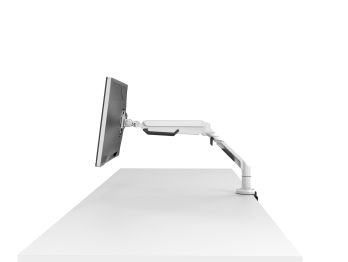
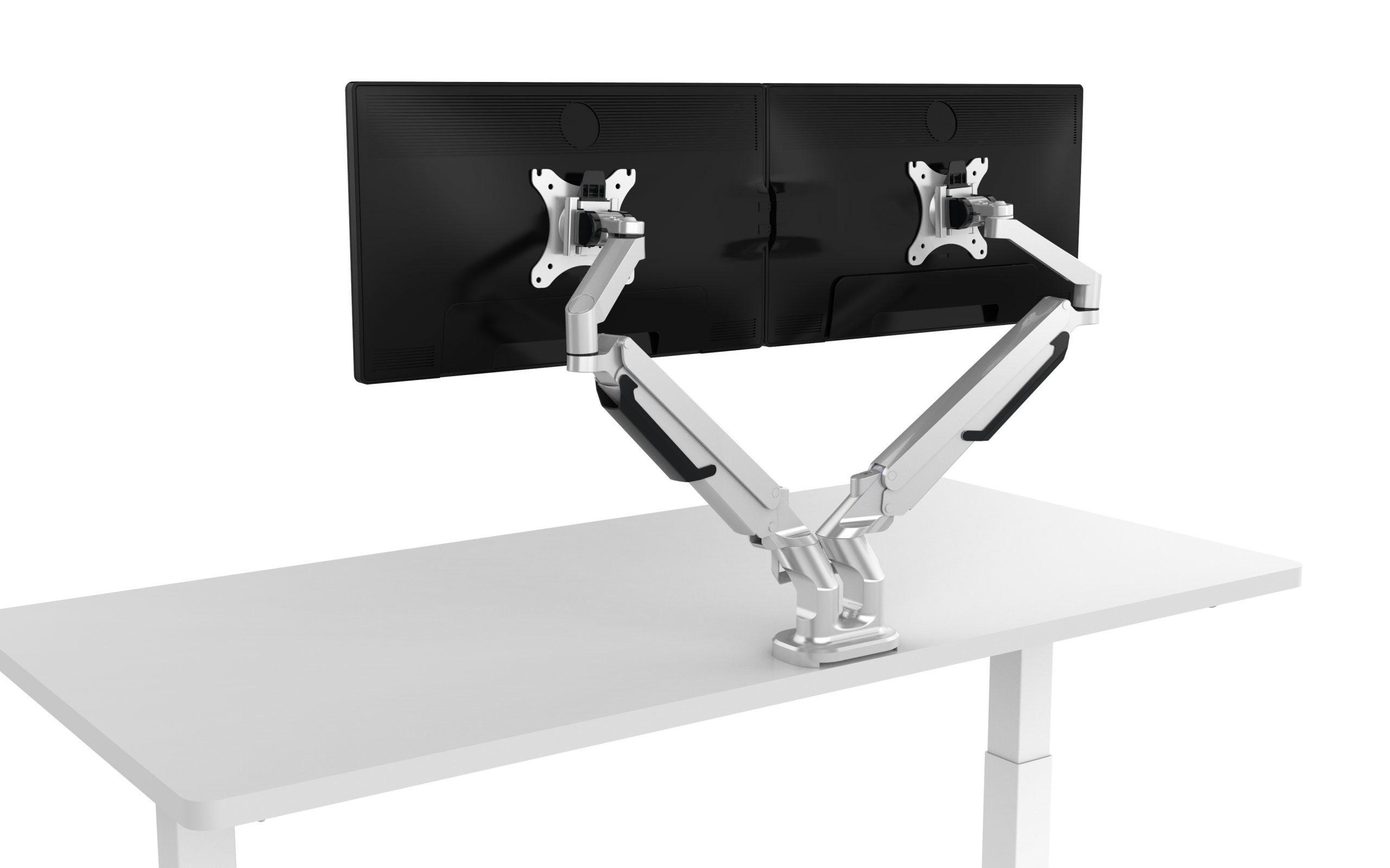
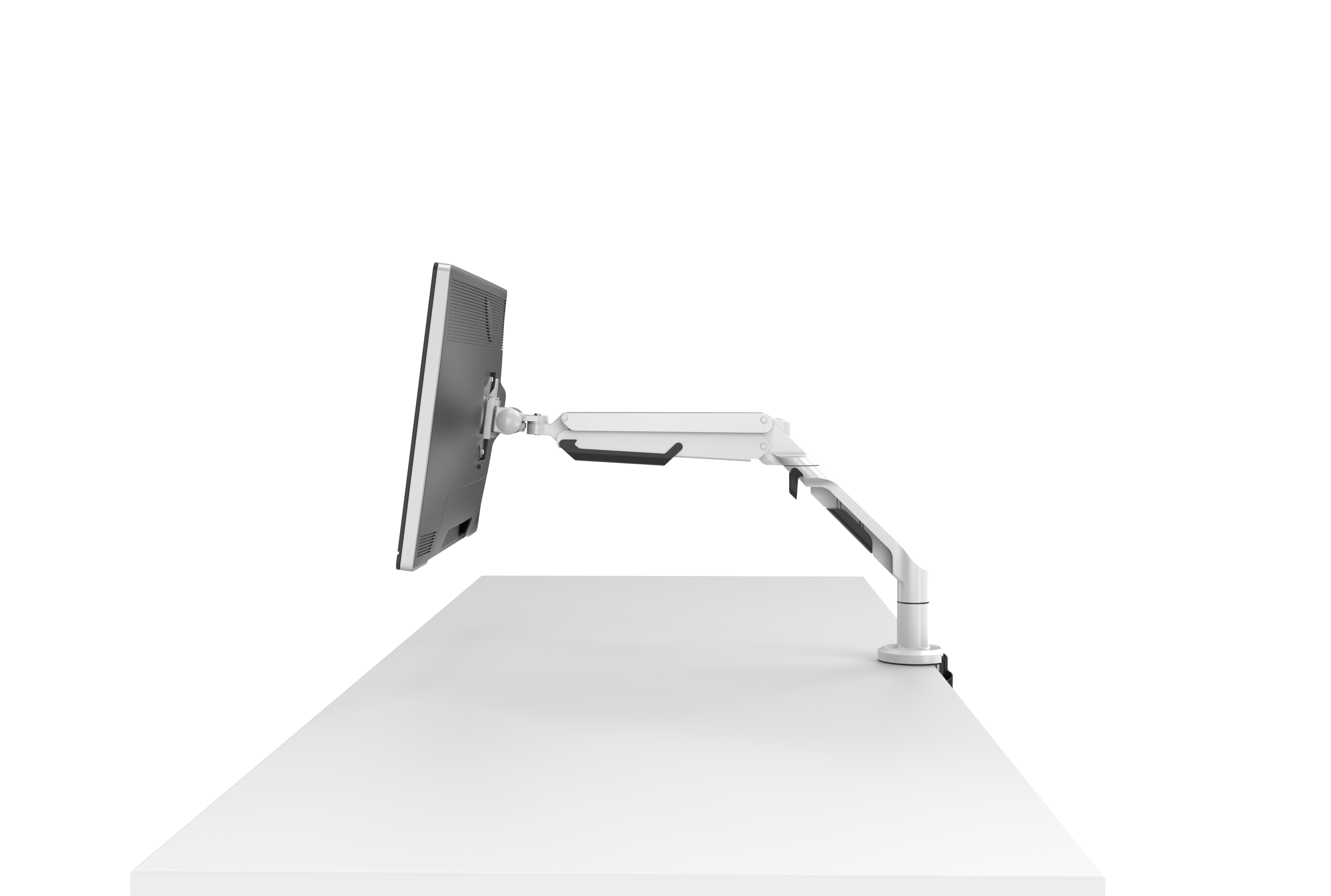
| 3 | Adjustable Monitor Arm | Height, depth, tilt, and swivel adjustment; adequate weight capacity; compatible mounting pattern; and a secure clamp or grommet installation. | Helps place the primary screen directly in front of the user and at a comfortable viewing height, limiting neck rotation and excessive bending. | Supports posture changes when the desk height changes and can clear workspace areas for brief movement tasks. | Confirm desk thickness limits, mounting hardware, monitor weight range, cable-routing design, and compatibility with local desk materials. | OSHA advises placing the monitor to avoid awkward neck posture and excessive glare. |
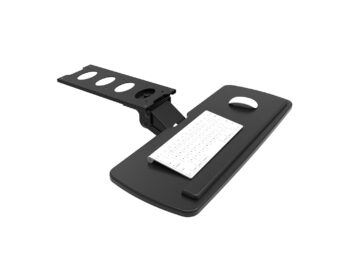
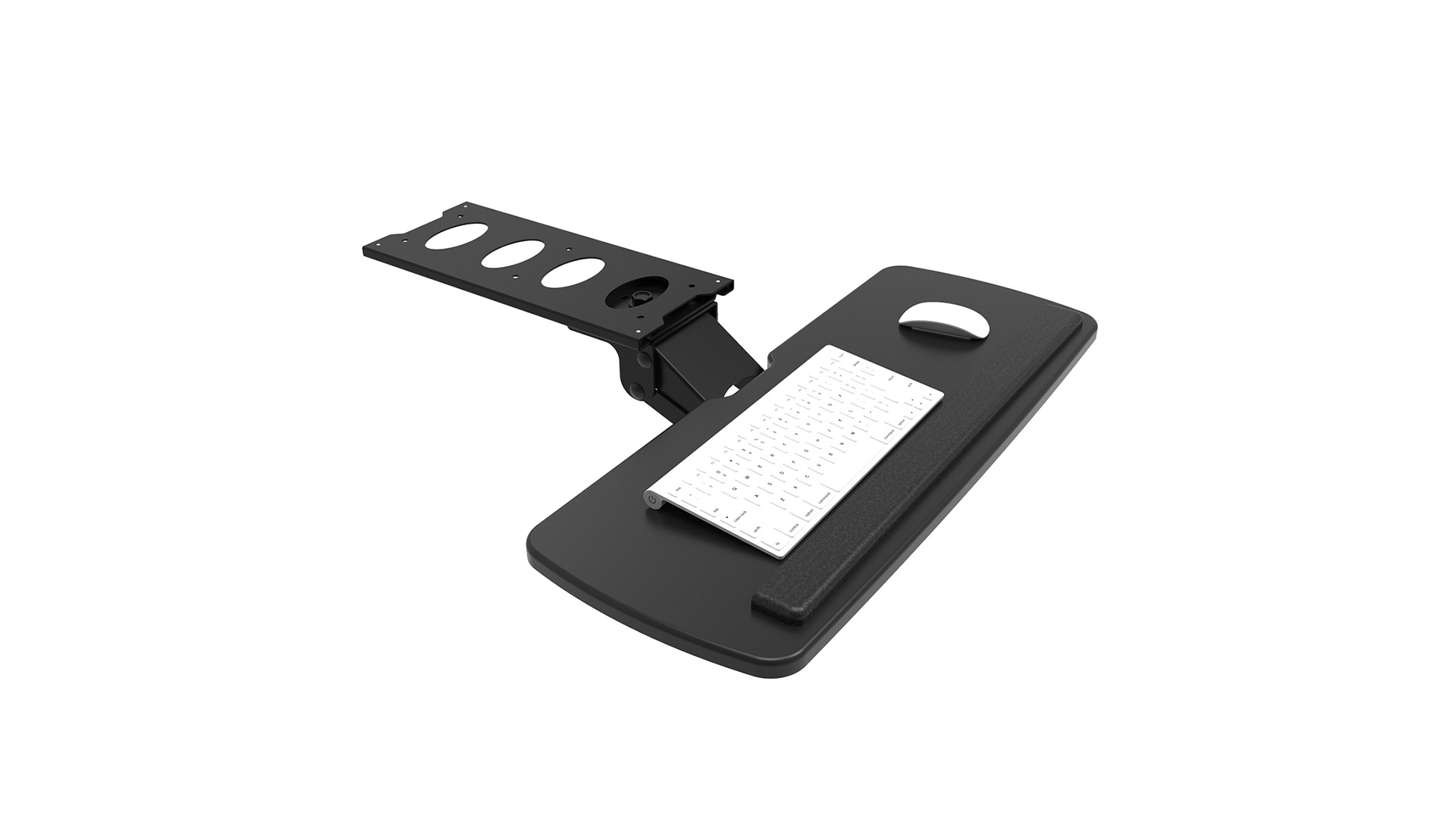
| 4 | Split or Height-Adjustable Keyboard Tray | Adjustable height and tilt, sufficient width for the keyboard and pointing device, stable support, and a design that keeps the tray close to the user. | Can help keep wrists relatively straight and shoulders relaxed when the desk surface is too high. | Supports alternating seated and standing configurations when the tray moves with the workstation. | Check clearance under the desk, attachment method, load capacity, corrosion resistance, and compatibility with different desk frames. | OSHA recommends positioning input devices so wrists remain in a neutral, straight alignment and shoulders stay relaxed. |
| 5 | Height-Adjustable Footrest | A broad, non-slip platform with adjustable height or angle, rounded edges, and a stable base that does not slide on the floor. | Provides lower-limb support when the chair cannot be lowered enough for the feet to rest comfortably on the floor. | A rocking or tilting surface may encourage small movements during seated work, but it is not a substitute for standing or walking. | Select materials and dimensions suited to local flooring, cleaning requirements, climate, and packaging constraints. | OSHA workstation guidance notes that a footrest may be useful when feet cannot rest comfortably on the floor. |
| 6 | Anti-Fatigue Mat for Sit-Stand Workstations | Moderate cushioning, beveled edges, slip resistance, easy-clean surface, and sufficient coverage for the user’s standing area. | May improve comfort during standing tasks and reduce pressure from hard flooring. | Makes short standing intervals more comfortable, while users should still change posture and move regularly. | Check slip performance, edge visibility, odor, cleaning compatibility, fire requirements, and suitability for carpet or hard floors. | Supports practical implementation of posture variation; WHO guidance emphasizes reducing sedentary behavior and increasing movement. |
| 7 | Task Chair with Synchronous Recline | Backrest recline with seat-pan coordination, adjustable tension, a locking mechanism, lumbar support, and armrests that move with the user. | Permits posture variation and back support instead of requiring a rigid, fixed sitting position. | Encourages users to change position during seated tasks, although movement away from the chair remains necessary. | Evaluate mechanism durability, user weight range, repairability, test documentation, and availability of replacement casters. | OSHA guidance supports adjustable backrests and posture changes to reduce static loading during computer work. |
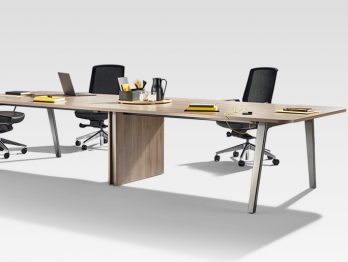
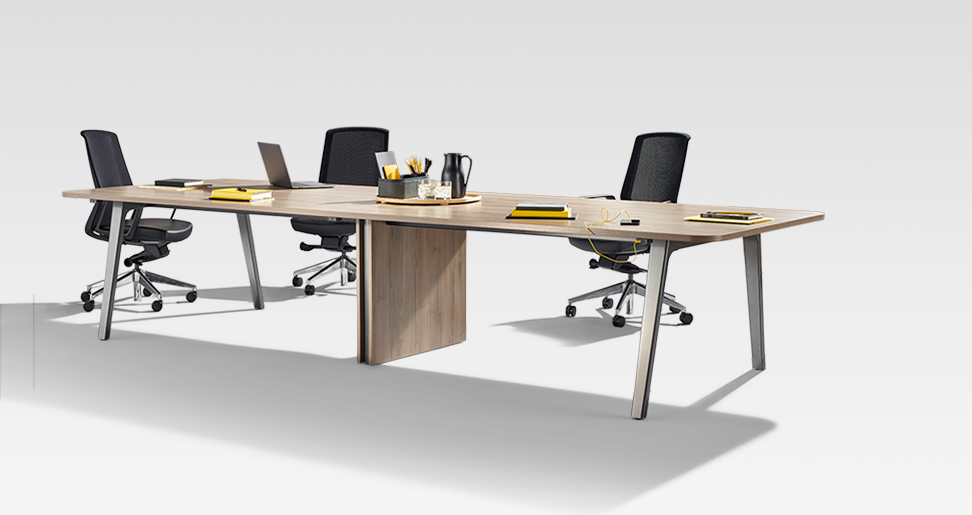
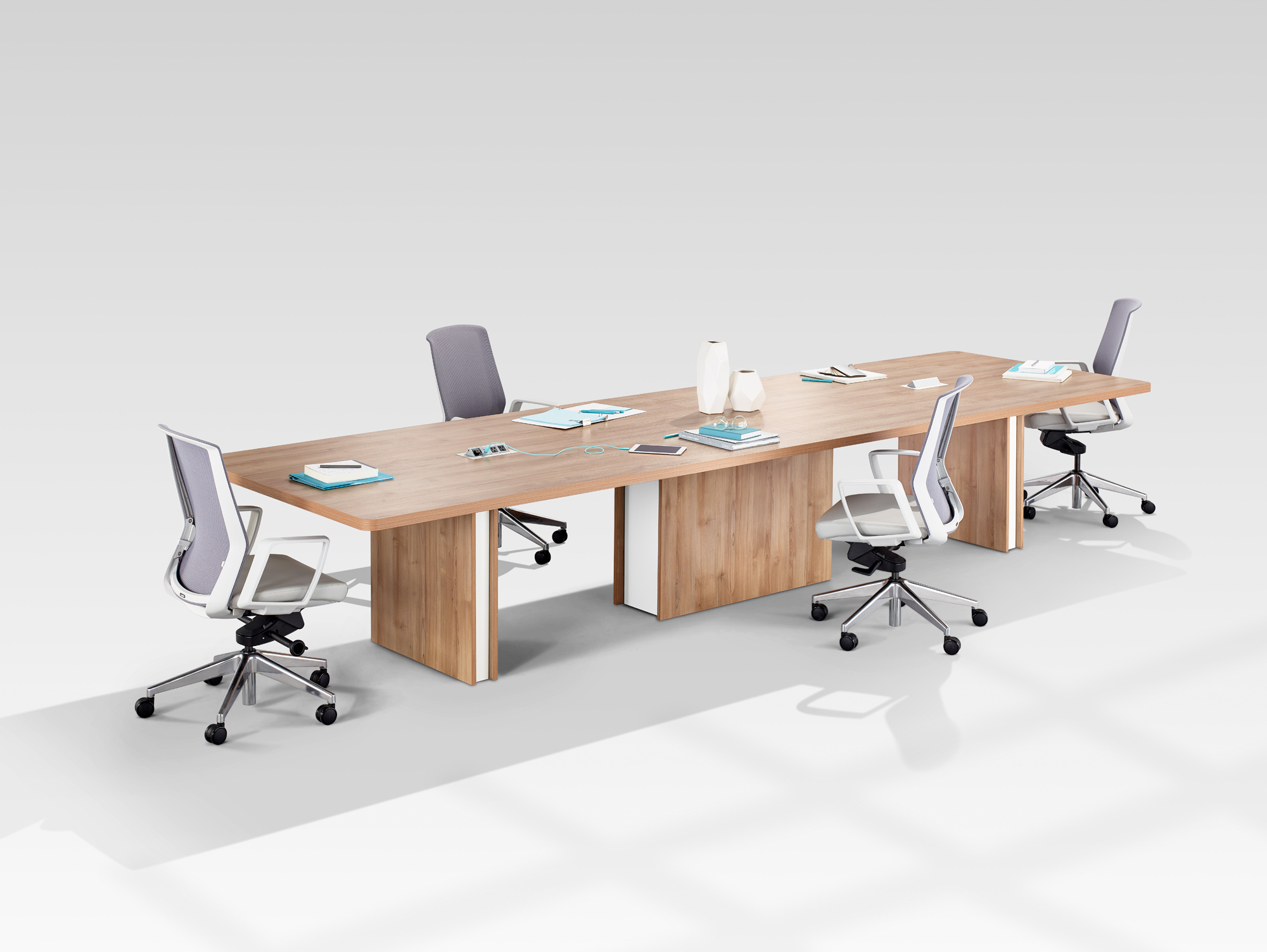
| 8 | Modular Collaborative Worktable | Rounded edges, adequate leg clearance, durable low-emission materials, cable management, and reconfigurable modules for different team layouts. | Provides sufficient surface area and clearance for neutral working postures without forcing users to twist or reach excessively. | Supports meetings and task changes that can naturally include standing, walking, or room transitions. | Confirm panel dimensions, fire and emissions documentation, flat-pack efficiency, assembly tools, and regional replacement-part supply. | OSHA recommends adequate workspace, legroom, and placement that avoids awkward reaching and contact stress. |
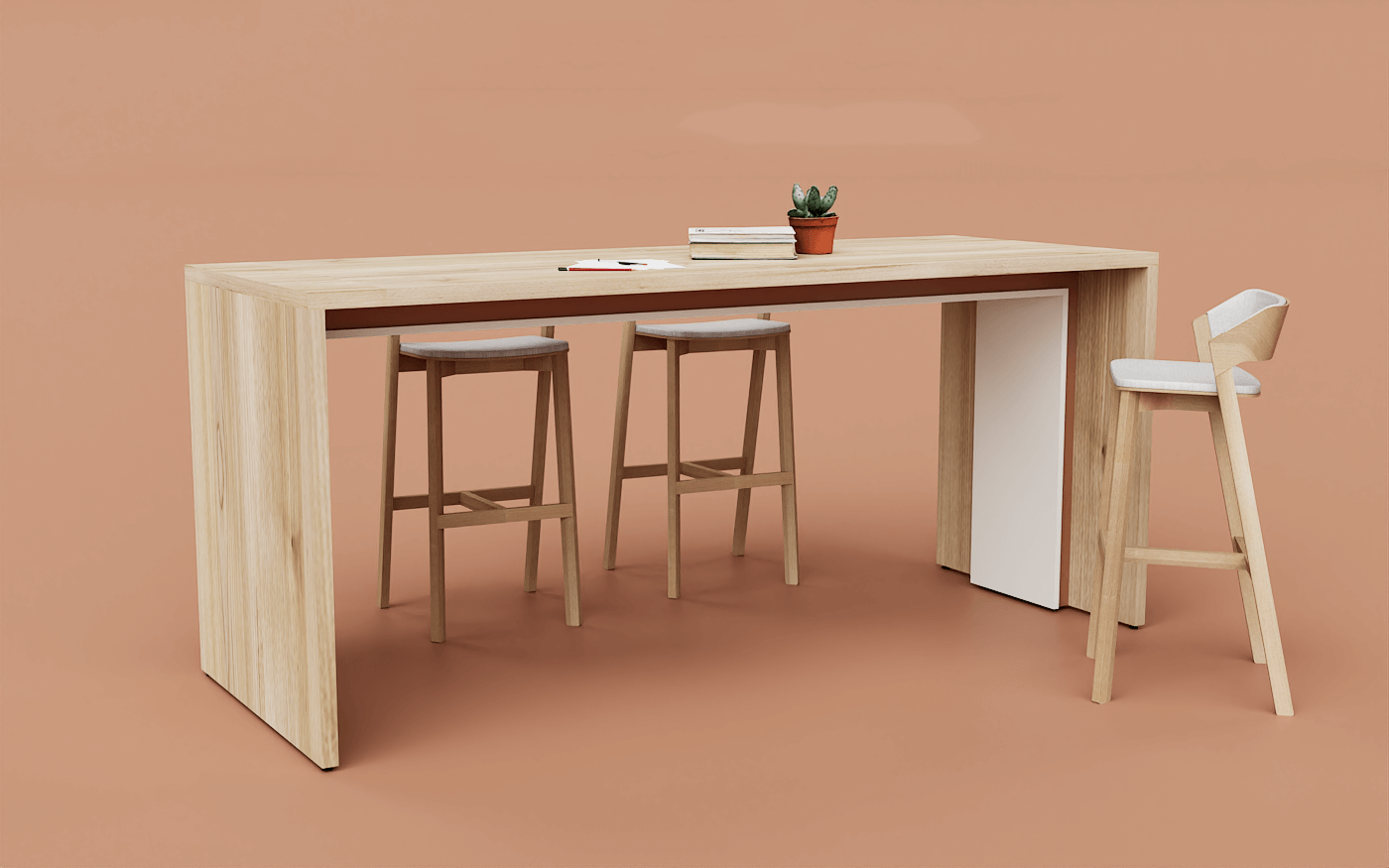
| 9 | Mobile Meeting Table | Lockable casters, stable frame, rounded corners, nesting or folding capability, and a height appropriate for seated or standing meetings. | Enables flexible room layouts and reduces prolonged fixed workstation use. | Makes standing meetings and movement between work areas easier, helping reduce uninterrupted sedentary periods. | Check caster performance on local floor types, brake reliability, doorway dimensions, shipping volume, and regional safety requirements. | Aligns with WHO guidance to limit sedentary time by integrating more movement into the workday. |
| 10 | Ergonomic Storage and Printer Stand | Stable shelves, rounded corners, accessible operating height, cable management, ventilation for equipment, and anti-tip protection. | Places frequently used items within a comfortable reach zone and reduces repeated bending, overreaching, or twisting. | Positioning shared equipment away from the desk can create brief opportunities to stand and walk. | Verify load capacity, electrical cable routing, anti-tip performance, humidity resistance, and compliance with local material standards. | OSHA guidance recommends arranging frequently used items to minimize awkward reaching; WHO guidance supports reducing prolonged sitting through regular movement. |
Practical guidance: Ergonomic furnishings should be adjusted to the individual user, workstation, and task. WHO guidance recommends limiting sedentary time and replacing it with physical activity of any intensity when possible; for adults, WHO recommends 150–300 minutes of moderate-intensity aerobic activity per week, or an equivalent combination of moderate- and vigorous-intensity activity.
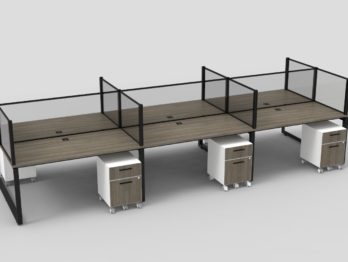
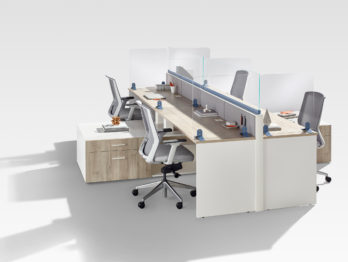
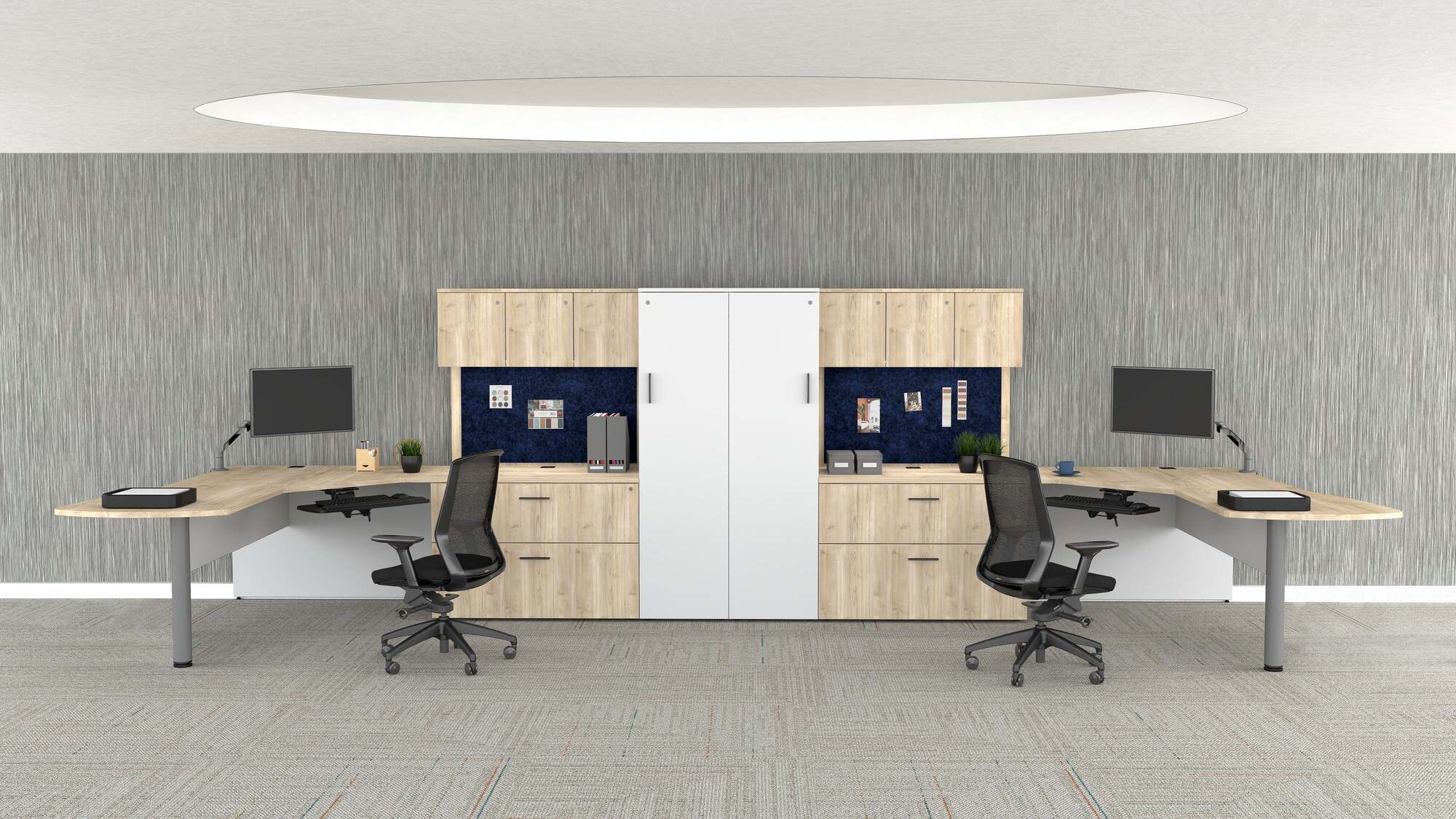
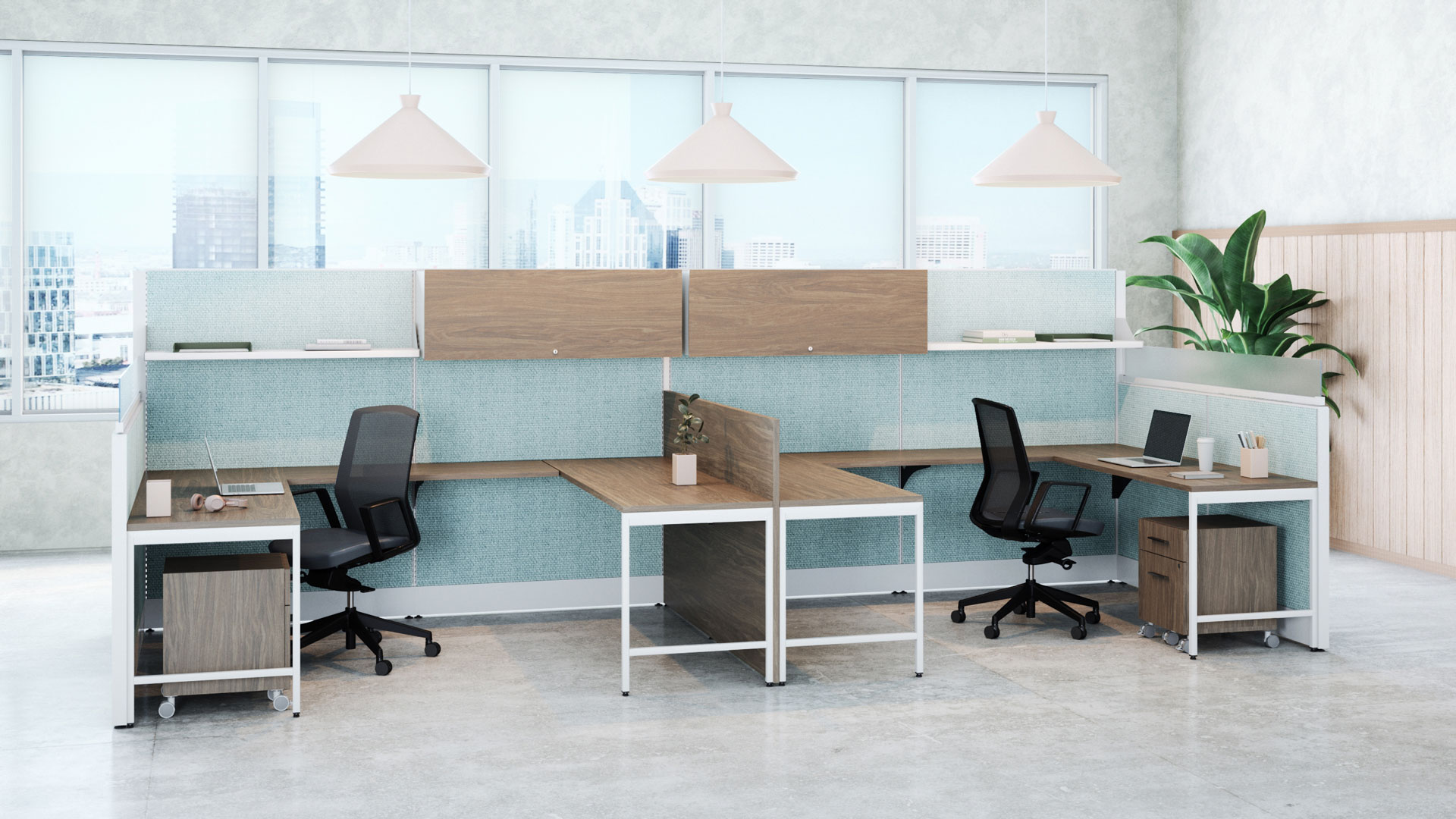
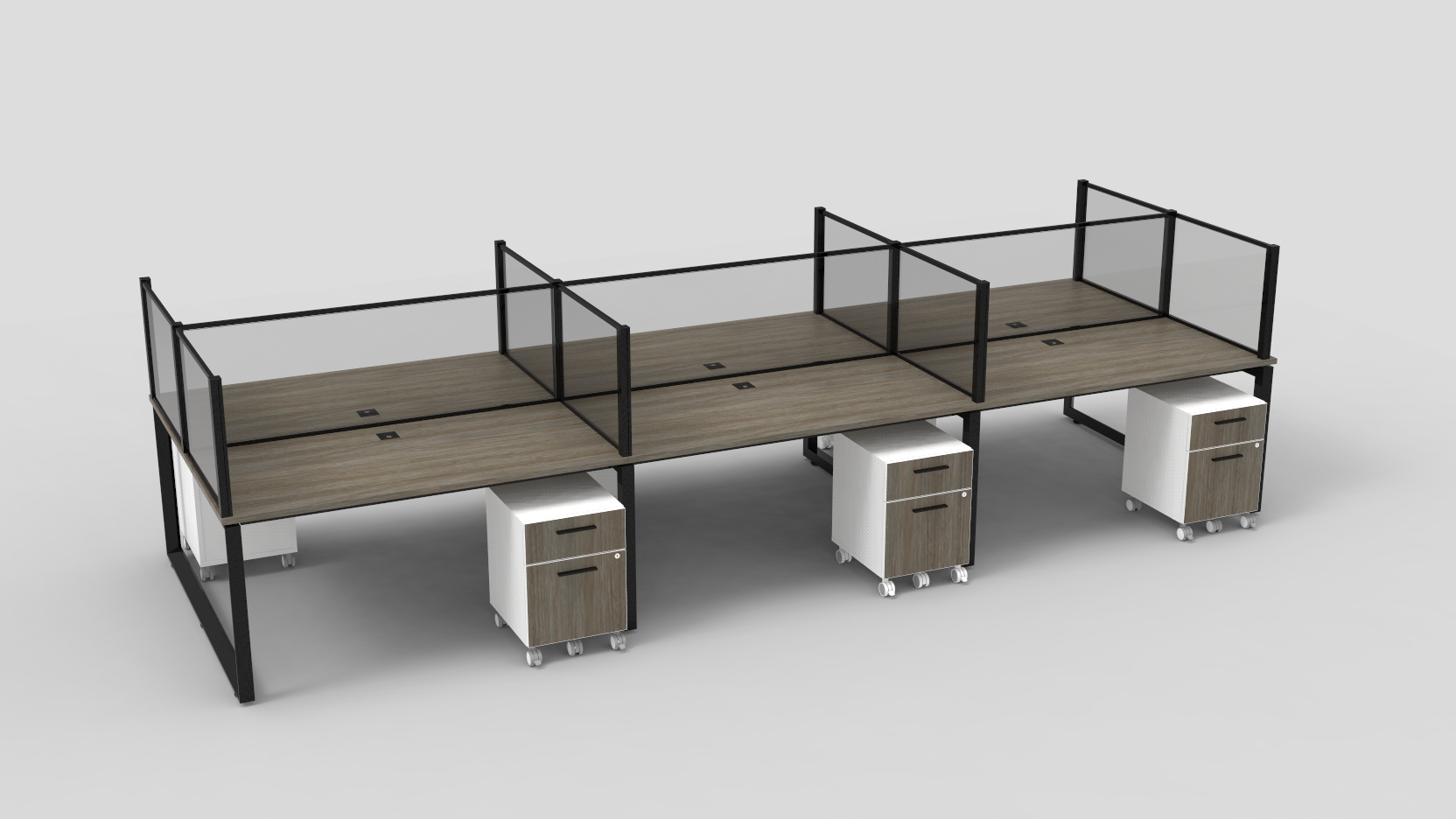
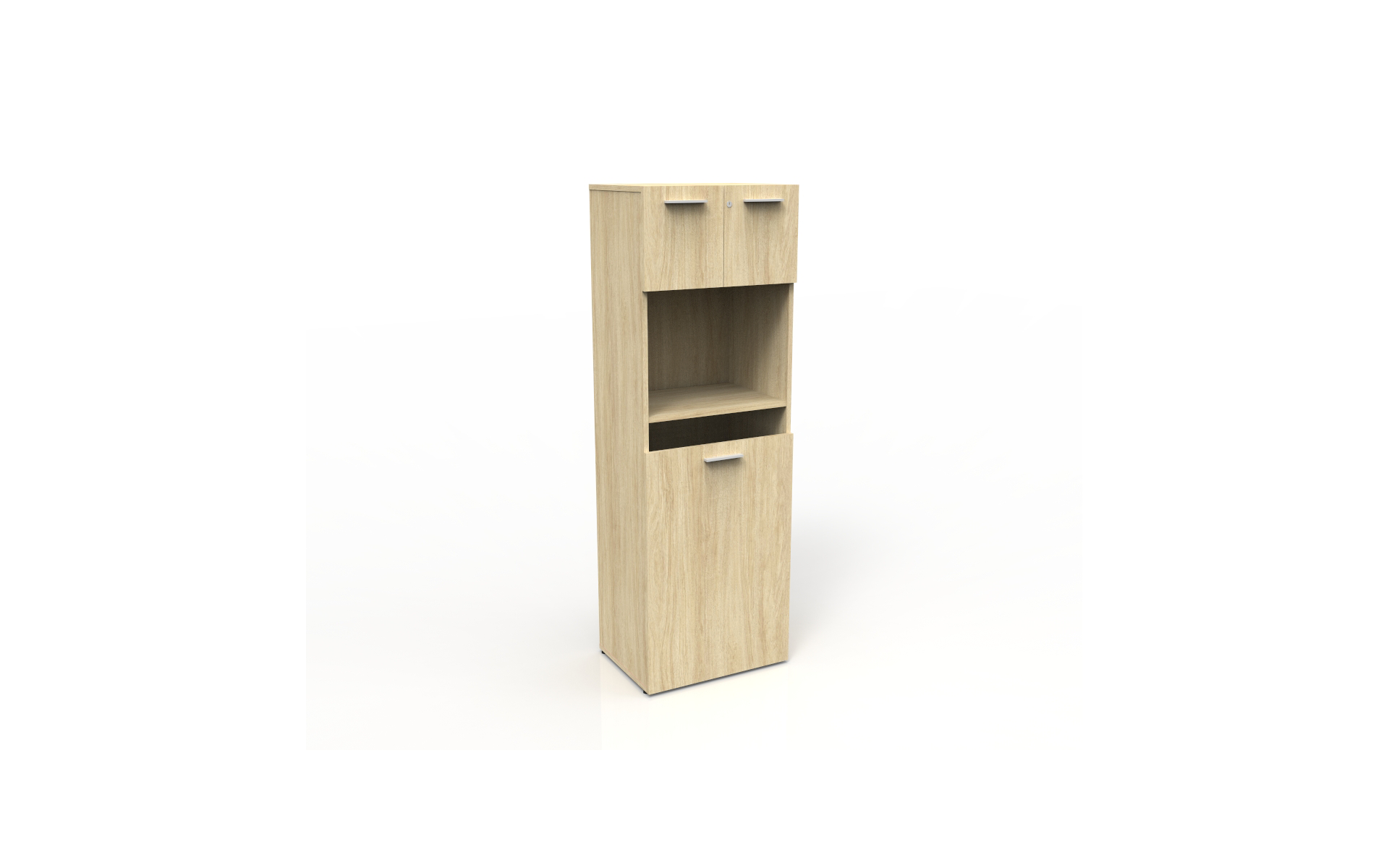
Global buyers often rank workstations and storage among the ten most important office furnishings. These products shape daily comfort, safety, and workflow. A practical specification should cover desk frames, work surfaces, pedestals, cabinets, shelving, and mobile storage.
BIFMA X5 test methods help buyers assess strength, stability, and durability. Select the applicable standard for each product type. Workstations should withstand repeated loading, horizontal force, and impact without dangerous movement. Storage units need secure doors, reliable drawers, and resistance to tipping. Ask suppliers for test reports, laboratory details, loading limits, and sample identification. Do not accept “BIFMA tested” as complete evidence.
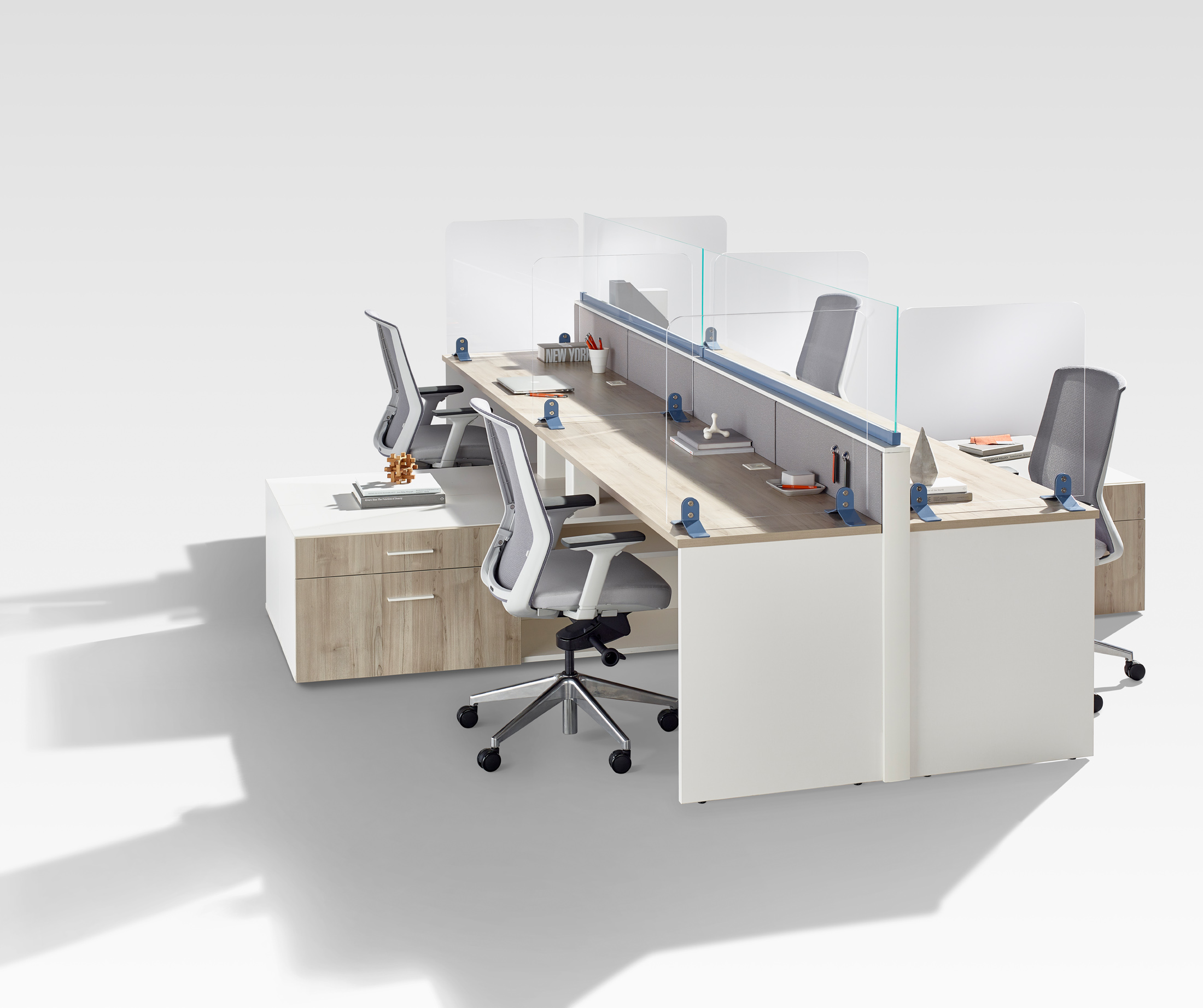
Real offices are rarely gentle. Users lean on desks, overfill drawers, and move cabinets across uneven floors. Specify rounded edges, adjustable leveling feet, smooth drawer stops, and anchoring options. Check cable openings and leg clearance with actual equipment. Small details matter.
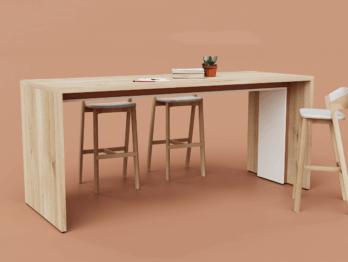
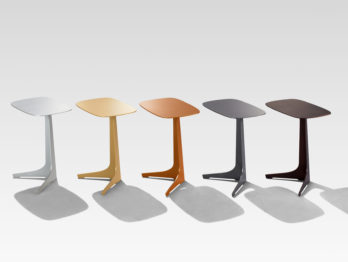
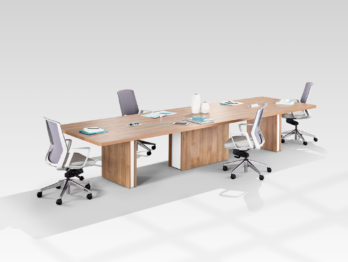
A perfect specification is rare. I have seen attractive workstations fail because their frames loosened after repeated use. I have also seen strong cabinets become impractical when drawers opened too narrowly. Request a pre-shipment inspection and compare samples with the approved drawings. Review local installation conditions, climate exposure, and maintenance access. Safety claims should be traceable, current, and supported by measurable results.
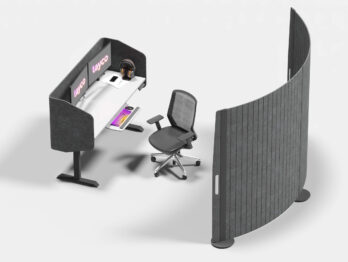
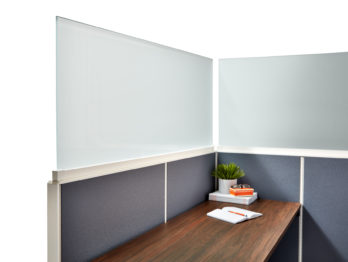
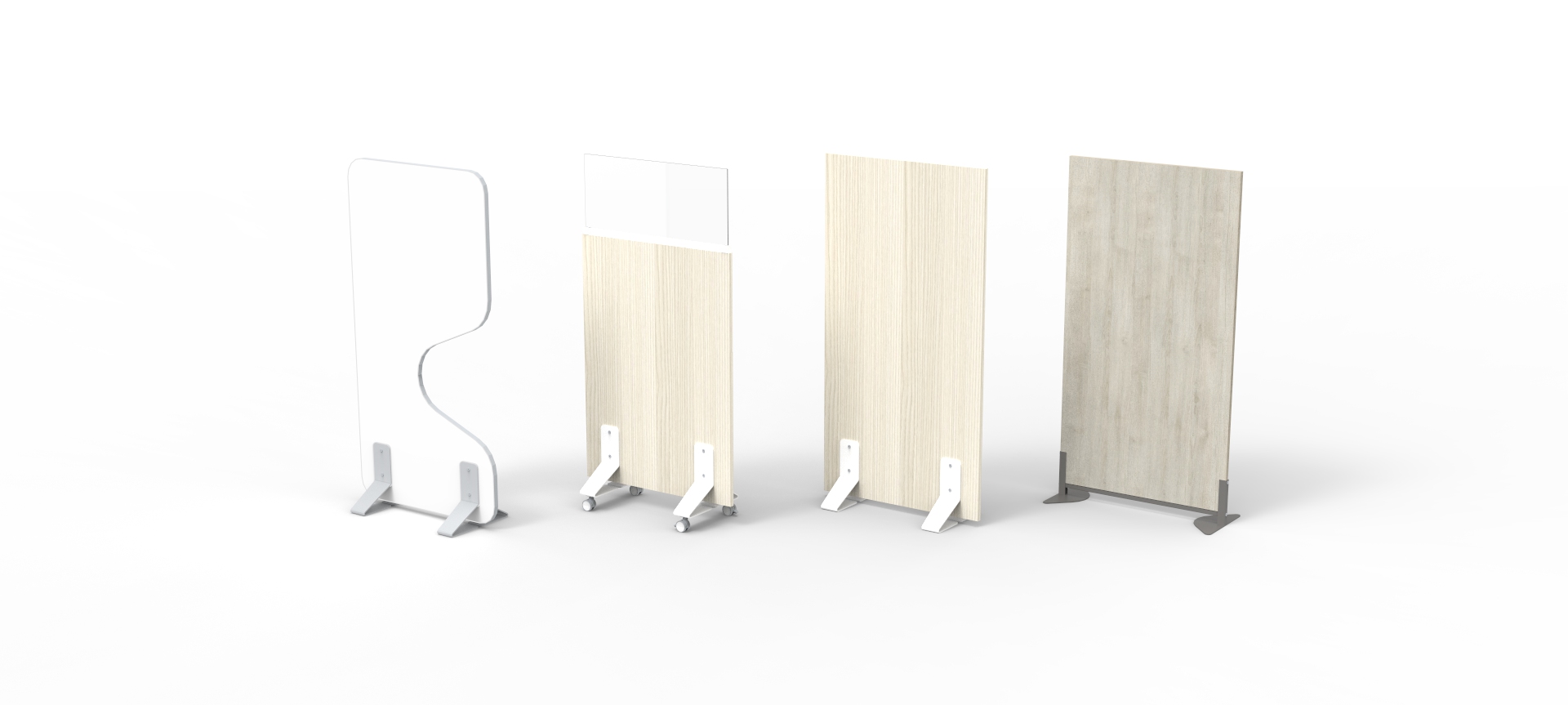
For global buyers, acoustic panels and screens are practical office furnishings, not decorative extras. WELL v2 treats sound as a health and performance issue. Its criteria address maximum noise, sound absorption, sound barriers, background sound, and occupant control. The right solution depends on room use. A finance desk, meeting room, and reception area need different acoustic strategies.
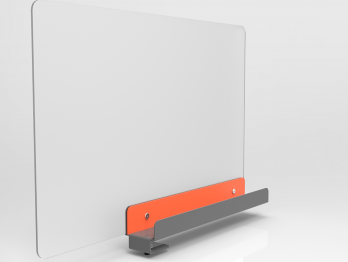
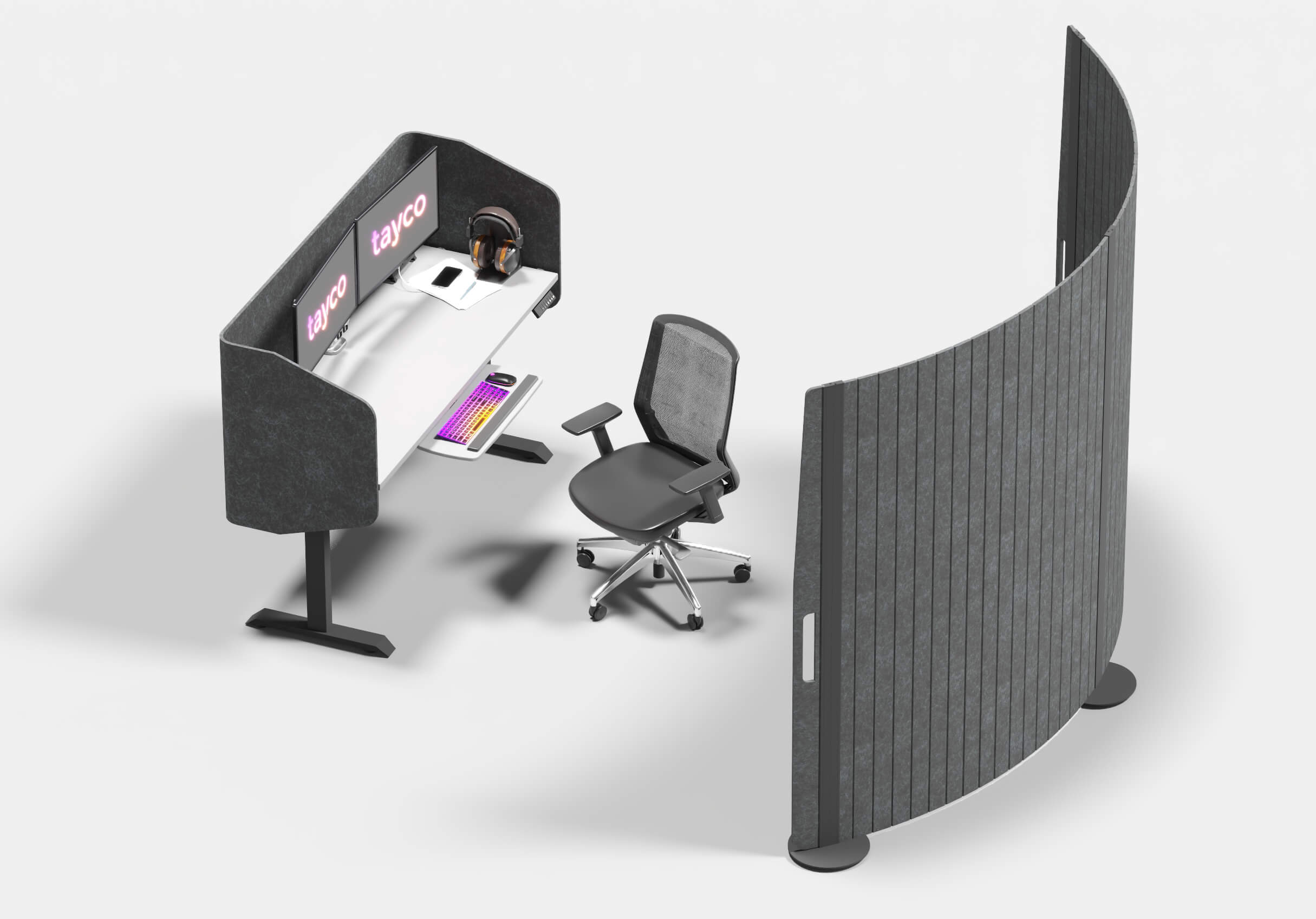
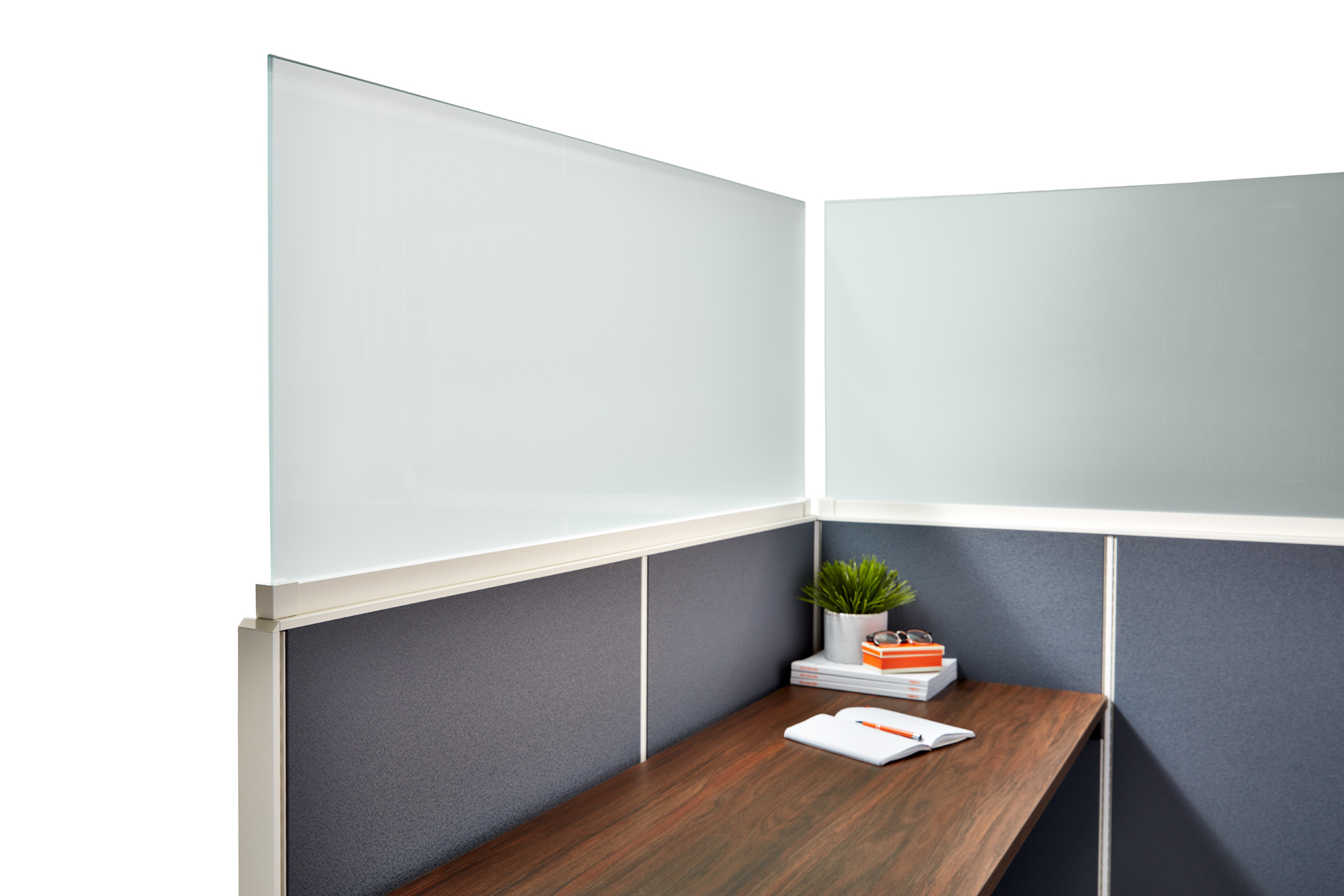
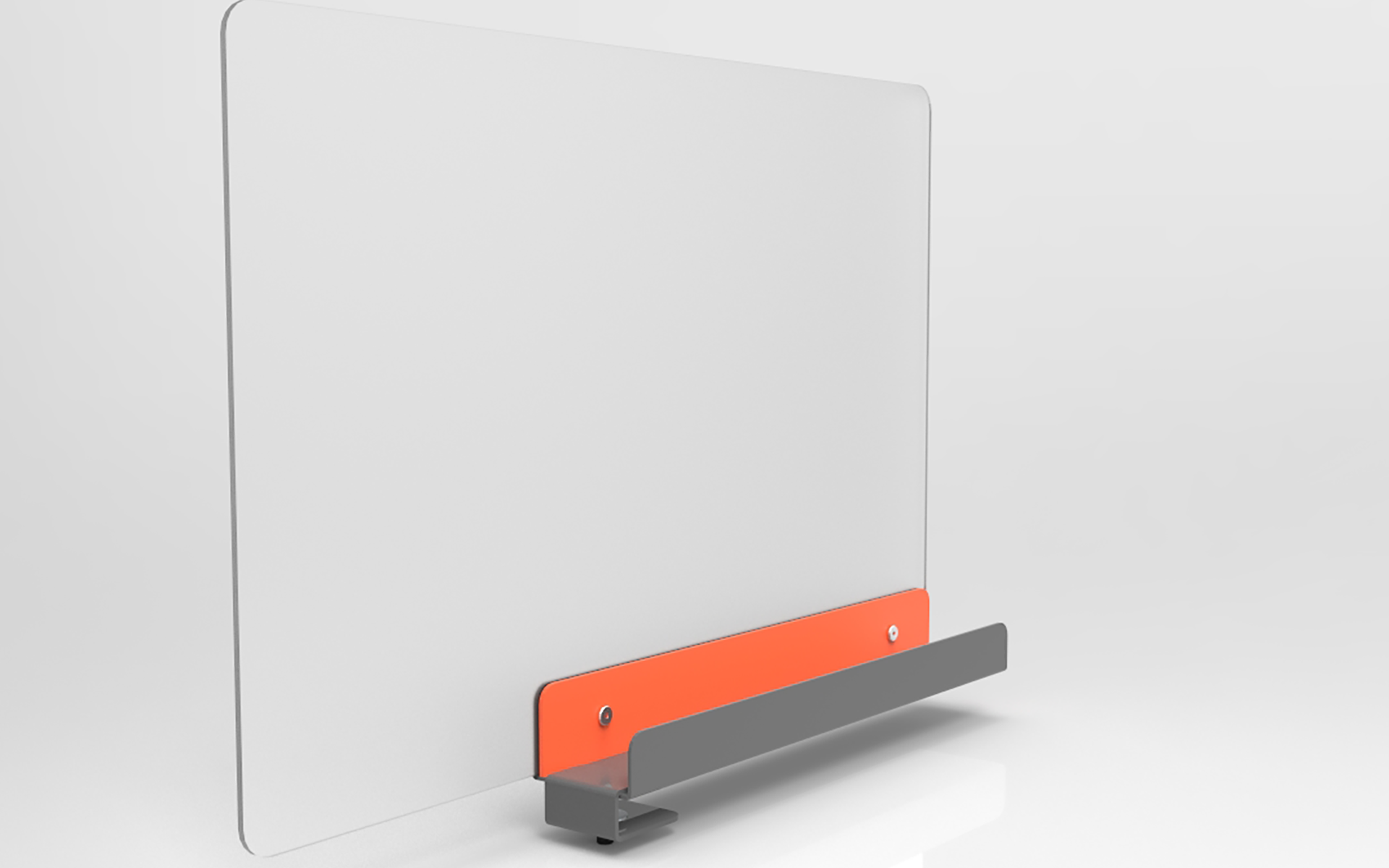
Start with reverberation. Hard ceilings, glass walls, and polished floors can make speech travel like a stone across water. Wall panels with verified absorption data can shorten reverberation time. Screens should interrupt direct sound paths between desks. They should also reach close to seated head height. A low divider may improve privacy, yet barely reduce noise. Measure before buying. ISO 3382-2 provides a recognized method for assessing reverberation time in ordinary rooms.
The European Environment Agency’s Noise in Europe 2020 report linked long-term environmental noise exposure with about 48,000 new ischemic heart disease cases annually in Europe. Offices are not highways, but the warning remains relevant. The World Health Organization also identifies excessive noise as a serious health risk. I would not treat a low decibel reading as success. Workers may still hear every nearby conversation. Combine absorption, separation, quiet HVAC design, and controllable settings. Review the result after installation. Acoustic layouts often look excellent on drawings, then disappoint during a busy afternoon.
Acoustic panels and screens can support WELL v2 goals for reverberation control, speech privacy and background-noise management.
The chart compares representative Noise Reduction Coefficient (NRC) ranges. NRC is a rounded average of sound absorption coefficients measured mainly at 250, 500, 1000 and 2000 Hz under ASTM C423 or ISO 354 methods. Higher values generally indicate greater sound absorption and can help reduce reverberation, but they do not by themselves confirm WELL v2 compliance. Actual performance depends on size, spacing, ceiling height, installation and room geometry.
For global buyers, lighting deserves the tenth place among essential office furnishings. A desk can be attractive, yet poor lighting quickly causes eye strain, screen glare, and uneven work quality. For general office tasks, designers often target 300–500 lux at the workplane, measured with a calibrated light meter. The lower end suits screen-based work with controlled daylight. The higher end helps with reading, drafting, and detailed paperwork. Needs vary.
IES guidance supports task-based lighting rather than one fixed number for every room. Use evenly distributed ambient light, then add adjustable task lamps where precision work occurs. Keep screens away from direct window reflections. Vertical illumination also matters because faces, shelves, and video backgrounds should remain visible. A practical site check includes morning and afternoon readings. Cloudy weather can expose weaknesses that a bright sample room hides.
LEED IEQ criteria encourage daylight access, glare control, quality electric lighting, and occupant comfort. However, 300–500 lux is not automatically a LEED pass or failure threshold. Project teams should confirm the current rating system, local codes, and documented calculations. In one common planning mistake, a bright ceiling grid appears efficient but creates harsh contrast on desks. Better results come from dimming controls, zoned fixtures, and matte surfaces. The layout may still need revision. A reliable specification records mounting heights, color quality, controls, and measured lux levels before handover.